
The short answer
A de-essing brief identifies the pass, words and consonants that sound unusually sharp. Give the engineer a nearby phrase that already sounds right, explain what clarity should stay intact, and ask for a new listening pass. Compare the original and revised words at similar playback levels before approving the change.
Keep these in mind
- Name the word and the consonant that sticks out.
- Mark a nearby phrase whose diction you want to preserve.
- Listen to the new pass in context for both sharpness and clarity.
How do you identify the words that need attention?
Start with the current mix. Listen through the line once and notice whether the sharpness arrives on a specific consonant or stays through the whole vowel. A short hiss at the start of “stay” is a different observation from a vocal that feels bright from beginning to end. Give the engineer the exact word and the context where it distracts you.
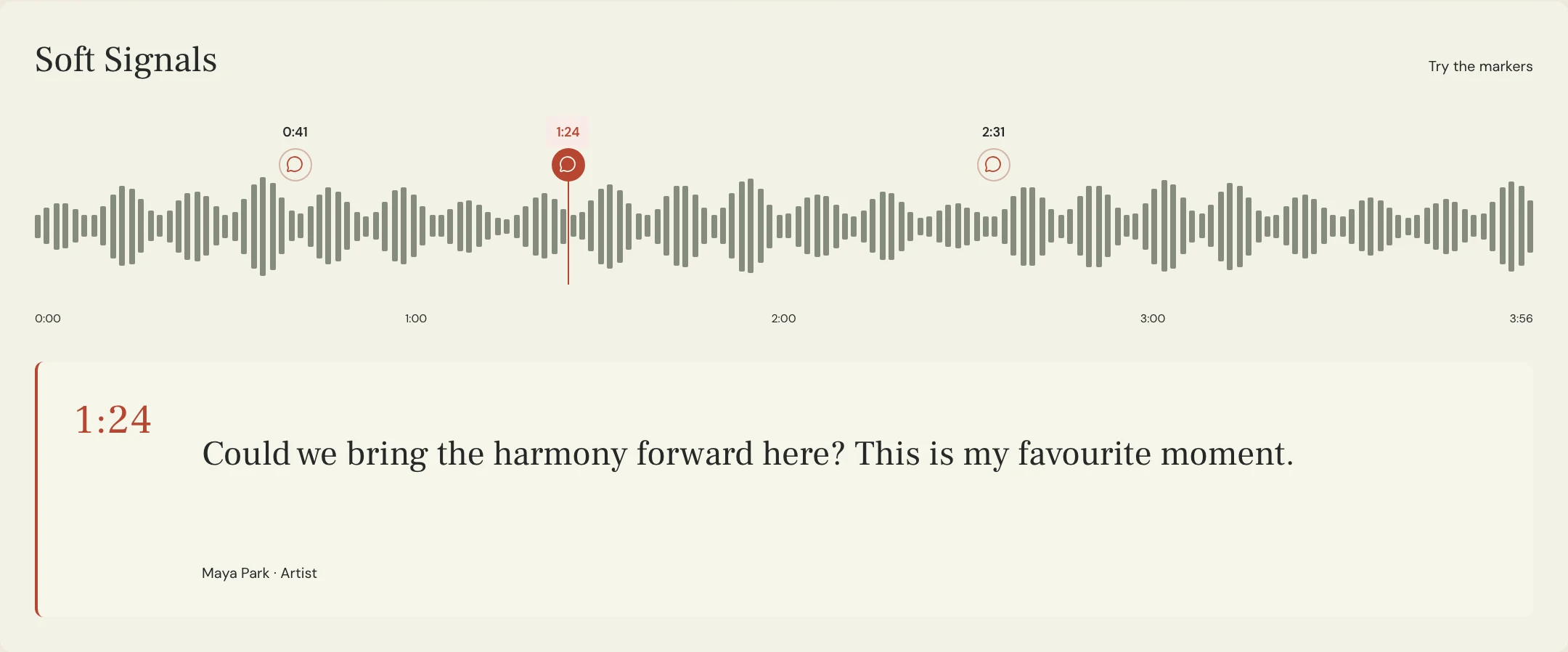
Check the lead, doubles and any vocal delay separately in the session if you can. When reviewing only the mix, describe what you hear and leave the cause open. The sharp edge may come from several layers ending together or from a delayed repeat. A note tied to a named pass lets the engineer reproduce the symptom without guessing which file you heard.
What should still sound natural after de-essing?
Pick a nearby word with a similar consonant that already reads clearly. Ask the engineer to keep that level of definition while controlling the distracting moment. iZotope’s de-essing guide describes editing individual consonants with clip gain and using a processor for repeated sibilance. One unusually sharp word can justify a focused edit before changing the treatment of an entire vocal.
The shape of the consonant matters. FabFilter’s guidance notes that preserving some of the initial transient can retain a natural sound. Listen for a word losing its definition, an exaggerated lisp or a brief drop in the vocal level. Give the engineer the desired result and let them choose the tool, timing and amount.
What can you paste into a de-essing request?
Constructed example: in the fictional Soft Signals song Lantern, the first “s” in “stay” jumps out on the second chorus of Mix 08. The singer likes the clear “s” in the quieter line right before it. The engineer checks the lead and its doubles, then treats the offending moment on the tracks that contribute to it. The nearby line stays as the listening control.
The team requests a whole chorus preview so the revised consonant can be heard beside the unchanged one. For the first review, they keep other mix decisions stable. If the new print changes overall vocal level, they compare at roughly the same perceived level before drawing conclusions about diction.
SONG: Lantern
LISTENING PASS: Mix 08
LOCATION: 1:19, second chorus, initial “s” in “stay”
OBSERVATION: The short hiss jumps ahead of the lyric
PROTECT: Clarity of “still” at 1:14 and the start of the held vowel in “stay”
CHECK: Lead, doubles and any repeat at that moment
RETURN: Named pass with the full second chorus in context
APPROVAL TEST: Less sting at 1:19; both words still clear at comparable level
Copy or download, then fill in the details for your song.
How do you verify the change in the returned pass?
Play the lead-in and both marked words in the new file. Then replay the original from the same point. If the change is hard to judge, take a short break and listen through the phrase at a comfortable level before looping. A solo check can help locate a problem. The full mix tells you whether the lyric still gets through.
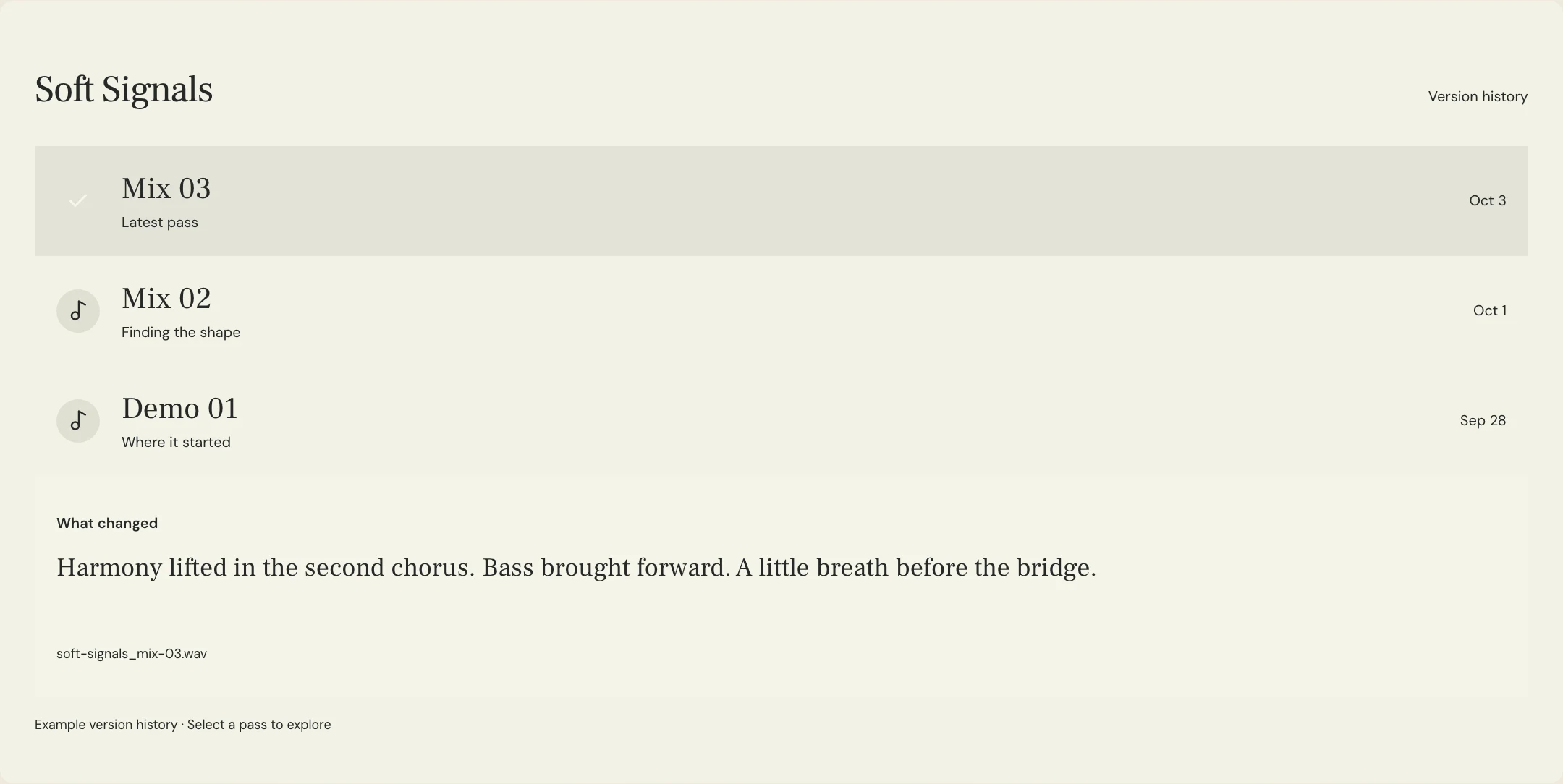
In MixPass, record the observation on the exact named listening pass and attach it to the affected moment. Ask for a new labeled pass when the engineer returns the change. Confirm which wording or phrase has been cleared before asking for any further treatment. The processing itself happens in the audio session.
A few more things
Common questions
What if the whole vocal sounds bright?
Say whether the brightness continues through vowels and other phrases. Ask the engineer to compare the overall tone with the specific consonants before choosing treatment.
Should I request a particular frequency?
Share a measurement if you have one, but include the exact word and audible symptom. The engineer can find the relevant range in the actual recording.
Can doubles contribute to sibilance?
Yes. Ask the engineer to check the layers together and separately, particularly if several consonants coincide.
Should every S sound be reduced?
Leave normal diction intact. Mark the moments that distract and check the result against a phrase that already works.
Further reading
Technical background from the original sources referenced in this guide.
Your next pass
Give the song a shared home.
Keep the versions, lyrics, feedback, and people together in MixPass.
Building an upcoming single or EP? Apply for the Founding Testers Program for 3 months of Pro free in exchange for feedback (50 early seats).