
The short answer
To brief vocal tuning, identify the approved vocal comp, the musical intention, and the phrases that need attention. Separate note choice from vibrato, slides, and slow pitch movement. Describe what should stay expressive, request a named candidate, and compare it with the original both in the track and on its own.
Keep these in mind
- Choose the performance and intended melody before asking an editor to correct its pitch.
- A stable note center, natural vibrato, and a slide between notes are different listening decisions.
- Approve the edited lead, doubles, and harmonies in their actual musical context.
What does the vocal editor need before starting?
Start with the exact comp you want edited. Name the source file or listening pass and confirm that its selected words and takes are approved. If the singer may replace a phrase, mark it as pending instead of asking the editor to polish audio that could disappear tomorrow. A tuning brief is most useful when it identifies a stable performance and a specific musical goal.
Provide the instrumental context and any agreed melody reference. A key name alone does not settle every note in a song: a phrase may deliberately use a passing tone, a bend, or a different note over a changing chord. If a note sounds uncertain, identify the word and ask the singer or producer to confirm the intended destination. Do not silently turn an unresolved songwriting decision into an editing instruction.
- Source: approved comp name, version, and any pending replacements.
- Context: matching instrumental and an agreed melody reference when needed.
- Direction: restrained repair, a more polished finish, or an audible effect.
- Boundaries: phrases and gestures to preserve, plus the person who approves changes.
How do you describe pitch without asking for a flat performance?
Instead of “make everything perfect,” describe what you hear and what you want to keep. You might ask the editor to revisit the held vowel at the end of a chorus while preserving the approach into it. If you do not know the target note, say so and request a musical decision. A useful note gives the editor a listening problem, rather than an unexplained correction percentage.
Celemony’s Melodyne documentation distinguishes pitch center from modulation and drift, and explains that the center can be edited independently of those variations. Its modulation guide describes vibrato and trills as rapid pitch variations and drift as slower movement. These are useful distinctions for a conversation, even when your editor uses different software. A moving pitch trace is not, by itself, proof that the singer needs correction.
Agree on the audible result before prescribing settings. Tool names, available controls, and their behavior vary. Celemony also documents that eliminating both modulation and drift can produce an unnaturally flat result suitable for effects. That may be intentional for one production and unwanted for another. Ask for a short representative candidate when the phrase “natural tuning” means different things to the team.
| What you hear | Useful request | Decision to preserve |
|---|---|---|
| Held note feels low | Check the sustained vowel against the agreed melody and chords | Keep the expressive entry unless we approve a change |
| Long note wanders | Audition a steadier sustain in the full phrase | Retain the agreed vibrato character |
| Slide sounds exaggerated | Return a candidate with a less prominent transition | Confirm the destination note with the singer |
| Obvious processed effect wanted | Provide a short effect candidate for approval | Agree which sections use that sound |
How should you mark slides, vibrato, doubles, and harmonies?
List protected moments as clearly as requested repairs. A scoop into a word, a falling phrase ending, or a wider chorus vibrato may be part of the performance’s identity. Mark the word, section, and timestamp on the named source. Give enough surrounding context that the editor knows which gesture you mean, especially when the same lyric appears more than once.
Celemony’s Pitch Tool reference treats transitions between adjacent notes as an editable feature under documented conditions. That supports separating a note’s destination from the way the singer gets there. Your brief should make that distinction audible: keep the slide into the note, for example, but audition a steadier held vowel afterward. It need not specify the software operation.
Doubles and harmonies deserve their own instructions. Identify which line carries the melody and which voices intentionally sing other notes. Ask the editor to check the combination with the lead rather than making every voice match it. Timing, breath placement, and phrasing concerns should be named separately; do not assume a request for pitch work includes a complete vocal alignment or a new comp.
What vocal tuning brief can you copy and send?
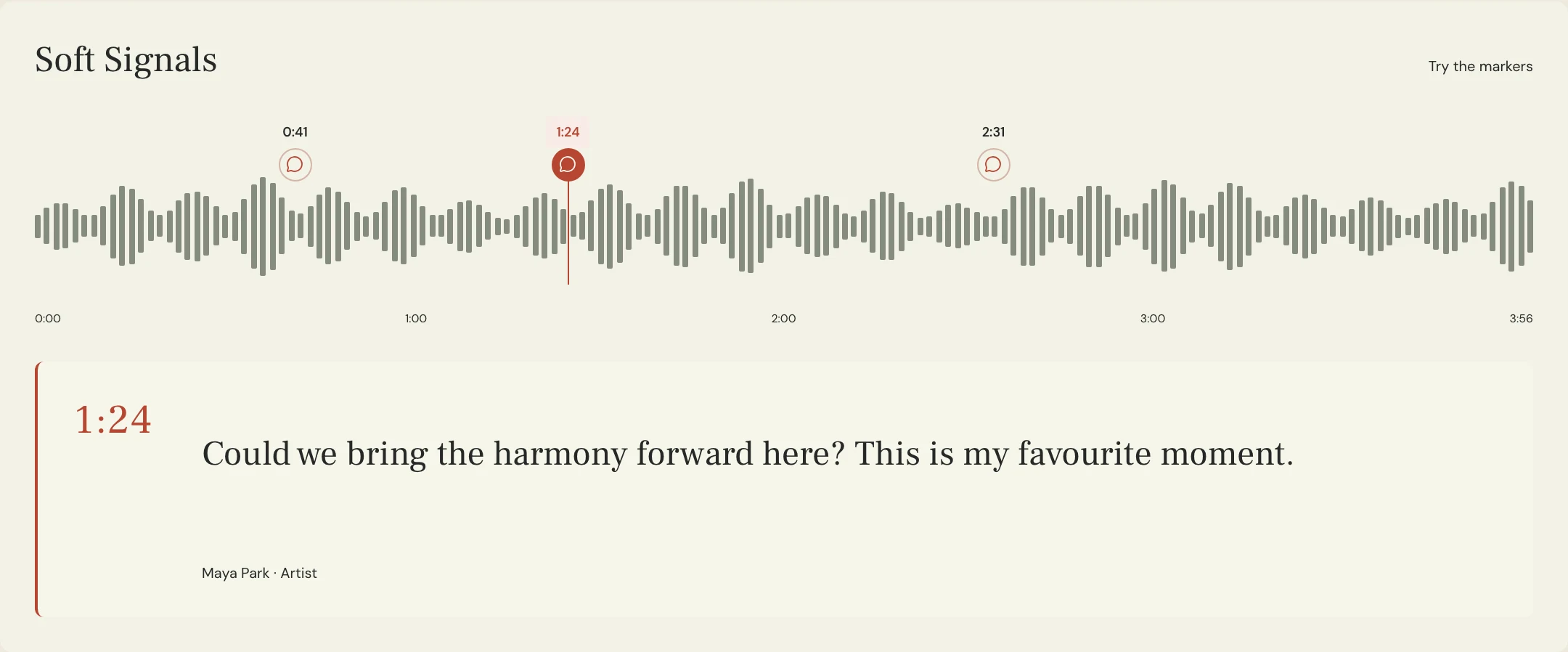
Constructed example: the fictional Soft Signals team has approved Lead Comp 04. Maya likes the slide into “home” in the second chorus but wants the following held vowel reviewed against the instrumental. The timestamps and musical choices below are invented for this example, not measurements from the product preview or an actual customer recording.
This request protects a specific gesture and leaves an uncertain note decision with the artist. It also limits the first return to a representative candidate, allowing the team to agree on the sound before applying the direction across the song. Keep the original available so a later discussion can refer to an actual performance rather than a remembered impression.
SONG: Soft Signals
SOURCE: Approved Lead Comp 04 and matching instrumental 07
GOAL: Restrained pitch repair with expressive movement preserved
FOCUS: Chorus two, “home,” 2:18 on the named source
CHECK: Held vowel after the slide against the agreed melody and chords
PROTECT: The slide into “home” and the phrase-ending breath
UNCERTAIN NOTE: Ask Maya before choosing a different melodic destination
DOUBLES: Review with lead; flag separate pitch or timing concerns
HARMONIES: Preserve their agreed lines; do not match every note to lead
FIRST RETURN: Tuning candidate 01, with a short change note
COMPARE: Original and candidate in the full chorus, then exposed vocal
APPROVER: Maya
NEXT STEP: Approve direction before the remaining phrases are edited
Copy or download, then fill in the details for your song.
What should you listen for before approving a tuned vocal?
Begin with the full phrase in the track at a comfortable listening level. Does the melody sit as intended against the accompaniment? Does the emotion still arrive with the lyric? Then hear the exposed vocal to check transitions, sustained vowels, and unfamiliar changes in the voice. Return to the mix afterward so an isolated detail does not become the only criterion for approval.
Compare the named original and candidate without letting an unrelated loudness change decide the result. Check the protected gestures first, then the requested repairs, and finally the lead with its doubles and harmonies. If you hear something odd, describe its location and sound rather than diagnosing an algorithm. Ask for a focused revision or a return to the original gesture when appropriate.
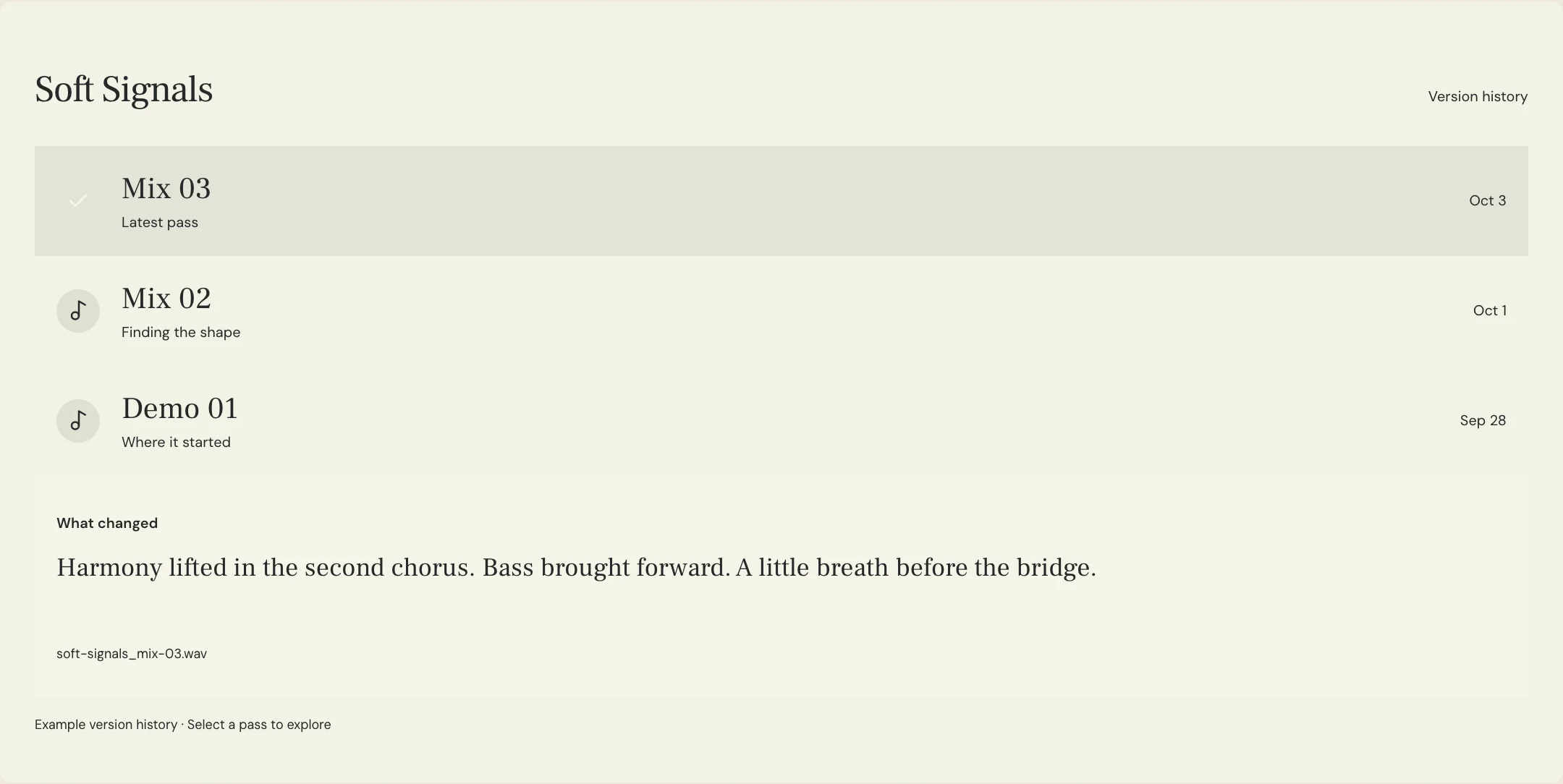
In MixPass, listening-pass labels, change notes, and timestamped feedback can keep that decision attached to the reviewed audio. Pitch editing happens in the editor’s audio software. Record which candidate is approved and which phrases remain open. A tuning approval also does not automatically approve the final vocal balance, effects, or master; keep those later listening decisions explicit.
A few more things
Common questions
Should every vocal note be moved to the nearest semitone?
Confirm the melody and expressive intention first. Slides, passing notes, and deliberate bends need musical context. A visible grid is not a replacement for the artist’s intended performance.
Does natural tuning mean leaving all vibrato unchanged?
Agree on the desired result phrase by phrase. Some vibrato may be central to the performance; another moment may need a candidate with different movement. Name what to preserve instead of relying on the word natural alone.
Should the singer approve tuning before mixing?
Agree on the decision owner and review stage with your team. Approving the vocal editing direction before later work can give everyone a clear reference, while the final mix still needs its own review.
Can MixPass correct vocal pitch?
Use your editor’s audio software for pitch correction. MixPass can hold named listening passes and timestamped feedback so collaborators can discuss and approve the returned audio.
Further reading
Technical background from the original sources referenced in this guide.
Your next pass
Give the song a shared home.
Keep the versions, lyrics, feedback, and people together in MixPass.