
The short answer
To review a vocal comp, agree on the lyric and backing version, identify each candidate take, and listen for the performance that serves the song. Record phrase-level choices with reasons, then hear the assembled result in context. Check transitions and unresolved lines before approving the selection or requesting a pickup.
Keep these in mind
- A preferred phrase still needs to work with the lines around it.
- Keep take choices separate from requests for tuning, timing, or mixing.
- Name the comp version and preserve the source-take references behind each decision.
What should everyone hear before choosing vocal takes?
Start with the same lyric revision and the same backing arrangement. Identify which vocal role is under review: lead, double, harmony, or ad-lib. Ask the producer to label the candidate recordings so a preference can be traced back to a source take. A comment such as “use the first one” becomes hard to act on when exports have been reordered or a new candidate arrives. Put the source labels into the review notes before comparing phrases.
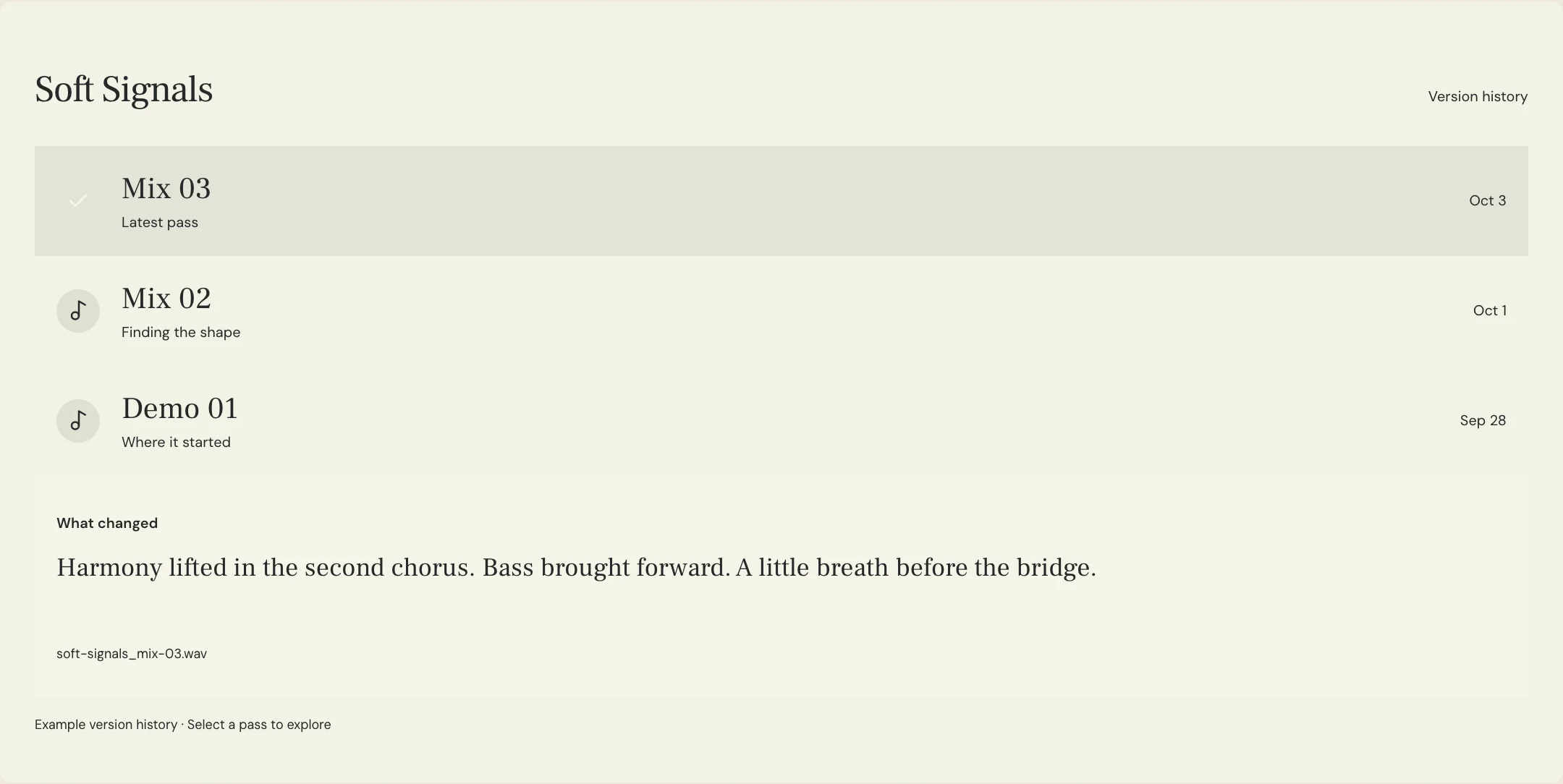
A vocal comp combines selected moments from recorded performances. Ableton’s Comping manual describes take lanes, auditioning, and assembling selections into a main lane. That is one DAW’s editing workflow; your team may use different tools. For a remote review, ask the editor for listening exports with enough surrounding music to hear the phrasing. MixPass can organize named audio passes and feedback, while the take editing remains in the recording software.
What should you listen for when comparing phrases?
First ask what the line needs to communicate. Compare the intention, diction, rhythm, and shape of the performance against that goal. A restrained verse can make sense before an expansive chorus; a word with extra emphasis can change the meaning of a sentence. Write down the particular quality you want to keep rather than describing a take as simply better. Invite the vocalist’s interpretation when the choice changes the emotional direction of the song.
Then listen across the phrase boundaries. Check whether the breath, energy, vowel shape, and distance from the microphone feel continuous with the lines before and after. A compelling isolated word can sound misplaced when assembled into the verse. Avoid making every decision in solo or from a tiny repeated fragment. Return to the backing and a longer musical passage so the group can hear the choice as part of a performance.
| Review question | Useful note | Decision type |
|---|---|---|
| Does the line communicate the intended meaning? | Take B has the more conversational opening | Performance choice |
| Does it connect to the next phrase? | Keep the breath leading into the following line | Comp-boundary check |
| Is a concern about selection or processing? | Prefer Take C, but review its timing separately | Separate follow-up |
| Is an acceptable source take available? | No candidate has the revised final word | Possible pickup request |
How do you make a take-selection note the editor can use?
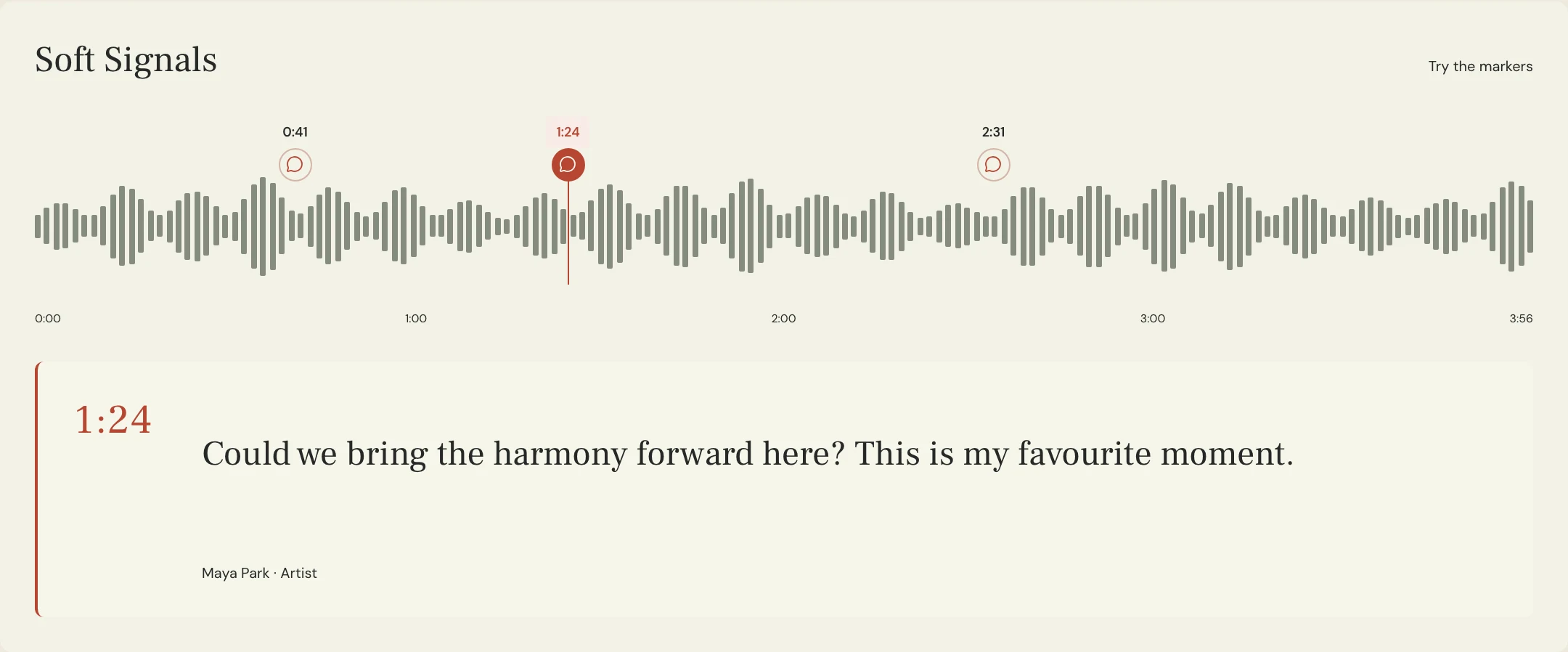
Record the section, lyric fragment, candidate label, and the reason for the choice. Add a timestamp on the specific review export, or a confirmed session location if the team shares it. A phrase reference is especially helpful when an export has a count-in or a different start point. If you propose using only part of a take, ask the editor to audition that boundary rather than assuming your written split will be the best edit point.
Keep selection and processing decisions in separate fields. “Choose Take B for the delivery” does not also authorize a new amount of tuning, a different delay, or a timing change. Name any requested follow-up explicitly and agree whether it should happen before the next review. This lets the editor return a comp that answers the actual question, and prevents a changed effect from being mistaken for a different vocal performance.
What vocal-comp review template can you send?
Constructed example: the fictional Soft Signals team is choosing a lead for the second verse. Maya prefers the conversational start of Take B, but wants to hear whether its final phrase connects naturally to the chorus from Take C. The lyric fragment below is original and the timestamps are invented review references. This example does not describe a customer session or the audio in the product previews.
The decision stays provisional until the assembled transition has been heard. That is useful when the group agrees on the intention but the editor needs room to find a natural boundary. Consolidate the final choices into one sheet with a named decision owner. If reviewers disagree, capture the musical reason and the alternative to audition instead of sending contradictory instructions as separate final decisions.
SONG: Soft Signals
ROLE: Lead vocal
LYRIC / BACKING: Lyric revision 04 over arrangement 08
REVIEW EXPORTS: Verse 2 Take B and Verse 2 Take C
PHRASE: “Leave a light by the doorway”
LOCATION: Verse 2 opening, 1:18 on both named review exports
PREFERENCE: Take B for the conversational delivery
KEEP IN CONTEXT: Hear the following line and the chorus entry before confirming
BOUNDARY TO AUDITION: Transition from Take B verse ending to Take C chorus
PROCESSING REQUESTS: None in this selection round
OPEN QUESTION: Does the breath and energy remain continuous at the chorus?
RETURN: Comp candidate 02 with source-take change notes
DECISION OWNER: Maya, after listening to the assembled passage
IF NO TAKE WORKS: Identify the exact line for a separate pickup brief
Copy or download, then fill in the details for your song.
What should you check in the assembled comp before approving it?
Listen to the assembled export all the way through, then revisit the uncertain transitions. Confirm that the intended lyric is present, no word has been unintentionally repeated or omitted, and the breaths and changes in energy make sense. Ask the editor to check audible clicks, clipped consonants, abrupt ambience changes, and other distracting boundaries. Ableton’s Arrangement View manual documents audio clip fades and crossfades; using those controls still requires listening to the result rather than assuming an edit is finished.
Approve a clearly named comp and state what that approval covers. Selection approval can be followed by tuning, timing, doubles, effects, and mixing, depending on the agreed production process. Preserve the source recordings and the decision sheet so a later change can be traced. If no available performance fits an essential line, make a focused pickup request with its lyric, backing reference, and intended delivery instead of extending the selection review indefinitely.
A few more things
Common questions
Must a vocal comp use a different take for every line?
No. A full phrase or longer passage may already deliver what the song needs. Select the material that works in context rather than treating the number of edits as a measure of quality.
Should the vocalist join the comp review?
Agree on the review roles with the team. The vocalist can explain phrasing and interpretation, while the producer or editor can assess available alternatives. Name who makes the final selection so the feedback produces one actionable direction.
Can you approve tuning at the same time as take selection?
You can review both if the team has clearly defined the scope. Record them as separate decisions, including which processing is already present in the listening export, so a preference is not misattributed.
What if a comp sounds convincing in solo but loses energy with the track?
Return to the relevant section with the backing and compare the alternatives there. Note the musical problem and request a revised candidate. An isolated phrase is only one part of the listening decision.
Further reading
Technical background from the original sources referenced in this guide.
Your next pass
Give the song a shared home.
Keep the versions, lyrics, feedback, and people together in MixPass.