
The short answer
To brief vocal breath editing, identify the chosen performance and mark inhalations to keep, reduce or remove. Explain where a breath carries phrasing, where it distracts and which word boundaries must remain intact. Ask for a short processed comparison and check complete phrases, quiet words and stacked vocals before approving the full edit.
Keep these in mind
- Make a separate decision about the lead inhale and overlapping breaths in backing parts.
- Approve the detection boundaries before asking for stronger reduction.
- Hear the edit through the intended vocal processing, not only as a soloed raw take.
Which breaths should stay in the performance?
Choose the vocal performance first, then agree on the character of the edit. An inhale can help a phrase feel urgent, tired, intimate or ready to open up. Ask the singer which moments belong to the delivery. The goal might be a close, audible performance or a deliberately polished effect. Write that intention before sending a request to clean everything between the words. Use the comp review guide if the take selection is still changing.
Listen through the intended processing before marking a problem. Waves's vocal dynamics tutorial explains that compression and EQ can make inhales more apparent. A breath that works in the raw take may draw attention in the processed vocal. Name the listening pass and describe the moment you hear there. Keep the original source available so an editor can restore an event without having to reconstruct it.
What should a keep, reduce or remove instruction include?
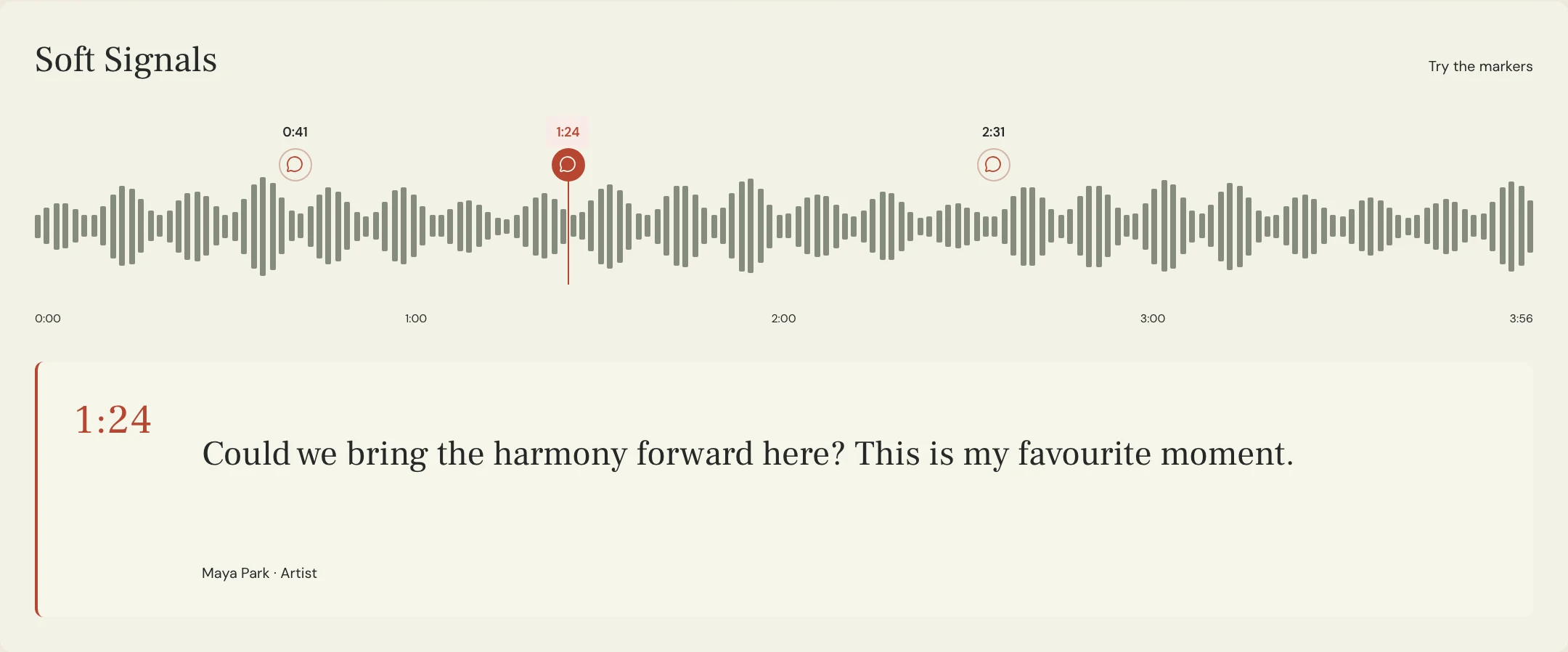
Give each event a track, location, action and protected boundary. 'Reduce the inhale before the second verse' is more useful when it also identifies the lead take and says to preserve the soft opening word. If a breath overlaps the word, ask the editor to review the boundary rather than extending a broad cut. A lower level and a complete removal are different creative requests.
Constructed example for the fictional Soft Signals song Lantern. Maya wants the lead singer's inhale into the final chorus to remain expressive. An earlier breath distracts from a quiet line, while three backing tracks add extra inhales under the lead. Her brief gives those events different actions. The timestamps below are an original planning example, not measurements of an actual recording.
| Event | Action | Protect |
|---|---|---|
| Lead 04, 0:48, before quiet verse | Reduce locally | Soft first syllable and its timing |
| Lead 04, 2:16, final chorus inhale | Keep | The full lead-in to the phrase |
| Harmony stack, 2:16 | Remove redundant inhales if separable | Held harmony tails and the lead inhale |
What can you copy into a vocal breath editing brief?
Send a small test that includes both an edit and a breath you want left alone. This gives the editor a positive reference for the amount of performance detail you like. Include the words before and after the event so the return can be assessed as phrasing, rather than as a collection of silent gaps.
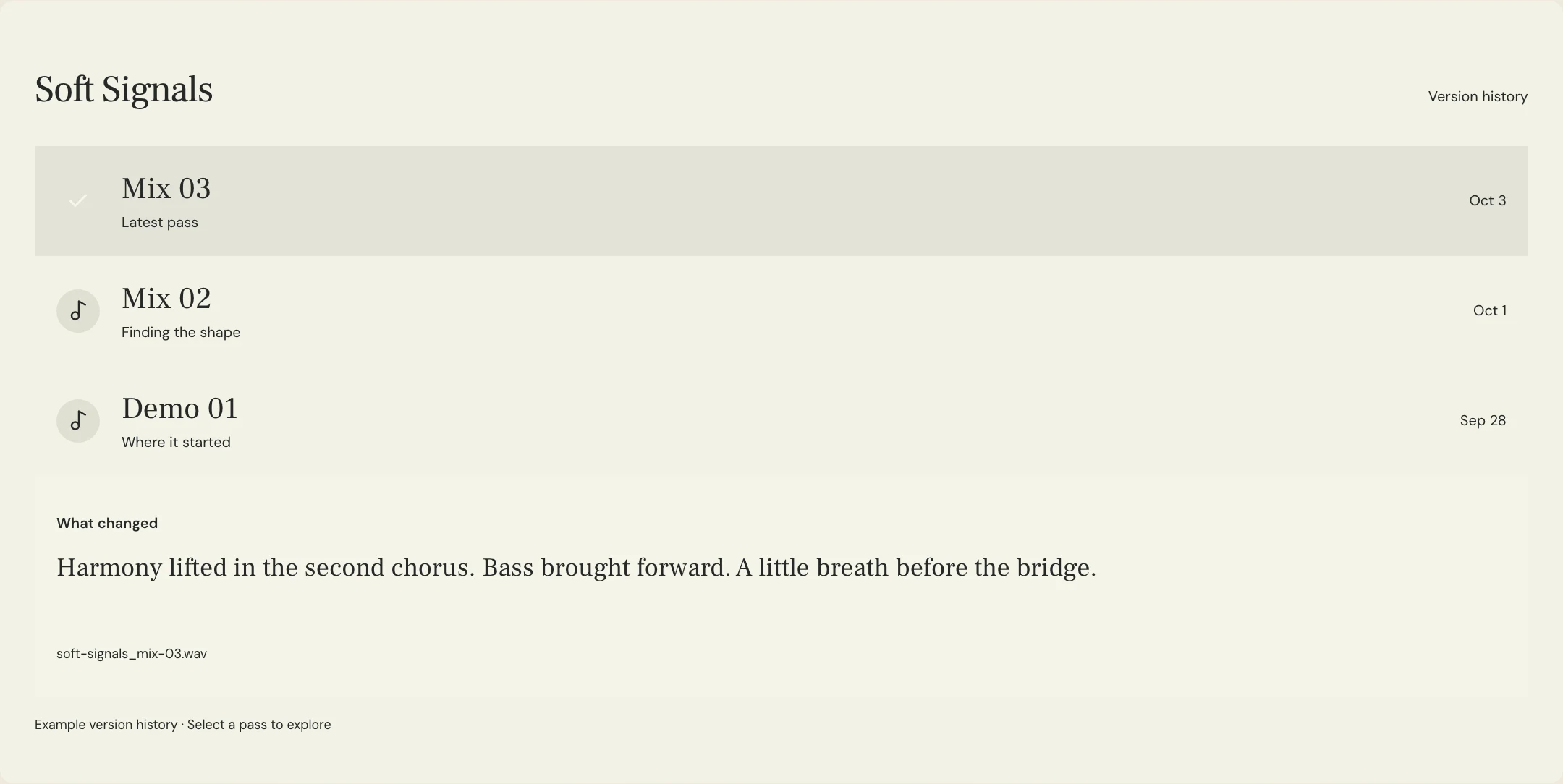
Identify the source take separately from the processed listening pass. If a comp or arrangement changes, update the event list before continuing. Specify whether the editor should return an edited source, a listening mix, or both, with names that distinguish them. MixPass can hold named audio passes and the conversation about them; the breath edits happen in the editor's audio software.
SONG / SOURCE | Lantern / Lead 04 selected comp
LISTENING REFERENCE | Vocal Balance 08 with current compression and effects
CHARACTER | Close and human; retain expressive lead-ins
REDUCE | Lead 04 inhale at 0:48; keep the first quiet syllable intact
KEEP | Lead inhale at 2:16 into the final chorus
STACK DECISION | At 2:16, remove redundant backing inhales only where separable from the sung parts
FIRST TEST | Both marked lead phrases plus the chorus stack entrance
PROTECT | Word beginnings, held-note tails, phrase timing and smooth background continuity
RETURN | Edited vocal source and clearly named listening pass; preserve the original
ACCEPTANCE | No missing word, abrupt gap or new click; protected inhale still carries the phrase
Copy or download, then fill in the details for your song.
How do you check the edit without losing quiet words?
Separate identifying an event from deciding how much to change it. The Waves DeBreath manual treats detection and reduction as separate steps and provides monitoring of the material removed. If a processor offers that audition, use it to check for sung material caught with the breaths. When a quiet word disappears, revisit the detection or edit boundary before increasing reduction elsewhere. A manual edit can also be checked by comparing it with the untouched source.
Check the transitions into and out of each edit. The same manual describes fade controls and the discontinuity that removing background sound can leave. Listen for a new click, a sudden empty patch or an unnaturally clipped inhale. Do not apply one fade length or reduction amount to every event without hearing the result. For edge noises, the crossfade review guide provides a separate listening check.
Return to the song with the intended vocal chain active. Hear the edited phrase at a normal listening level, then check the exposed section and backing stack. Use a named MixPass pass for feedback on the return and record which source files were accepted. If an 's' or 'sh' is the concern instead of an inhale, move that request to the de-essing brief so the two jobs stay clear.
A few more things
Common questions
Do I need a dedicated breath-removal plug-in?
No. A local level edit may be enough for a small number of events. The important checks are the boundaries and the complete phrase afterward.
Should every backing track keep its inhale?
Decide in the stack. Several separate inhales may be distracting together, but an edit still needs to protect the sung material and the intended lead-in.
Can I approve edits from a list of isolated breath clips?
Those clips help locate events, but approve a return that includes the surrounding words and the intended processing.
What if the editor changes the chosen comp?
Reconcile the source version and event list before applying the old notes. A timestamp alone may point to a different performance after the change.
Further reading
Technical background from the original sources referenced in this guide.
Your next pass
Give the song a shared home.
Keep the versions, lyrics, feedback, and people together in MixPass.
Building an upcoming single or EP? Apply for the Founding Testers Program for 3 months of Pro free in exchange for feedback (50 early seats).