
The short answer
Check an audio edit by listening across the join in the named pass, then compare that spot with the original material. A click at the boundary, a doubled attack, and a cut-off breath call for different checks. Ask for the smallest useful repair and audition the returned export in context.
Keep these in mind
- Listen before, across and after the join.
- Use the symptom to decide whether to check the boundary, overlap or source.
- Review the new export against the same musical landmark.
How do you tell whether the sound comes from the edit?
Name the pass and mark the smallest passage where you can reproduce the sound. Start the playback well before the join, then listen once more with a short loop that starts and ends outside the suspected problem. If the click appears only at the loop boundary, move the loop. That check keeps the monitoring setup from introducing an extra event.
Compare the same lyric, hit or tail in the earlier take or mix. A noise already present in the source needs a different investigation from a tick introduced where two clips meet. A rough mix timestamp and a bar or word landmark help the engineer find the same place when the session has a different count-in.
What does the type of artifact tell you?
A short click exactly at a cut can come from an abrupt waveform change. Ableton documents short edge fades to prevent that kind of pop, as well as overlapping fades between adjacent clips. A crossfade blends the two signals during the overlap, so the location and length determine what material you hear together.
If you hear two pick attacks or two consonants, inspect whether both sides of the join contain the same musical event. A longer fade can make both events more audible. If a word feels clipped or the room suddenly drops away, check how much of the source the edit retained before adjusting the fade. Listen in context before choosing the repair.
| What you hear | What to inspect | What the replacement should preserve |
|---|---|---|
| Single tick at the cut | Abrupt boundary or missing edge fade | The intended attack and timing |
| Two attacks or consonants | Repeated transient inside the overlap | One clear musical event |
| Breath or tail drops away | Clip length and level through the join | Natural continuity into the next phrase |
| Artifact also in the untouched take | Source recording or earlier processing | A clean source or an explicitly approved repair |
What does a useful note about a bad join sound like?
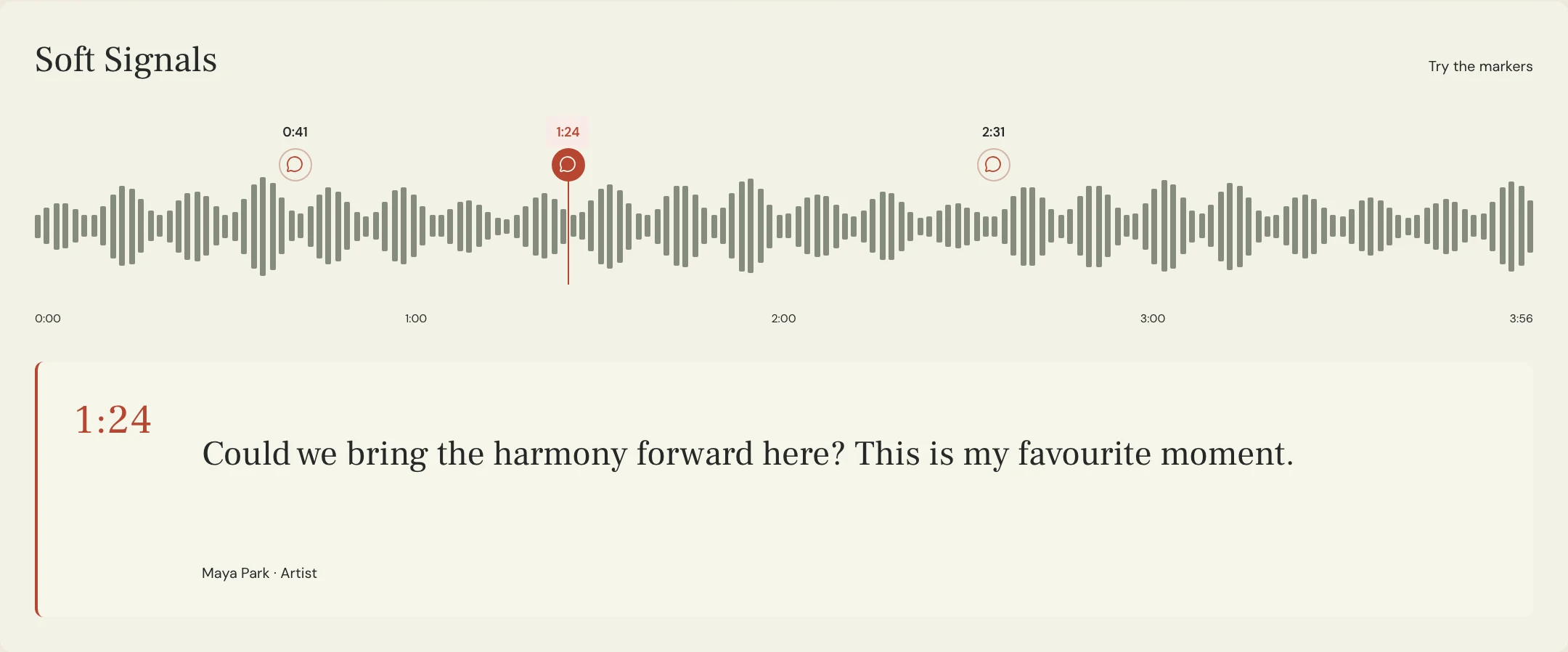
Constructed example: in the fictional Soft Signals track Lantern, Vocal Edit 04 joins two takes at the start of a word at 1:12. Maya hears an extra consonant. The editor checks the join and finds both takes’ consonants overlap. They move the join and adjust the fade to keep one consonant while carrying the following vowel cleanly.
The useful note names the pass, timestamp and word, then says what to preserve: one clean consonant and the full held vowel. It does not prescribe a fade length without hearing the source material. In MixPass, put the observation at the relevant playback point. The engineer changes the audio clips in the session and returns a new named pass.
How do you verify the repair in the exported audio?
Listen to the new export from before the edit through the next musical phrase. Compare it with the prior pass at a similar playback level. Confirm the tick or extra attack is gone and that the edit has not softened the intended transient or shortened the decay. Then listen at normal pace without repeating the passage so you can judge the join in the song.
If the session sounds clean but the delivery file still contains the artifact, check that you opened the new export and test the same file in another player. Make a note of the actual filename you checked. A clean preview and an older deliverable can otherwise share the same approval by mistake.
A few more things
Common questions
Should every crossfade have the same length?
Choose a length and placement that suit the audio at that join. Listen for both the original artifact and any musical detail the fade might hide.
Will cutting at a zero crossing always fix the edit?
It can reduce an abrupt change at an edge. You still need to listen for timing, overlapping events and changes in tone or ambience.
Is every click evidence of clipping?
No. Compare the source, edit boundary and exported audio to find where the sound first appears.
Should I review the edit in solo?
Solo is useful for finding a problem. Also listen in the complete arrangement to confirm the repair works musically.
Further reading
Technical background from the original sources referenced in this guide.
Your next pass
Give the song a shared home.
Keep the versions, lyrics, feedback, and people together in MixPass.
Building an upcoming single or EP? Apply for the Founding Testers Program for 3 months of Pro free in exchange for feedback (50 early seats).