
The short answer
A drum editing brief names the take, pinpoints the timing issues and describes what should stay intact. Tell the editor which drum microphones belong together, what musical cue the edit should follow, and what to return. Compare the original and edited passages in context before approving the new print.
Keep these in mind
- Identify the take, bars and musical cue.
- Tell the editor which moments and mic relationships to preserve.
- Approve an identifiable edit after listening to the joins in context.
Which timing problems actually need an edit?
Listen to the drummer with the bass and the lead part before looking at the grid. A kick that rushes ahead of an exposed bass entrance may make the arrangement stumble. A backbeat that sits consistently behind the click may be part of the performance. Describe the musical problem at the passage where it occurs, including what the drummer should lock to.
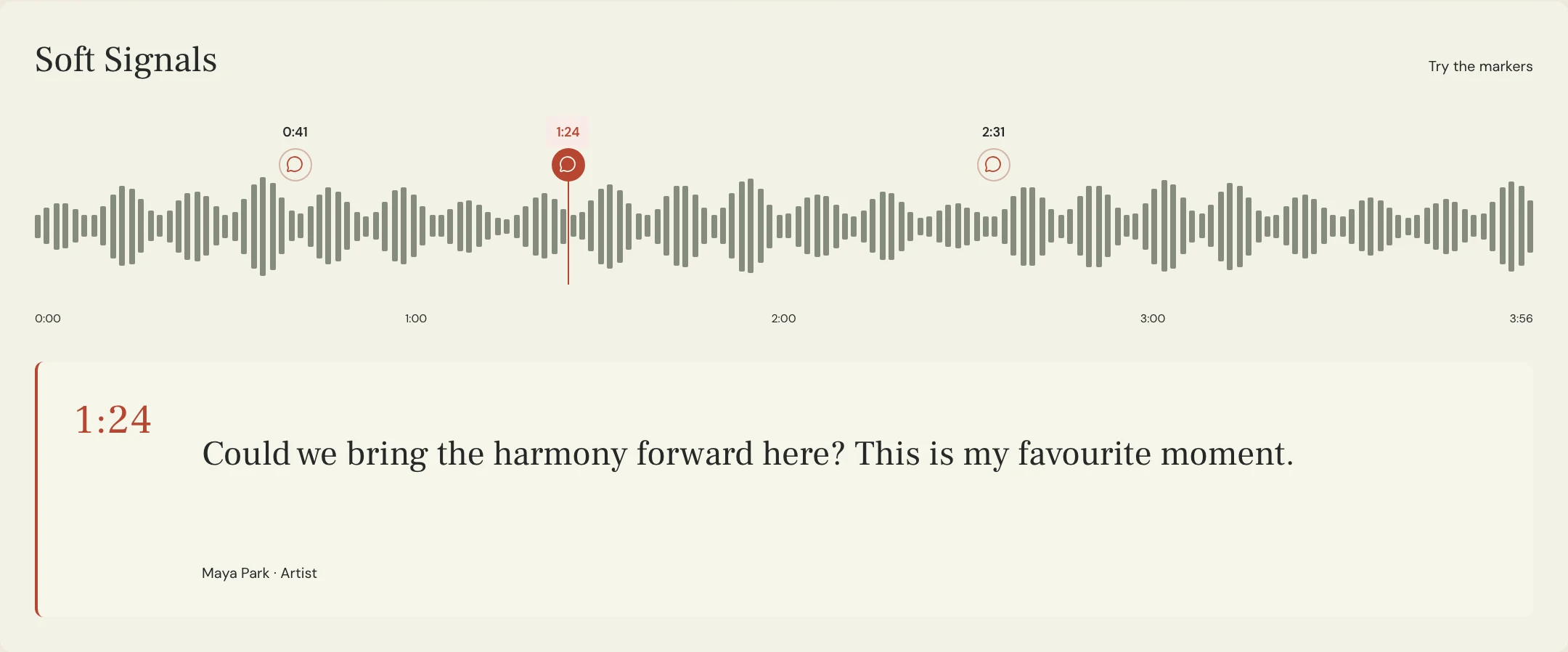
Name the rough mix or listening pass and write down a timestamp and bar range. If the session and review export have different count-ins, note the offset or include a clear landmark such as the first chorus downbeat. Keep timing edits separate from requests to replace sounds or change the arrangement. This helps the editor return a change you can evaluate.
Why do the drum microphones need to move together?
A snare hit can appear in close mics, overheads and room mics. Moving a close-mic event independently can change its relationship to what the other mics captured, even when it looks lined up on the grid. Identify the tracks from the same performance and ask the editor to preserve their relative timing through the edit. Flag any independent sample layers or programmed percussion separately.
Apple’s Logic guidance groups multitrack drums to keep them time aligned during editing. Ableton documents applying the same Warp Marker changes to multiple equal-length clips. Ask the editor to choose the grouped method appropriate to the session. Then listen with the kit combined, especially around joins where cymbal decay or room ambience might reveal a cut.
What should the drum editing request include?
Constructed example: in the fictional Soft Signals song Lantern, the last kick of a fill pulls the bass entrance forward in the rough mix. The producer likes the snare drag before the fill and wants the open hi-hat to ring through. The brief asks for one local change in the fill and a review across the transition. The rest of the take stays the same for the comparison.
Name the comparison pass and ask for enough audio before and after the change to hear its effect. If the producer needs new tracks for mixing, also agree on common start points and the exact set of exports. Replace the example timestamps and bar numbers with values from your own session and listening file.
SONG: Lantern
SOURCE: Lantern Rough 06, drum take 03
LOCATION: Bars 31–32; 1:18–1:23 on Rough 06
ISSUE: Last kick of the fill arrives ahead of the bass entrance
TARGET: Tighten the transition against the bass cue
PROTECT: Snare drag before the fill; open hi-hat decay into the chorus
GROUP: Kick, snare, toms, overheads and room mics from take 03
RETURN: Drum Edit 01 listening pass through the first chorus phrase
CHECK: Compare groove and cymbal tail against Rough 06
AFTER APPROVAL: Return the agreed aligned drum tracks for mixing
Copy or download, then fill in the details for your song.
How do you review the return before replacing the take?
Play the same stretch of both passes at a similar level, starting before the fill. First check whether the bass and kit land together. Then listen for a missing grace note, a doubled transient or a change in the cymbal tail. Soloing the drums can locate a join, but return to the whole arrangement before deciding whether the edit improved the transition.
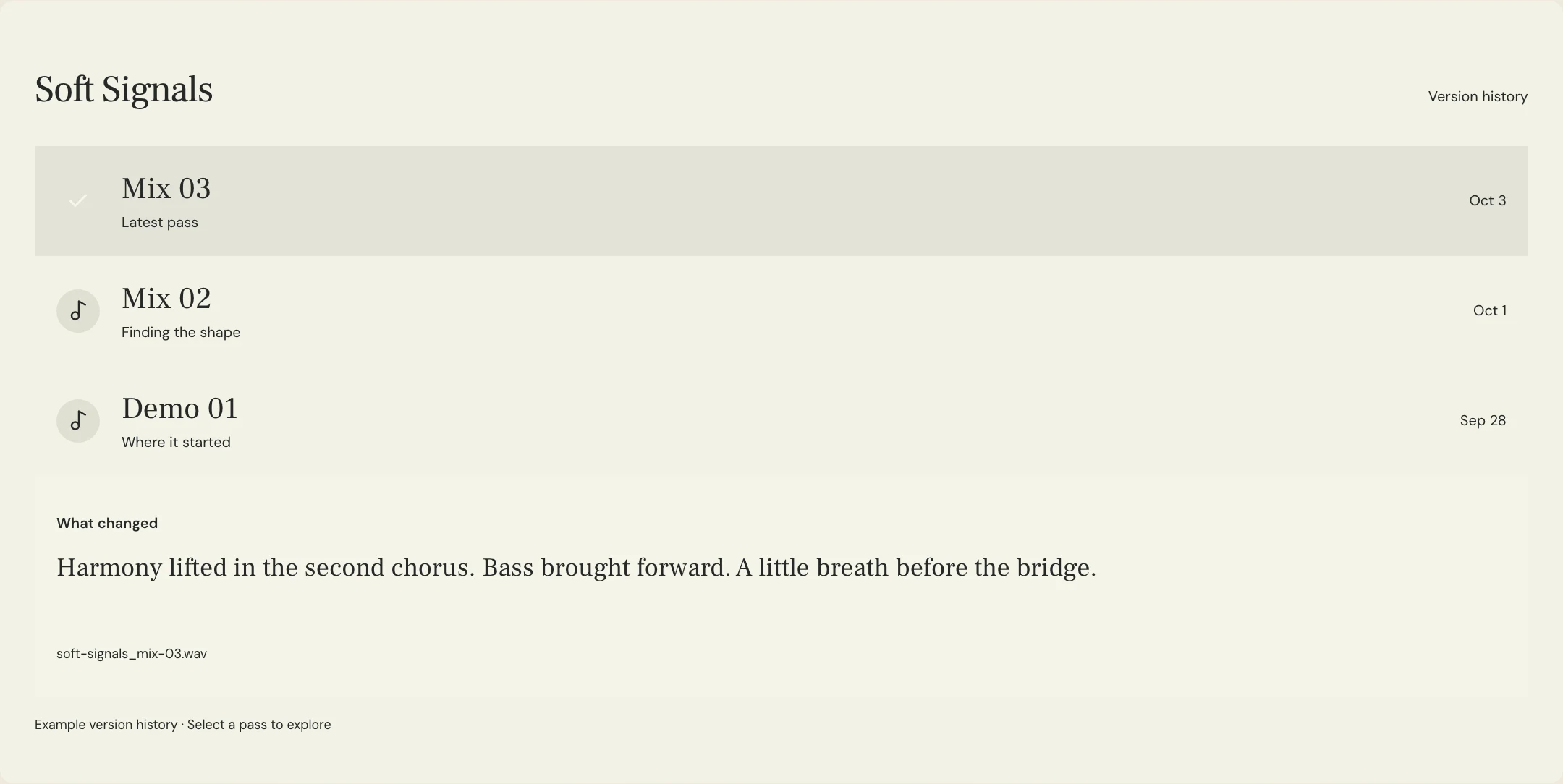
MixPass supports named listening passes and timestamped feedback. Upload the return as its own pass and record what was accepted at the affected moment. The editor makes the timing change in the DAW. Once everyone approves, confirm that the actual tracks sent to mixing belong to that edit and open at the agreed timeline position.
A few more things
Common questions
Should every hit be quantized?
Only when that is the agreed sound. Start by testing the passage that prompted the request.
Should the editor move just the kick microphone?
If multiple mics heard the same kick, ask the editor to preserve their relationship unless an isolated change is intentional and has been auditioned.
Do I need a click to write a useful brief?
You can reference another musical cue, such as the bass entrance, and name its position in the same listening pass.
What if the new timing is right but the join is audible?
Keep the timing decision and ask the editor to revisit the join. Identify the specific tail, double hit or room sound that changed.
Further reading
Technical background from the original sources referenced in this guide.
Your next pass
Give the song a shared home.
Keep the versions, lyrics, feedback, and people together in MixPass.
Building an upcoming single or EP? Apply for the Founding Testers Program for 3 months of Pro free in exchange for feedback (50 early seats).