
The short answer
To hand over a DAW project, agree on compatible software, collect the project’s required media, and document anything the recipient cannot reproduce. Include an identifiable reference render and explain which parts must remain editable. Test the packaged copy on the receiving computer before the next producer begins changing the song.
Keep these in mind
- An editable production handoff has different needs from sending rendered tracks to a mix engineer.
- Keep a recoverable copy before rendering instruments or changing plug-in-dependent tracks.
- The recipient’s first task is to confirm the package opens and sounds as expected.
What should both producers agree on before transferring a session?
Name the DAW, version, edition, operating system, and the parts of the song the next producer needs to change. Editing MIDI notes requires a different handoff from replacing a drum sound in an otherwise fixed arrangement. Ask which instruments, effects, sample libraries, and hardware are essential to those edits. A project that opens without warning can still behave differently if a required sound source is unavailable.
Use the DAW maker’s current compatibility guidance for the actual combination of systems. For example, Ableton’s transfer guidance distinguishes collecting project media from installing plug-ins on the other computer. Do not assume a shared product name means the same plug-in format or edition is available. Resolve a mismatch before making the recipient’s work depend on it.
| Needs to remain editable | Confirm with the recipient | Fallback to agree on |
|---|---|---|
| Instrument performance | Can the intended instrument and library load? | MIDI plus an audio print of the intended sound |
| Effect movement | Can the processing and automation be reproduced? | Processed audio with a note describing the source |
| Arrangement | Can the session structure be opened? | Clearly named audio and MIDI exports plus arrangement notes |
How do you package the session without leaving media behind?
Create a clearly named handoff copy and use your DAW’s project-collection or consolidation tools. Follow its documentation rather than assuming that copying the session file copies everything it references. Ableton’s Collect All and Save documentation explains that a normal saved Set can reference files outside the project; the collection command copies selected media into the project folder, while plug-ins require separate installation.
Check the packaged copy, not just the source project that already works on your machine. Unpack the archive to a separate location and look for missing-media warnings or unexpected references back to your usual sample folders. This local check is useful but incomplete: your machine may still have libraries and devices that the recipient does not. Keep the source project untouched until the recipient confirms the transfer.
How do you preserve sounds the other producer cannot recreate?
Identify each dependency that will not travel with the session. Agree which parts can become audio and which need an editable source as well. Render an important sound before removing its instrument or processing, and label that render so it cannot be confused with an unprocessed alternative. Use the DAW’s documented render, bounce, or freeze workflow; the available commands and retained editability depend on the software.
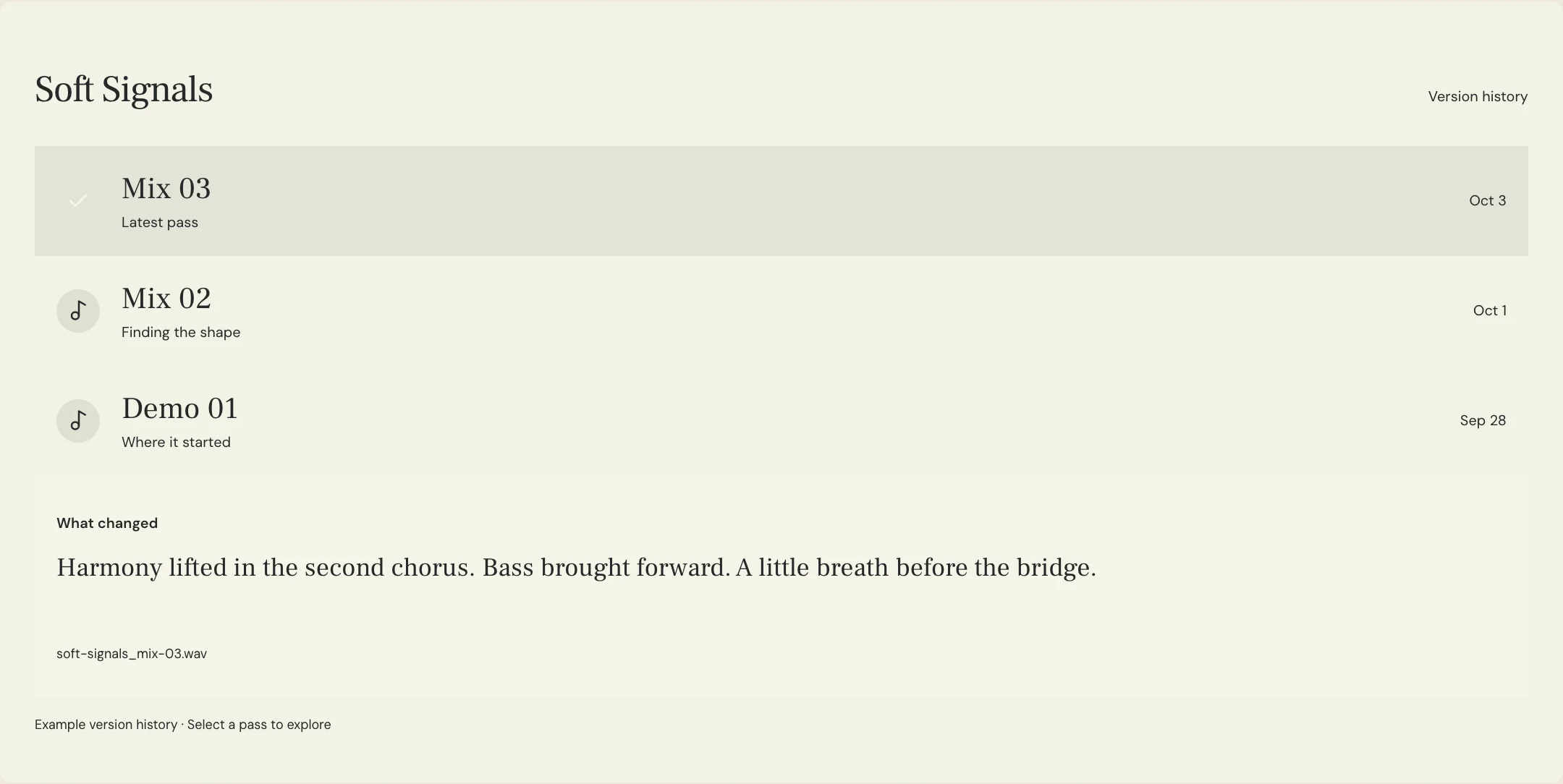
Send a stereo reference of the exact handoff state so the next producer can check the intended result. Note anything intentionally different between that reference and the editable package, such as an external hardware effect supplied only as audio. MixPass audio passes and their version notes can keep that listening reference connected to the discussion. They do not open or convert the DAW session.
What should an editable project handoff manifest include?
Constructed example: Soft Signals is being passed from its first producer to Sam for a new bridge arrangement. Sam can edit the MIDI performance but does not have the original synth. The package therefore includes the MIDI and a clearly labeled synth print, with a note that the printed sound is the reference and that replacing it is a permitted creative decision. These are fictional project details, not a measured customer outcome.
Write the manifest for the person opening the archive tomorrow. List the intended starting session, the listening reference, dependencies still needed, and the decisions that remain open. Separate “keep this performance” from “keep this exact sound.” The distinction gives a collaborator room to work without guessing which choices are settled. Use a new package revision when replacing files rather than silently altering the original handoff.
PROJECT: Soft Signals
HANDOFF PACKAGE: Production 06, bridge arrangement handoff
OPEN THIS SESSION: [Exact session filename]
DAW / VERSION / EDITION: [Sender and recipient compatibility checked]
REFERENCE AUDIO: soft-signals_production-06_reference.wav
MEDIA COLLECTION: [Tool used; included media checked]
DEPENDENCY EXCEPTION: Original bridge synth unavailable on recipient system
SUPPLIED ALTERNATIVES: Bridge MIDI and labeled synth audio print
KEEP EDITABLE: Bridge notes, timing, and arrangement
CREATIVE PERMISSION: New bridge sound may be explored; keep verse vocal performance
KNOWN DIFFERENCES: [List, or state none observed]
FIRST CHECK: Recipient opens packaged session and compares it with the reference
NEXT OWNER: Sam
RETURN PACKAGE: Save a new revision; include a short change note
Copy or download, then fill in the details for your song.
What should the receiving producer check before making changes?
Ask the recipient to open the delivered copy, inspect warnings, and compare its playback with the named reference. Check the sections most likely to expose missing dependencies: an instrument entrance, an automated effect, or a passage using an external sample. If a part is absent or different, resolve that first and record the accepted workaround. A successful download only confirms receipt, not that the session is ready to edit.
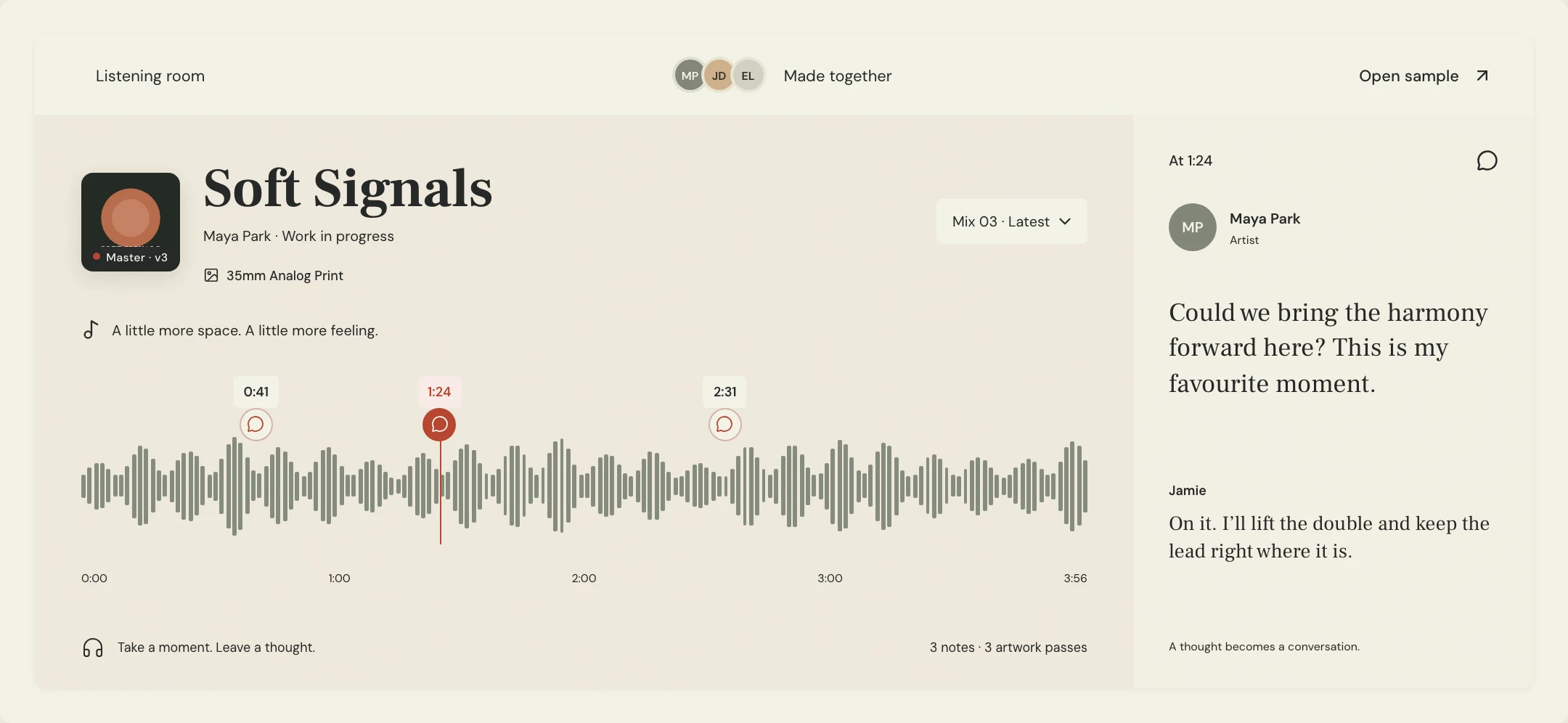
In MixPass, the workbench organizes supporting files such as MIDI, documents, and archives. Check its current upload limits before choosing it for a large package, and use another agreed transfer method when necessary. Keep the manifest and listening reference identifiable whichever transfer method you choose. After the recipient confirms the starting state, save subsequent work as a new revision and retain an independent backup of the handoff.
A few more things
Common questions
Can another producer open the project in a different DAW?
Do not assume native-session compatibility. Agree on audio, MIDI, tempo information, and arrangement documentation the receiving software can use. Test a representative part first; a different-DAW transfer may preserve the music while losing some session-specific editing behavior.
Should you send plug-in installers with the session?
List the required products and versions, and let the recipient obtain and authorize them through the vendor’s supported process. A project archive should not be treated as a way to transfer someone else’s software account or activation.
Do you need to include every unused take?
Agree on the scope. If alternate performances remain part of the next producer’s task, identify and include them deliberately. Otherwise label what was excluded and retain the source archive so unused material can be requested later.
What if the first producer continues editing after the handoff?
Name which copy owns the next revision. Put later suggestions in a change note and coordinate any file replacement with the receiving producer. Two independently edited sessions need an explicit reconciliation plan rather than sharing the same filename.
Further reading
Technical background from the original sources referenced in this guide.
Your next pass
Give the song a shared home.
Keep the versions, lyrics, feedback, and people together in MixPass.