
The short answer
To prepare a song for mixing, confirm the engineer’s file requirements, organize and label the audio, and export parts with an agreed common start point. Include a rough mix showing the intended direction, explain any printed processing, and identify unfinished decisions. Check that the delivered files open and match the approved arrangement before the mix begins.
Keep these in mind
- Confirm the receiving engineer’s requirements before exporting.
- A rough mix preserves creative intent that separate files may lose.
- Alignment, naming, and missing-part checks prevent avoidable handoff problems.
What should you ask the mix engineer before sending files?
Ask whether they want a compatible session, individual audio tracks, grouped stems, or a combination. Agree on file type, sample rate, bit depth, common export start, processing, and how to identify takes. Different engineers and projects can reasonably require different handoffs.
Be explicit about what is finished. If the singer plans another take, the MIDI bass is a placeholder, or the bridge arrangement is unsettled, say so before mixing starts. Those are production decisions with downstream effects, not small omissions the engineer can always infer.
How do you export audio that another engineer can align?
Use an agreed common start and enough duration to include intended endings and effect tails. Listen to the exports after rendering. Check that stereo parts remain stereo where intended, that filenames identify the source, and that muted or disabled tracks have been handled deliberately.
Ableton’s stem-export documentation describes grouping and rendering options; the right method depends on your DAW and the receiving engineer’s request. A file labeled “stem” may contain a grouped mix rather than an individual recording, so agree on the contents instead of relying on the label.
- Audio uses the agreed export settings and start point.
- Parts are named by instrument, role, and version.
- Edits and any required crossfades are checked.
- Printed creative processing is explained.
- The full arrangement and expected tails are present.
- The receiving engineer can open and align a test file.
What belongs in the mixing handoff package?
Include the working audio, a rough stereo mix, a short production brief, and annotated references. Explain the parts of the rough you want preserved. If a vocal effect or guitar sound is essential, send the agreed printed version and any requested unprocessed source with clear labels.
Constructed example: Soft Signals arrives with a rough showing the quiet verse and fuller final chorus. The handoff note identifies the selected vocal comp and explains that the bridge breath is intentional. That gives the mix engineer context the exported tracks alone cannot communicate.
SONG: Soft Signals
ARRANGEMENT: Production 04, agreed for mixing
AUDIO: [Individual tracks / stems / session, as requested]
SETTINGS / START: [Agreed export details]
ROUGH MIX: soft-signals_rough-04.wav
ESSENTIAL CHOICES: Quiet verse; fuller last chorus; intentional bridge space
PRINTED PROCESSING: [Describe creative effects and alternatives]
UNFINISHED ITEMS: [State explicitly, or none]
REFERENCES: [Links with the characteristic to preserve]
CONTACT: [Person who gathers mix feedback]
Copy or download, then fill in the details for your song.
How do you confirm the engineer received the right files?
Ask for a handoff check before the first mix: do the files open, align, and reproduce the expected song? Keep the original package identifiable in case a file needs to be replaced. Uploading a corrected vocal without explaining that it replaces the old comp can create two plausible sources.
Use MixPass to keep the rough and subsequent mix passes with their feedback, and use the agreed file location for working audio. The song room makes the conversation easier to follow while the engineer performs the mix in their DAW.
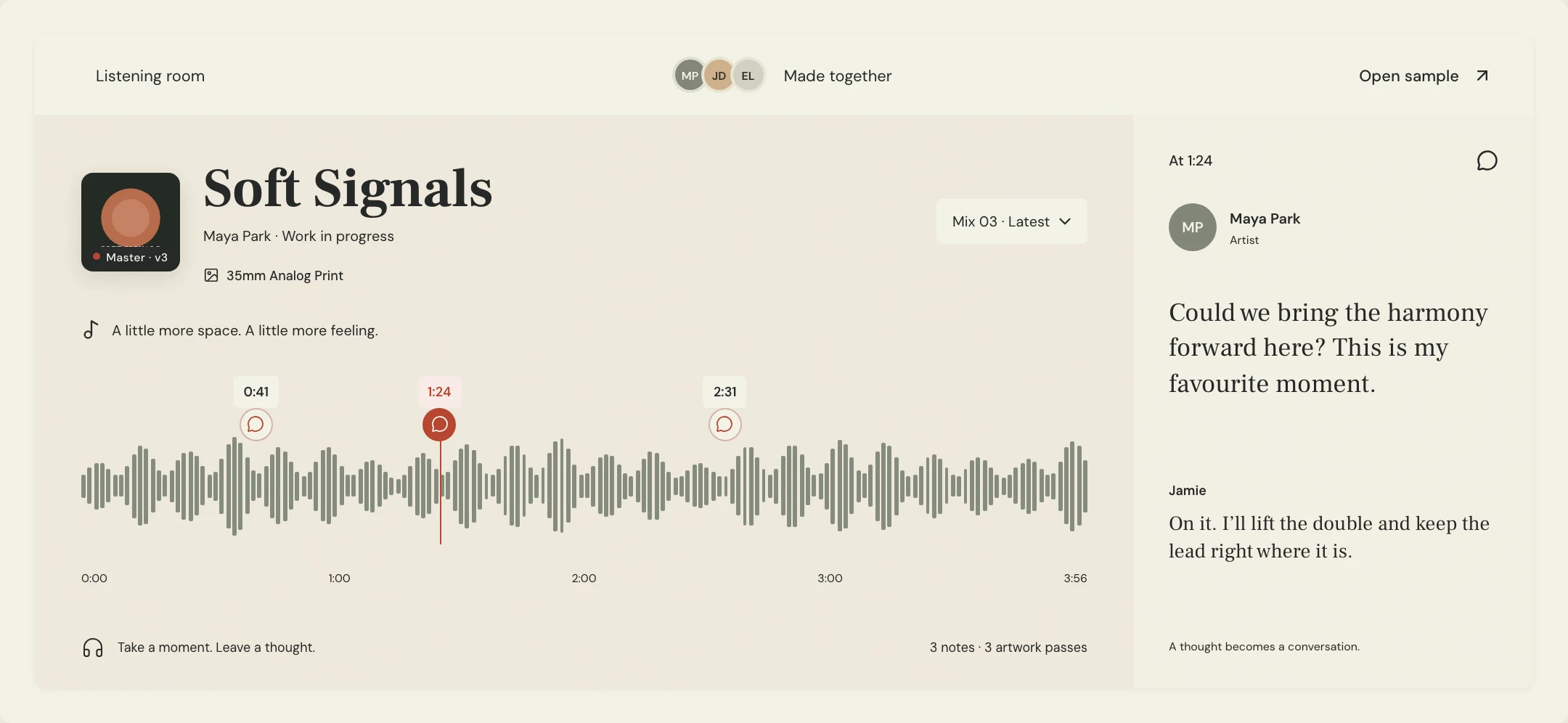
How should you handle a corrected handoff file?
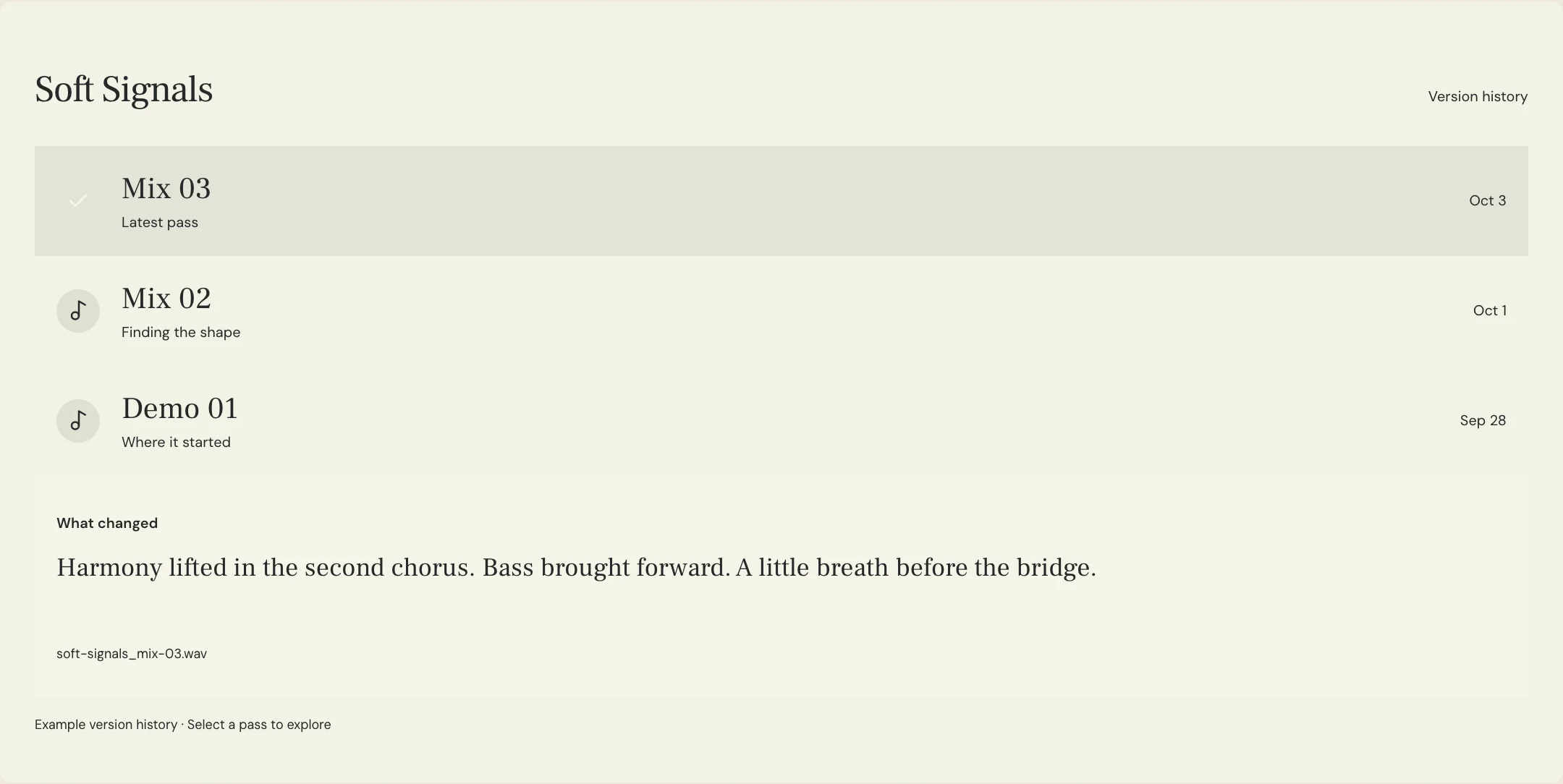
Name the replacement and state exactly what changed. If a backing vocal was missing, say whether the new file replaces an earlier export or adds a new part. The engineer should not have to compare two entire packages to discover the intended correction.
Preserve a short handoff history beside the listening passes. Once the engineer confirms the corrected source, use the next mix pass to check that the change is present. This keeps source-file repairs separate from subjective mix revision requests.
A few more things
Common questions
Are stems the same as individual tracks?
The terms are often used inconsistently. Grouped stems combine related parts, while individual tracks preserve separate recordings or instruments. Confirm the exact files your engineer needs.
Should I remove every effect before exporting?
Ask the engineer. Some effects are essential creative choices. Clearly identify printed processing and provide unprocessed alternatives when requested.
Do I need a particular amount of headroom?
Follow the receiving engineer’s request rather than applying a universal number. Avoid unwanted clipping and tell them about any intentional processing affecting the mix bus.
Can I send my DAW session instead of audio files?
Only if the engineer accepts it and can open the required software, versions, media, and plugins. Rendered audio may be needed for compatibility or to preserve a sound.
Further reading
Technical background from the original sources referenced in this guide.
Your next pass
Give the song a shared home.
Keep the versions, lyrics, feedback, and people together in MixPass.