
The short answer
Multitracks are separate recorded or produced parts; stems are usually grouped audio such as all drums or all vocals; an instrumental is a version without the intended vocal parts. Because people use these terms differently, agree on the exact contents, processing, alignment, and format before delivery. The right package depends on what the recipient needs to do.
Keep these in mind
- Ask what is inside the files, not only what they are called.
- Mixing and remixing handoffs may need more detail than a release package.
- Agree on processing and common start points before exporting.
What is the difference between stems and multitracks?
Individual multitracks give the recipient separate parts such as kick, snare, lead vocal, and a harmony take. Grouped stems combine related parts into files such as drums, instruments, and vocals. A recipient cannot necessarily adjust one recorded part independently after it has been combined into a group.
Ableton’s export guidance distinguishes grouped stems from individually rendered parts and explains alignment considerations. Terminology still varies between collaborators. When someone requests “the stems,” ask whether they mean grouped bounces, every individual audio track, or a particular remix package.
| File type | Typical contents | Useful when |
|---|---|---|
| Multitracks | Separate audio tracks or performances | An engineer needs detailed mix control |
| Grouped stems | Combined drums, bass, instruments, or vocals | A recipient needs grouped creative control |
| Instrumental | Song version without agreed vocal parts | A performance, licensing, or alternate delivery needs it |
| A cappella | Agreed vocal-only version | A collaborator needs vocal material without the instrumental |
What does an instrumental or a cappella include?
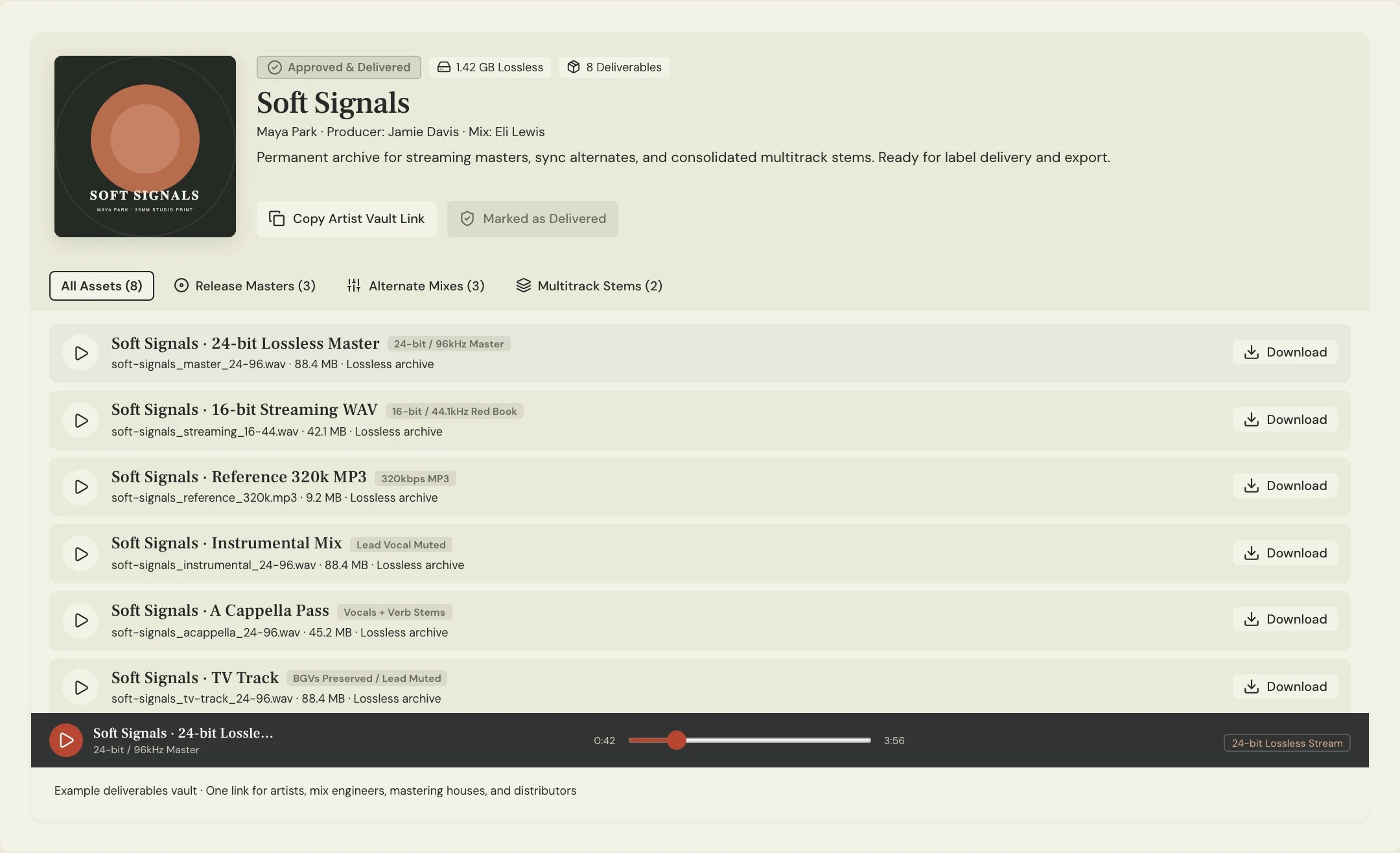
Agree on vocal contents explicitly. “Instrumental” might mean no lead vocal but retained backing vocals, or it might mean no vocals at all. An a cappella might contain a lead only or the full vocal arrangement. Effects, vocal samples, and spoken parts also need a clear decision.
Constructed example: Soft Signals needs an instrumental for live performance with the chorus harmonies retained. Its filename and delivery note say “no lead, backing vocals included.” That is more useful than a file called Instrumental that the performer later discovers has no harmonies.
Which file package should you request for your project?
For a mix handoff, ask the engineer which individual tracks or grouped files they need. For a remix, agree on the parts, processing, and permitted use. For release delivery, request the approved master and only the alternates required by the release plan. More files are not automatically a more useful package.
Confirm a common start point, format, and how effects have been handled. Some grouped renders may not sum exactly to the approved stereo mix because shared effects or mix-bus processing behave differently when groups are rendered separately. Check the intended reconstruction with the receiving collaborator.
RECIPIENT / PURPOSE: [Mix engineer, remixer, performer, or delivery]
CONTENTS: [Individual tracks / named groups / alternate mix]
VOCALS: [Lead, doubles, harmonies, ad-libs included or excluded]
PROCESSING: [Printed effects; dry alternatives if requested]
ALIGNMENT: [Agreed common start and length]
FORMAT: [Agreed file type, sample rate, bit depth]
REFERENCE: [Approved rough, mix, or master]
CHECK: [Recipient confirms files open and behave as expected]
Copy or download, then fill in the details for your song.
How should you name and store different audio packages?
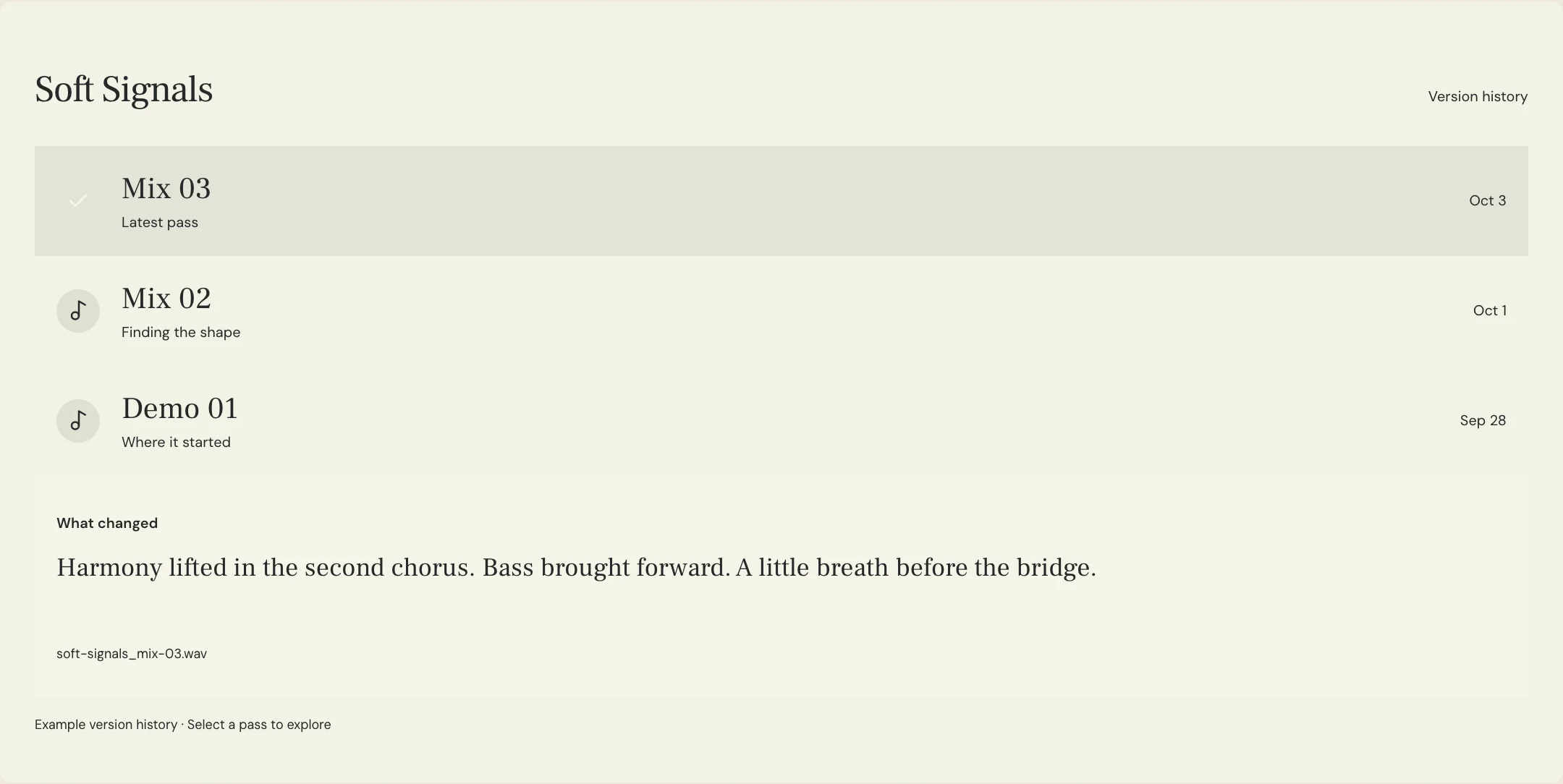
Name files by song, purpose, included content, and version. Keep working multitracks separate from release masters so a collaborator does not send a source file to the distributor by mistake. Add a short manifest describing the package and its approved reference.
MixPass can keep listening passes and feedback in the song room and finished assets in the deliverables vault. Use the agreed working-file location for larger source packages and respect the current upload limits. Preserve the package’s context rather than relying on a ZIP filename to explain everything.
A few more things
Common questions
Are stems always grouped tracks?
Usually, but the word is used inconsistently. Ask the sender or recipient whether they mean groups, individual parts, or another specific package.
Can I mix a song from grouped stems?
You can work with the control the groups provide, but you may not be able to alter individual sounds inside a group. Confirm whether that level of control is sufficient for the job.
Should stem files recreate the stereo mix exactly?
Discuss the intended use. Shared effects and mix-bus processing can affect the result when groups are rendered separately, so test reconstruction if that is a requirement.
Does an instrumental always remove every vocal?
No. Confirm whether backing vocals, ad-libs, vocal samples, and effects should remain, then state the contents in the file label or manifest.
Further reading
Technical background from the original sources referenced in this guide.
Your next pass
Give the song a shared home.
Keep the versions, lyrics, feedback, and people together in MixPass.