
The short answer
To organize final music files, separate approved masters from alternates and working sources, use consistent descriptive filenames, and include a manifest identifying the approved version and each file’s purpose. Check that the recipient can access and download the package. Preserve an additional backup, and label replacements clearly when a delivered file changes.
Keep these in mind
- A final package needs an exact approval reference and a file manifest.
- Keep release-ready files separate from working sources.
- Verify the recipient’s handoff and maintain another backup.
How should you structure a final song delivery package?
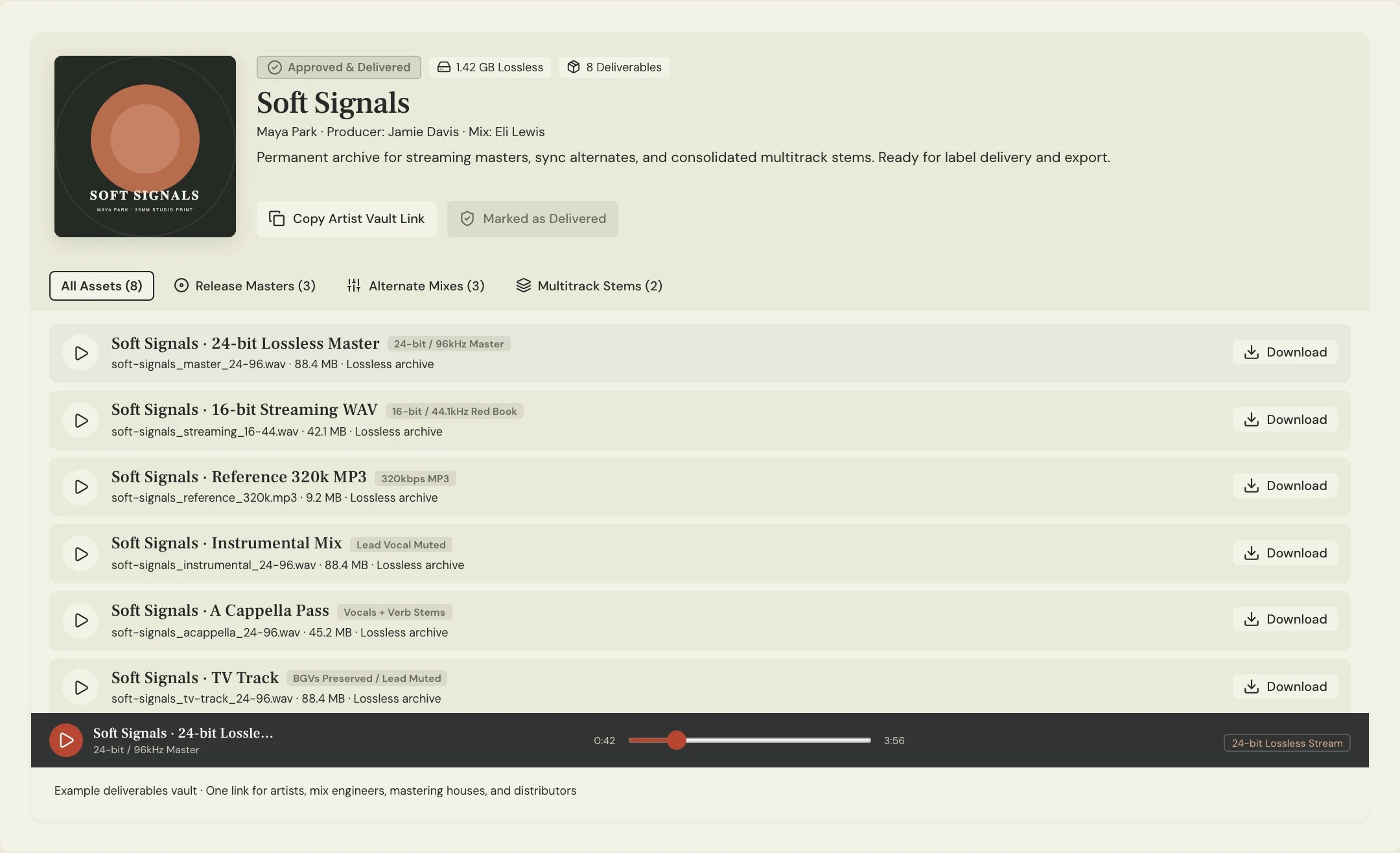
Organize by purpose before adding detailed subfolders. A masters section contains the approved main files, an alternates section holds instrumentals or clean versions, and a sources section contains the agreed stems or other working material. Put the manifest at the top so a new recipient knows where to begin.
For an EP or album, keep the sequence and song names consistent across the package. If different formats are required, label them so the recipient can distinguish destinations without opening every file. Use the release plan and current delivery requirements to decide which files belong.
What filenames make final audio easier to identify?
Choose one naming convention and use it consistently. Include the song, content or purpose, version, and meaningful format information where needed. Avoid names such as “final-new-real-final” because they do not establish which file was approved or why another one exists.
Constructed example: Soft Signals has a main master and a no-lead performance instrumental. The manifest names the approved source and explains that backing vocals remain in the instrumental. Its numbering is a project convention, not a requirement every artist must copy.
soft-signals/
  README-delivery.txt
  masters/
    soft-signals_master-02_[agreed-format].wav
  alternates/
    soft-signals_no-lead-backing-vocals_master-02.wav
  sources/
    soft-signals_stems_mix-04.zip

MANIFEST
Approved main file: [Exact filename]
Approval: [Person and date]
Alternates: [Contents and intended use]
Source package: [Contents, processing, alignment]
Release destinations: [Which files go where]
Replaces: [Earlier delivered file, if applicable]
Copy or download, then fill in the details for your song.
What should you verify before sending final files?
Open the package as a recipient would. Check filenames, file contents, starts, endings, and required alternates. A correct ZIP name does not establish that the files inside are complete. Make sure the approved master is the one listed in the manifest and the release inventory.
Ask the recipient to confirm access and the expected contents. If they only need the release master, direct them to that file rather than expecting them to infer the right choice from a large source archive. Record a delivery check separately from the artist’s creative approval.
- The approved master matches the recorded approval.
- Alternate versions have the expected vocal and edit contents.
- Song titles and sequence match the release plan.
- Files open and include complete endings.
- The manifest explains formats and intended destinations.
- The recipient’s access and download are checked.
- An additional backup exists outside the delivery location.
How should you handle replacements after delivery?
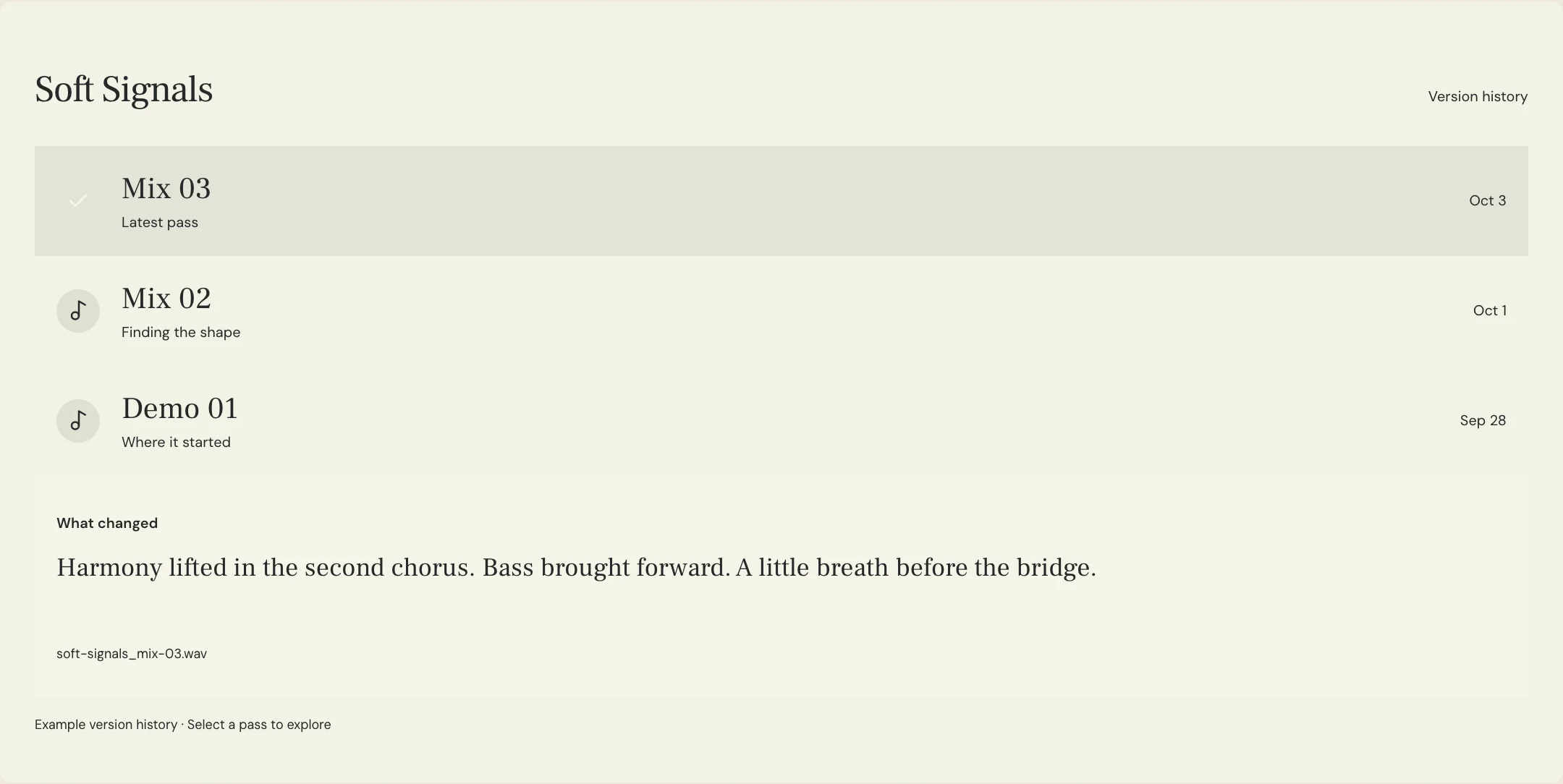
Give the replacement a distinct version label, update the manifest, and tell affected recipients which earlier file it supersedes. Do not silently overwrite a file that someone may already have submitted or downloaded. Keep enough history to explain what changed and which delivery is current.
Use MixPass’s vault for the finished song assets and retain the approval conversation in the room. A cloud delivery workspace is useful, but it should not be your only backup. Keep a separate copy under your own control and periodically check that the files remain recoverable.
A few more things
Common questions
Should I keep every old master in the final delivery folder?
Keep the current approved delivery clear. Preserve older versions in a separate archive when useful, with labels explaining that they have been superseded.
Is cloud storage enough as my only backup?
Maintain an additional copy under your control and check it periodically. Delivery access and long-term recoverability are different needs.
What should I do if I find a wrong file after delivery?
Identify the affected file, prepare a clearly labeled replacement, update the manifest, and notify everyone who may have used the earlier version.
Can I use the same package for every release destination?
Only when it meets each destination’s current requirements. Label destination-specific files and confirm the required formats with the appropriate recipient.
Your next pass
Give the song a shared home.
Keep the versions, lyrics, feedback, and people together in MixPass.