
The short answer
To organize feedback across an EP or album, keep detailed notes in each song’s project and use a release-level review for track order, transitions, consistency, and artwork. Identify the exact pass of every song in the review sequence, assign outstanding decisions, and confirm the chosen versions before the final delivery package is assembled.
Keep these in mind
- Song-level revisions and release-level decisions need different review questions.
- Record which version of every song belongs in the sequence.
- Review artwork and delivery against the same agreed release state.
What should you review at song level versus album level?
Use each song’s room for its own lyrics, performance, arrangement, and mix notes. At album level, listen to how those songs relate: the opening statement, energy changes, repeated textures, pauses, and the ending. A song can work on its own while needing a different position in the sequence.
Keep those questions separate so one unresolved vocal does not disappear inside a general comment about the album feeling long. Conversely, do not ask an engineer to change a successful song mix when changing the sequence would solve the listening problem.
| Review level | Questions to answer |
|---|---|
| Song | Are the performance and mix ready? What specific changes remain? |
| Sequence | Does the order create the intended listening journey? |
| Mastering | Do the songs relate appropriately in tone, level, and transitions? |
| Artwork and delivery | Which cover and final files belong to this release? |
How do you identify the passes in an album review?
Write down the exact version chosen for each track, including whether it is still a demo, approved mix, or master. If a new song pass arrives during review, decide when to update the sequence rather than silently replacing a track while different collaborators are listening.
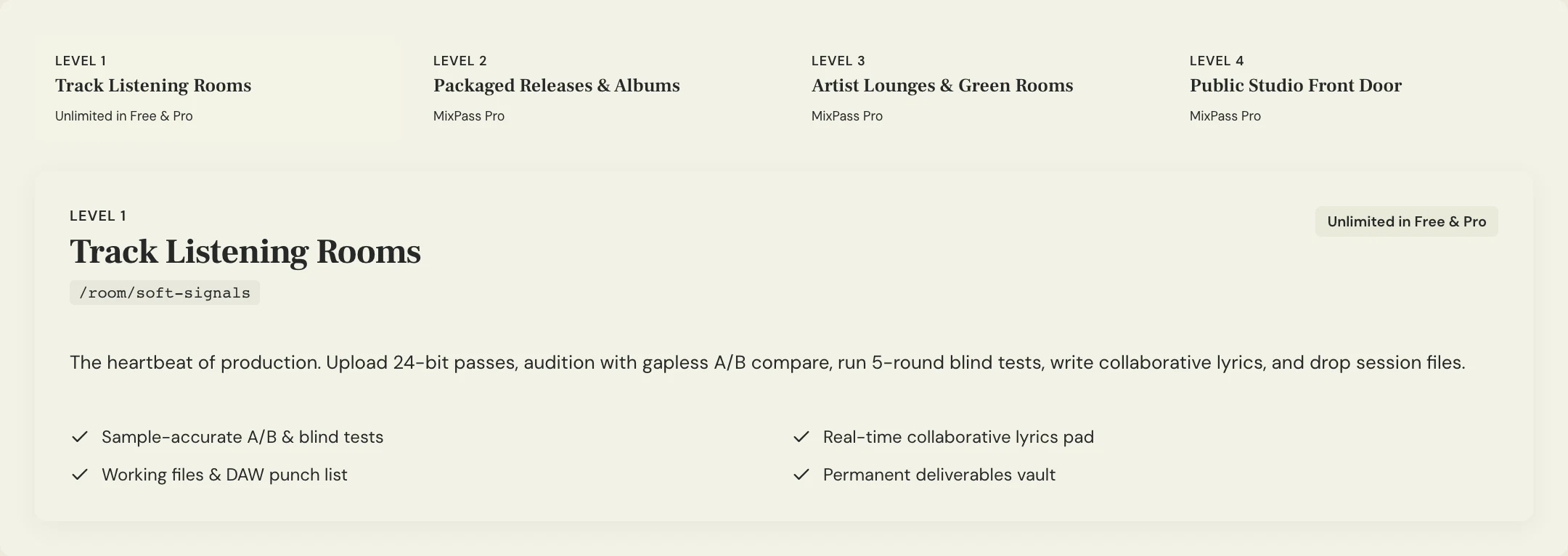
MixPass’s release and studio structure can keep the collection connected to its song rooms. Plan availability can differ, so check pricing for the release features your project needs. Keep a simple version inventory alongside the sequence even when the interface makes navigation easy.
What does a focused EP feedback round look like?
Constructed example: an EP review uses four selected passes. The team’s first round asks only whether the sequence flows. They flag the abrupt move from track two into track three, then decide whether to change order or discuss the transition with mastering. Individual vocal notes stay in the appropriate song room.
The coordinator records the review state and the next owner for every decision. When the team changes the sequence, it becomes a new review round with a clear question, not an invisible edit that makes everyone’s earlier notes ambiguous.
RELEASE: [EP or album title]
REVIEW ROUND: Sequence 01
TRACKS: [Order + song title + exact pass]
QUESTION: Does the energy and narrative flow work?
SONG REVISIONS: [Links to each song’s outstanding notes]
SEQUENCE DECISIONS: [Change + owner]
ARTWORK STATE: [Selected draft or decision still open]
NEXT REVIEW: [What changes and who listens]
Copy or download, then fill in the details for your song.
How do you confirm the final release decisions?
Confirm the selected audio versions, sequence, cover, and remaining delivery tasks in one release recap. Resolve song-specific revisions before calling those files final. If a track changes after mastering or artwork is chosen, name the downstream checks that need another review.
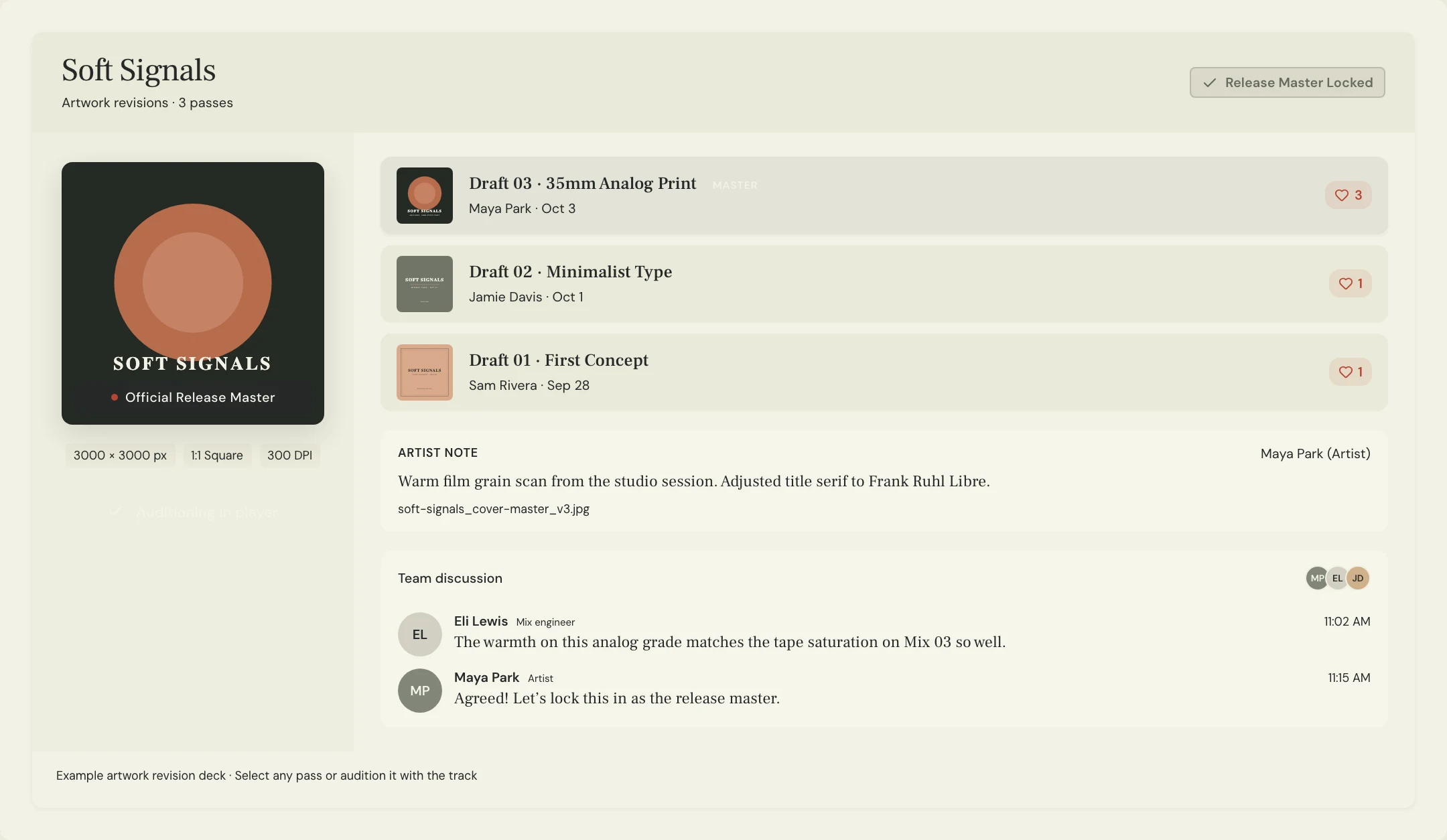
Collect artwork feedback against a named draft rather than circulating several files with the same title. Keep the chosen cover and final audio package identifiable, and record the responsible person’s approval. A workspace helps organize the decisions; it does not replace your distributor’s current delivery requirements.
A few more things
Common questions
Should every song have its own review room?
A separate song project keeps timestamps, versions, and detailed feedback understandable. Use release-level notes for decisions involving the collection as a whole.
Can we change track order after reviewing the songs?
Yes. Treat the sequence as its own decision and review the new order. Check any affected transitions or mastering work before final delivery.
Does album feedback belong in the mastering notes?
Some does, such as tonal continuity and transitions. Writing, arrangement, and performance issues should go back to the relevant song stage rather than being disguised as mastering requests.
Are release features available on every MixPass plan?
Check the current pricing page for album, EP, and studio features. The guide’s organizational workflow can also be followed with a simple sequence inventory and individual song projects.
Your next pass
Give the song a shared home.
Keep the versions, lyrics, feedback, and people together in MixPass.