
The short answer
To review a master, compare it with the approved mix at comparable listening levels, then listen through the entire song on familiar playback systems. Check the overall tone, dynamics, clarity, transitions, and ending. Describe concerns with specific moments and listening context, then confirm approval against the exact master filename rather than a general project message.
Keep these in mind
- Separate the effect of loudness from changes in tone and dynamics.
- Review the complete file, including its start, ending, and tails.
- Approve the exact master and check any alternate deliverables separately.
What should you compare the master against?
Start with the exact approved mix and the mastering brief. They establish the song’s intended balance and release direction. If the master sounds different from an earlier demo, check whether that difference already exists in the approved mix before assigning it to mastering.
Compare at similar perceived listening levels so a louder source does not dominate the judgment. iZotope’s mastering guidance discusses level matching when evaluating processing. After that comparison, also listen to the delivered master at a normal, comfortable playback level to judge the actual listening experience.
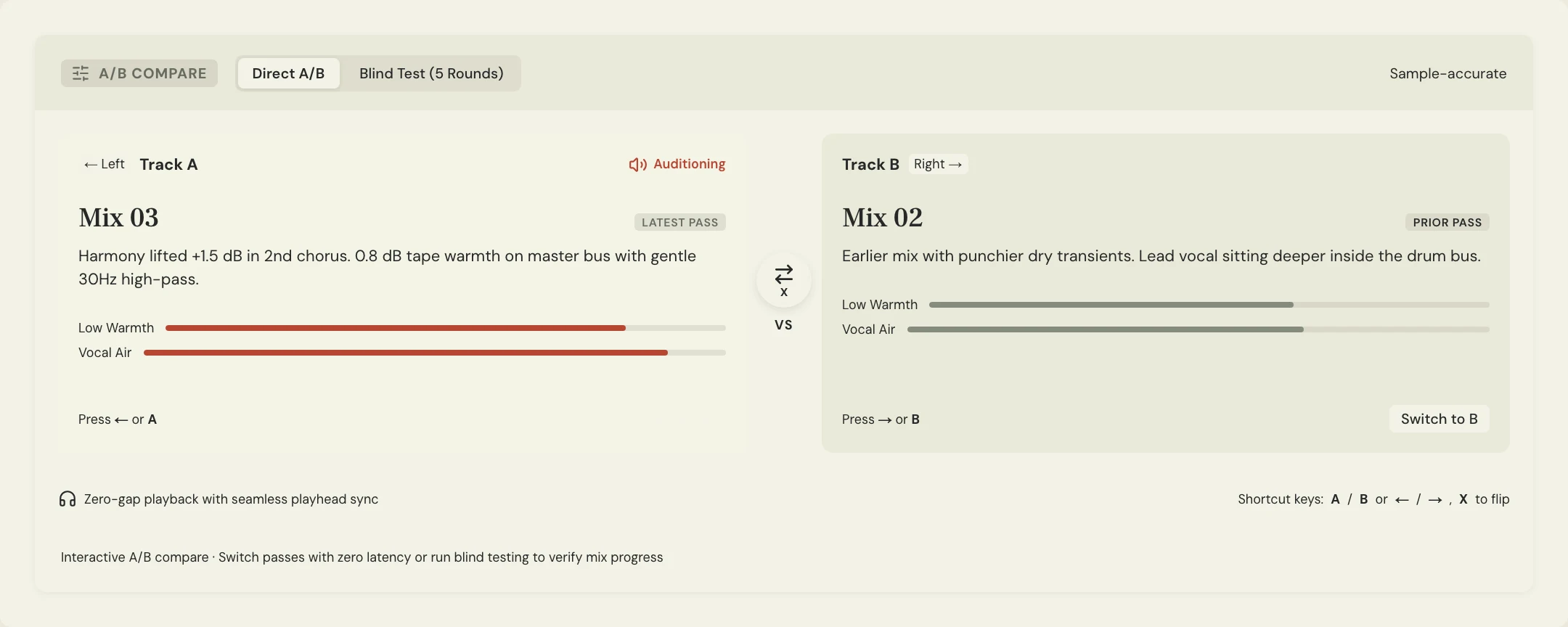
What should you check during a mastering approval listen?
Listen once from beginning to end without stopping to write a note every few seconds. Ask whether the song communicates as intended. Then revisit concerns about tonal weight, vocal clarity, transient impact, distortion, fades, or section changes. Do not assume mastering can independently rebalance any instrument inside a stereo mix.
Use familiar playback systems and tell the engineer where a concern appears. If the issue is only audible on one device, that context matters. For an EP or album, include the surrounding songs and transitions rather than judging every master in isolation.
- The master is based on the agreed mix.
- The vocal and important musical parts remain understandable.
- The tonal and dynamic changes support the song.
- No unintended glitches, clicks, or cut-off tails are heard.
- The introduction and ending are complete.
- Album transitions and relative song levels fit the brief.
- Required delivery formats and versions are identified.
How can MixPass audio checks support your review?
Open Audio checks beside the pass selector for a mixing or mastering pass. The report measures the original upload’s loudness, true peak, start/end silence, stereo compatibility, format, and duration. New passes are checked in the background; an editor can run a first check for an older pass or rerun a completed report.
Use those observations to guide a listen, not to grade the song. Mixing keeps source formats informational; mastering adds delivery guidance. A room’s later stage change does not turn an earlier demo into a master. Reports do not block playback or sign-off, and a whole-file stereo average can miss a short phase problem.
What does useful mastering feedback look like?
Constructed example: Maya finds the held vowel at 1:24 more tiring in Master 01 than in the approved mix at comparable listening levels. She describes the moment and the effect rather than ordering the engineer to remove a particular frequency. The engineer can decide whether the issue is a mastering adjustment or should return to mixing.
Keep new mix requests separate. A buried harmony or a different drum pattern may require a mix revision and a replacement master. Tell the mastering engineer about the actual goal instead of expecting a stereo processing change to behave like access to the multitrack session.
SONG: Soft Signals
MASTER REVIEWED: soft-signals_master-01.wav
BASELINE: Approved Mix 04
LISTENED ON: [System and context]
MOMENT: 1:24, held vocal phrase
OBSERVATION: [What differs at comparable listening levels]
GOAL: [What you want to preserve or improve]
OTHER CHECKS: Start, ending, transitions, required versions
DECISION: [Approve this file / request a specific revision]
Copy or download, then fill in the details for your song.
How do you approve the final master and delivery package?
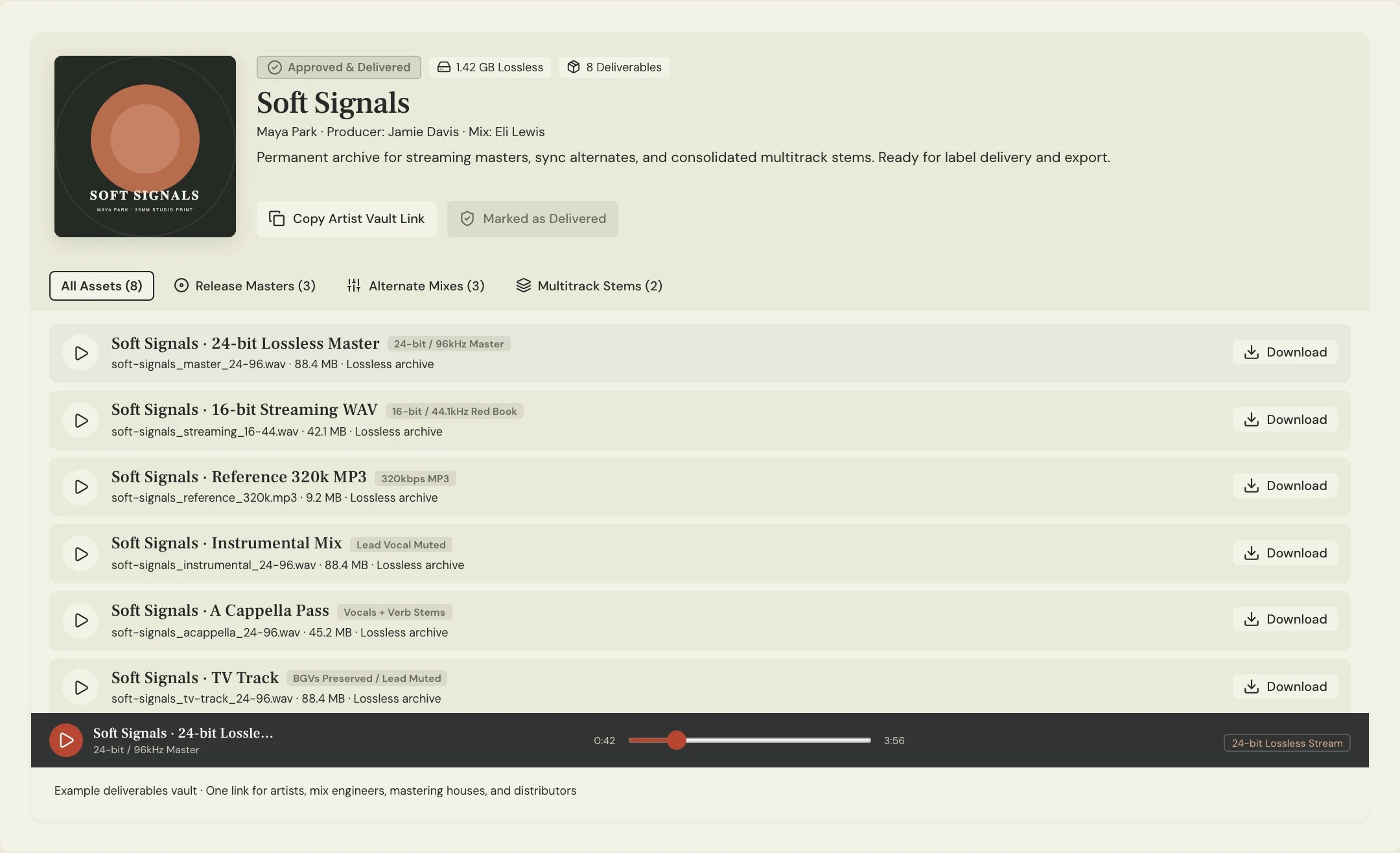
Confirm the exact master filename and the responsible person’s approval. Check that the delivered files match the agreed formats, song titles, version labels, and sequence. A listening approval and a complete delivery package are related checks, but one does not automatically establish the other.
Keep the approved masters and alternates identifiable in the MixPass deliverables vault. If a new mix or master replaces them later, label the replacement and tell everyone who received the previous file. Preserve the earlier approval context so the release history remains understandable.
A few more things
Common questions
Should the master sound identical to the mix?
Not necessarily. Mastering may change tone, dynamics, and level to serve the release. Judge whether those changes support the approved mix and brief rather than expecting an identical sound.
Can mastering fix a vocal that is too quiet?
Some overall processing may affect perceived balance, but a stereo master does not provide independent access to every instrument. Ask whether the issue should return to the mix engineer.
Do I have to judge a master by a target loudness number?
Use the agreed release requirements and the song’s intended sound. A single number cannot establish that a master is musically successful or ready for every destination.
Does approval cover all alternate versions?
Check the actual delivered alternates for correct content, edits, endings, and labels. Do not assume an approved main master guarantees every related file is correct.
Further reading
Technical background from the original sources referenced in this guide.
Your next pass
Give the song a shared home.
Keep the versions, lyrics, feedback, and people together in MixPass.