
The short answer
Deliver shared reverb according to what the recipient needs to change. A separate return lets them adjust the room as a whole. If they need to remove a part and its effect independently, agree on separate effect prints where practical. Reimport the package and test that exact edit before sending.
Keep these in mind
- Ask what the recipient needs to mute, replace or rebalance.
- Label which sources feed each effect print.
- Rebuild the set and perform the recipient’s edit before handoff.
Why can a muted vocal still be audible in a stem set?
A vocal stem can be silent while a shared hall return still contains the vocal’s decay. The effect track may also contain guitar or drums from the same room. Turning the return off removes all of those contributions together. If the recipient expected to replace the vocal and keep the guitar’s ambience, the set needs a different plan.
Start with the editing job. An engineer who wants to trim the overall room sound may prefer a single return. A video editor who needs to remove all traces of a lead under dialogue may need the voice and its effects separated from the rest. State the expected mute behavior before export so everyone can hear the same test.
When should a return be separate or travel with a stem?
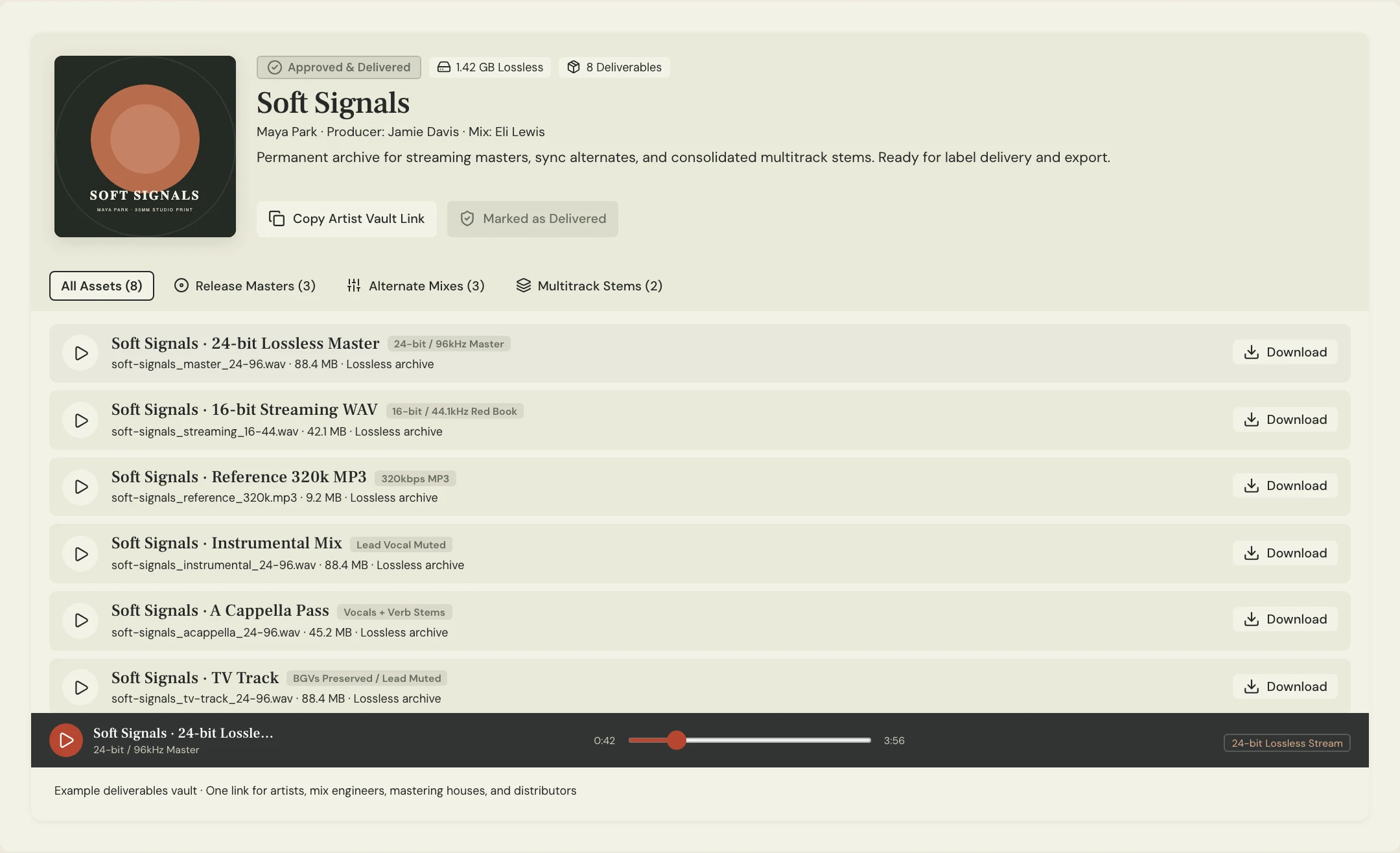
A separate return gives the receiver an independent fader for the effect. Print and label it explicitly, with the same timeline start and a long enough ending for the decay. If a source-specific effect can be exported separately, label it by source, such as Vocal Hall or Guitar Hall. You can also combine a source and its own effect when the recipient wants one fader for both.
Ableton’s stem export guidance documents rendering return and master effects with a track. Read the exact options in your DAW and test the result. Do not also add a duplicate copy of an effect already baked into the selected stem. With shared dynamics, saturation, or other signal-dependent processing, separate effect prints may behave differently from the shared return in the approved mix. Agree on which result the recipient needs.
| Recipient needs | Packaging choice | Handoff check |
|---|---|---|
| Rebalance the whole ambience | Separate shared return, with sources listed | Return plays once when all stems are active |
| Mute a part and leave other ambience | Separate source effects, where practical | Mute the part and its effect together |
| Move one part with its dedicated sound | Include its own effect in the grouped stem | No duplicate return file in the playback set |
How can a replacement test reveal the wrong export?
Constructed example: the fictional Soft Signals team delivers Lantern Mix 08 to an editor who may swap the lead for an instrumental cue. The first set has Vocal, Guitar, Drums and Hall. Muting Vocal still leaves the end of a lyric in Hall. Muting Hall removes the lyric but also dries up the guitar tail. The set sounds reasonable with everything on and still fails the actual edit.
The engineer agrees to return a Guitar Hall print that excludes the vocal, and a separate Vocal Hall print the editor can mute with the vocal. They compare that revised full sum with the approved reference and disclose any audible difference. The editor then tests the intended mute and hears the guitar decay without the old lyric. If the processing cannot be split cleanly, ask whether a dedicated stereo alternate would serve the job.
What should you check before the package leaves the studio?
Import the exact files into an empty session with the agreed start, without unintended stretching or gain changes. Play the whole set and compare the exposed tail with the named stereo reference. The Recording Academy’s delivery recommendations explain why common print boundaries help and why shared mix bus compression can change a sum. If a difference is expected, describe the comparison and what the receiver should use as the authoritative reference.
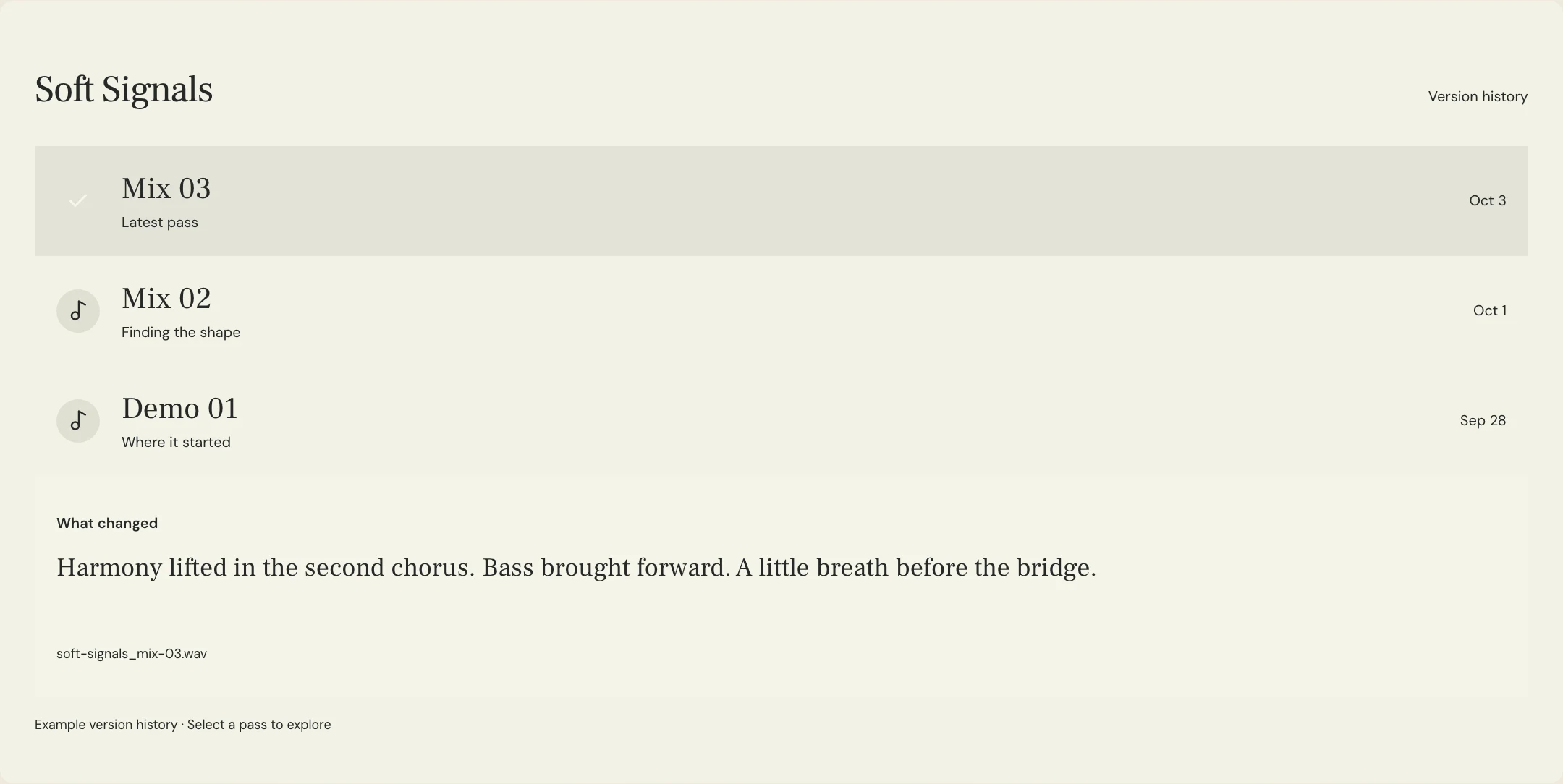
Perform the recipient’s mute or replacement and listen beyond the last source event. Label any duplicate choices as alternatives rather than files to play together. MixPass can hold a named listening reference and timestamped feedback on it. Print and reassemble the stems in the audio software, then identify the approved package and its matching reference in the handoff.
A few more things
Common questions
Should I always send a separate reverb stem?
Use a separate return when the recipient needs control of that ambience. Confirm whether they also need to isolate its source contributions.
Can the return end after the dry part?
Yes. Agree on a common export range that includes the full effect tail where required.
Why is the sum wetter than my reference?
Check whether returns already printed into the source stems are also playing as standalone files. Compare using the intended playback set.
What if the recipient only needs a vocal-free version?
Ask whether a dedicated stereo alternate will work. Verify the absence of the vocal and its effects in that actual print.
Further reading
Technical background from the original sources referenced in this guide.
Your next pass
Give the song a shared home.
Keep the versions, lyrics, feedback, and people together in MixPass.
Building an upcoming single or EP? Apply for the Founding Testers Program for 3 months of Pro free in exchange for feedback (50 early seats).