
The short answer
For a mix going to mastering, keep the mix session’s sample rate unless the engineer asks for a conversion. Confirm whether they want 24-bit PCM or accept 32-bit float. Treat delivery copies as separate files with their own requirements, and agree who will convert them from the approved source.
Keep these in mind
- Record the session rate and the receiving requirements separately.
- Agree who creates each converted copy.
- Verify the exported file properties and playback before handing it off.
What do sample rate and bit depth actually describe?
Sample rate counts audio samples per second. It limits the frequency range digital audio can represent. Bit depth describes how sample values are stored. In fixed-point PCM, increasing bit depth gives more possible amplitude values and reduces the level of quantization error. A floating-point format represents levels differently and can preserve over-range sample values on a compatible path.
Read both values before comparing two exports. A 48 kHz, 24-bit WAV and a 48 kHz, 32-bit float WAV have the same sampling rate and different sample representations. An MP3 bitrate, usually given in kbps, describes encoded data per second and answers a different question. A label like “high resolution” cannot tell the mastering engineer which exact file to open.
What should stay at the original mix session rate?
iZotope’s mastering preparation guidance recommends leaving the mix at the rate of the mix session and using 24-bit or 32-bit float for the handoff. Ask the receiving engineer which formats their workflow accepts. Keep a clearly named lossless export that corresponds to the approved mix and document the session rate beside it.
If a 44.1 kHz mix needs a 48 kHz derivative, a proper sample-rate conversion makes it compatible with that requirement. Changing the rate does not restore information missing from the original. Avoid interpreting the existing samples at a new rate by merely relabeling the file. Confirm the conversion method with the engineer and keep the original approved export accessible.
Who should convert each delivery copy?
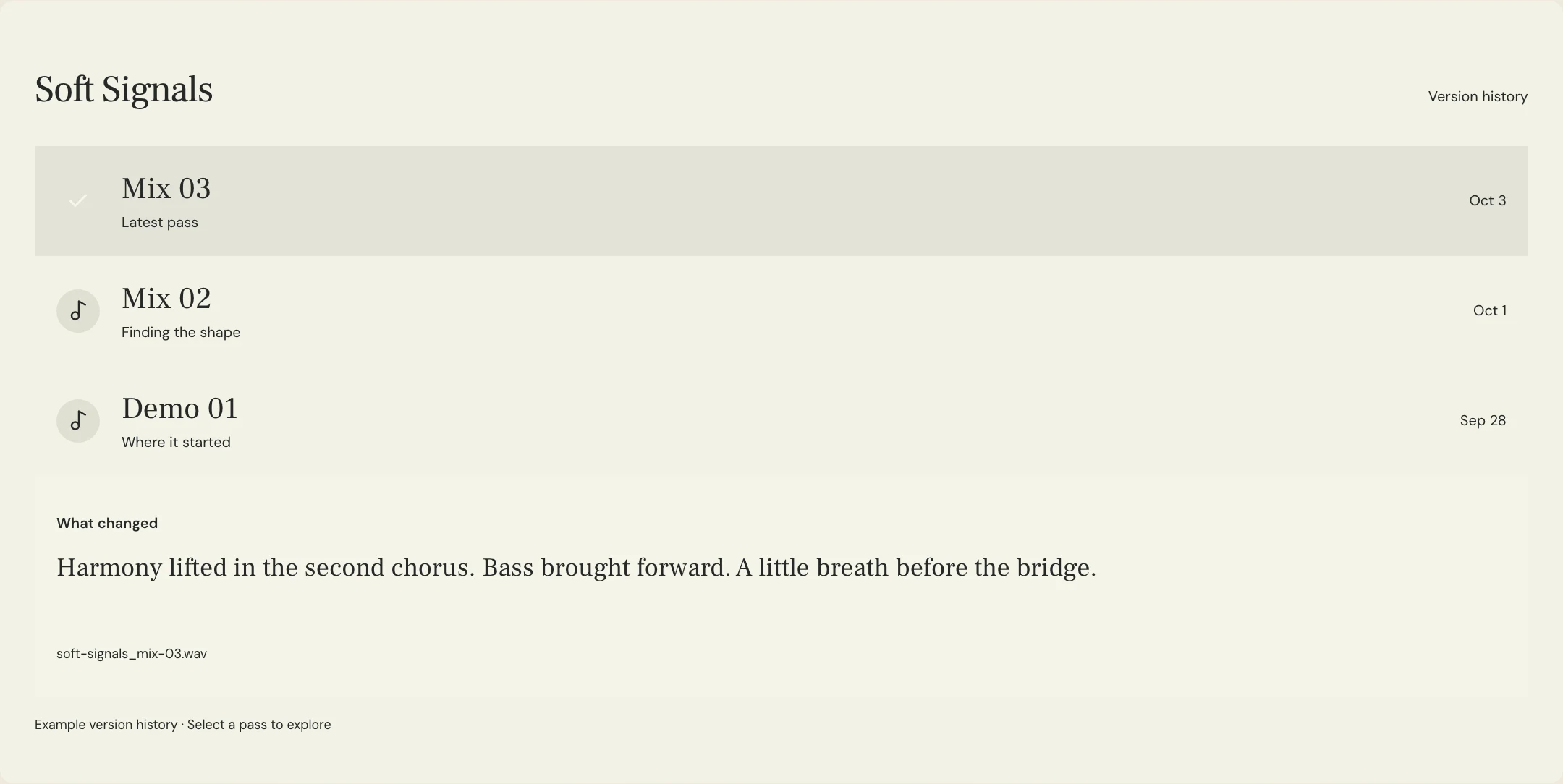
Write down the recipient, requested format, source file and conversion owner before anyone exports a second version. If the mix is going to mastering and the master will also go to a film editor, confirm whether the editor needs a mastered file or the mix itself. A request for a specific sample rate is only one part of that decision.
Constructed example: the fictional Soft Signals team approves Lantern Mix 08 from a 44.1 kHz session. The mastering engineer accepts 32-bit float at the original rate. The video editor separately requests a 48 kHz, 24-bit mastered file. The team sends the native-rate mix for mastering and asks the mastering engineer to deliver the editor’s copy from the approved master. The engineer owns any required rate and bit-depth conversion.
| Destination | Record before exporting | Example decision |
|---|---|---|
| Mastering input | Session rate and accepted source format | 44.1 kHz, 32-bit float approved mix |
| Video edit | Which creative version, required rate and bit depth | 48 kHz, 24-bit mastered copy requested by editor |
| Archive | Exact approved source and related derivatives | Keep source mix, approved master and labeled video copy |
How do you check the file after the conversion?
Inspect the returned file’s properties with an audio tool. Check sample rate, sample format, channel layout and duration against the agreed spec. Play the beginning, ending and a loud passage. If the copy needs to align with a picture or a different version, confirm a common sync point in the receiving project. When reducing to a lower fixed bit depth, agree on who handles dither at the intended reduction so the team does not repeat that step unnecessarily.
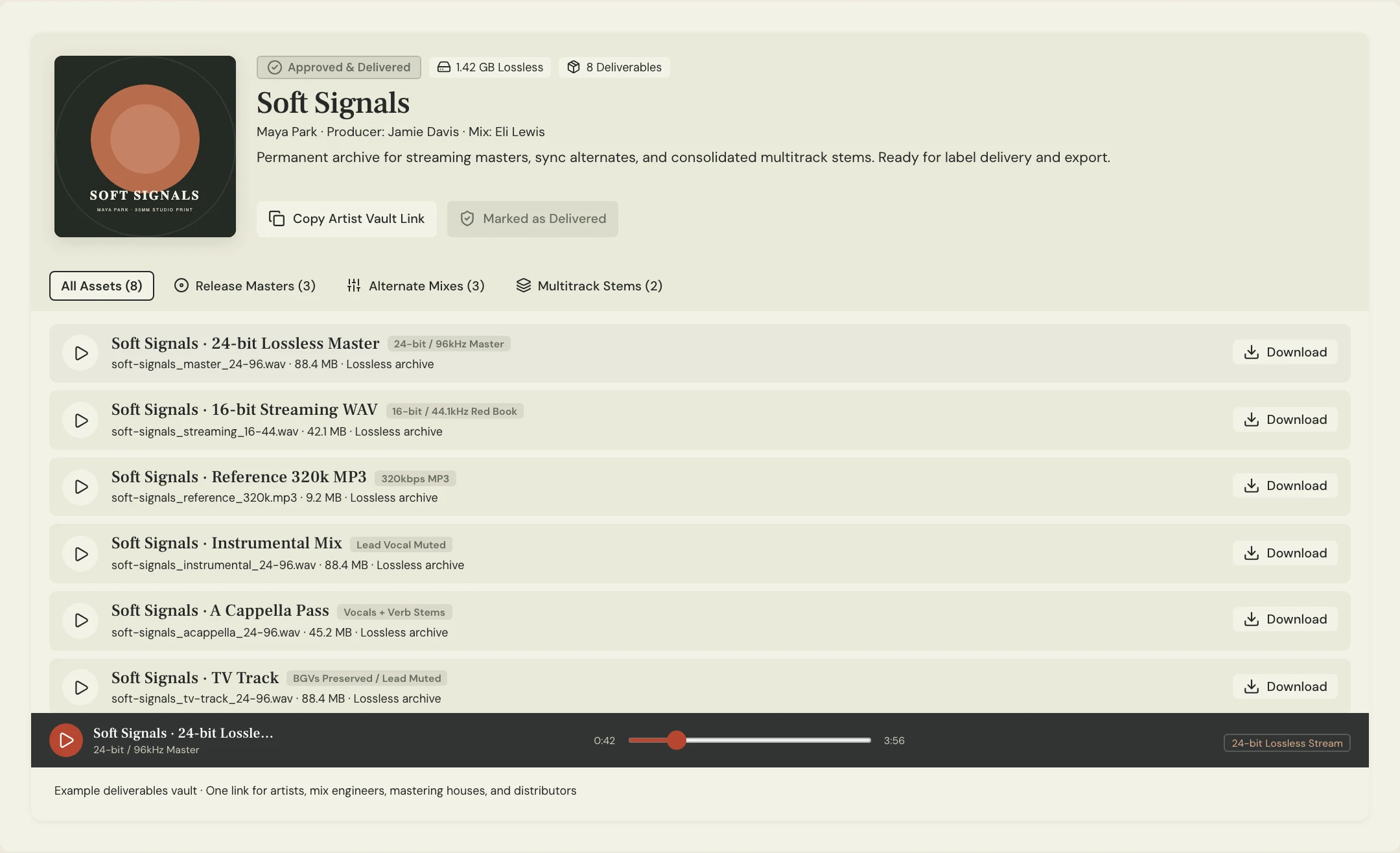
Use exact filenames in the delivery note. A MixPass listening pass gives collaborators an identifiable version to review. For a destination-specific export, check the actual delivery file in the appropriate audio software and record its relationship to the listening pass. That keeps a creative approval separate from a technical check of the delivered file.
A few more things
Common questions
Does exporting at 96 kHz improve an existing 44.1 kHz mix?
Converting for a requested destination can make the file compatible. It cannot recover information absent from the source.
Should I always send a 32-bit float WAV?
Confirm the receiver can use it. A 24-bit PCM export is also a common mastering input when the engineer requests it.
Does a 32-bit float export undo clipping?
It can retain over-range values on a compatible clean path. It does not repair distortion already printed into the audio.
Can I use the same file for every recipient?
Use it wherever it meets the requested creative version and format. Make a labeled derivative when a recipient needs a different format.
Further reading
Technical background from the original sources referenced in this guide.
Your next pass
Give the song a shared home.
Keep the versions, lyrics, feedback, and people together in MixPass.
Building an upcoming single or EP? Apply for the Founding Testers Program for 3 months of Pro free in exchange for feedback (50 early seats).