
The short answer
To request an instrumental mix, name the approved source pass and say exactly which vocal performances and effects to remove. Identify any voice-like textures you intend to keep, then agree on the start, ending, file specs, and review process. Listen to the returned export before approving that specific alternate.
Keep these in mind
- Name the source pass before making alternate decisions.
- Specify how to handle backing vocals, vocal effects and ambiguous samples.
- Check the exported file against the approved reference and the recipient’s requirements.
What exactly should the engineer print?
Start with the use and the approved mix. An instrumental for a video editor may need the same first downbeat and ending as the approved full mix so the editor can swap them without moving the picture. A backing track for a show may need retained harmonies and a different intro. Name the use first so the engineer can flag any special requirements before opening the session.
Universal Music Group’s archival guidance distinguishes a full instrumental, which excludes vocal performances, from a TV mix that removes the lead but keeps backing vocals. Use those as useful starting definitions and spell out the actual contents for your recipient. A single stereo print is a different deliverable from the separate parts an editor would need to rebalance the arrangement.
Which sounds should stay when the vocals come out?
List leads, doubles, harmonies, ad-libs and spoken phrases separately. If a chopped breath or pitched vocal sample acts like an instrument, identify its position and ask explicitly whether it belongs in the instrumental. For a strict no-vocals request, check the treatment of those samples with the recipient before approving the print. The description on the delivery should reflect what is actually audible.
Listen for a vocal echo that continues past a phrase and for effects shared with instruments. Ableton’s mixing manual shows why a return can carry signals from multiple tracks. An engineer may need to trace the vocal contribution or use a different routing approach. Simply silencing the whole return could also remove the guitar ambience that made the ending work. Brief the audible result and let the engineer choose the session change.
What can you paste into the instrumental request?
Constructed example: the fictional Soft Signals team needs an instrumental for the editor cutting a rehearsal film. The editor already cut against Lantern Mix 08 and wants the same timing. The band removes a whispered pickup and an exposed chorus echo, while protecting the guitar delay on the shared effect. The timestamps below refer to the fictional source pass.
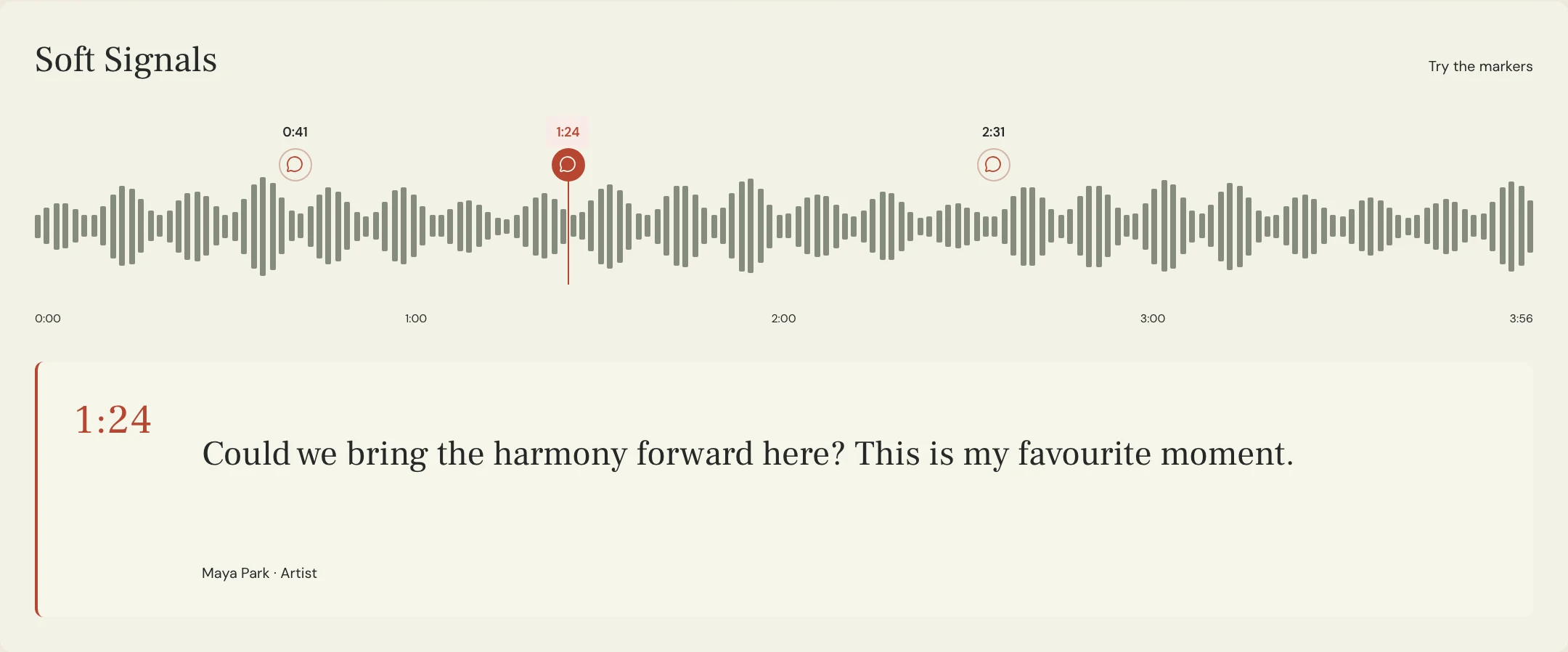
The engineer returns a first print with a clipped ending. The team compares the last guitar decay with the source, sends a timestamped note on the instrumental itself and asks for a revised print. Everyone listens to the revision before the editor receives it. Give each alternate and revision its own clear label so the team can tell which file passed the review.
SONG: Lantern
USE: Stereo instrumental for rehearsal-film edit
SOURCE: Lantern Mix 08, approved full mix
REMOVE: Lead, doubles, harmonies, whispered pickup at 0:12 and audible vocal throws
PROTECT: Guitar delay after the last chord
TIMING: Match source start and ending, including the full tail
RETURN: Lantern Instrumental 01 for review
CHECK: Pickup at 0:12, chorus throw at 1:19, full closing decay and sync against editor reference
DELIVERY: Confirm format and sync requirements with the editor
APPROVER: Maya
Copy or download, then fill in the details for your song.
How do you catch mistakes in the bounced file?
Play the exported file from the beginning and listen past the last musical event. Check the known vocal landmarks, then listen through sections where the removed parts used to mask another sound. Compare with the source at a similar perceived level to hear whether the groove or ambience has changed. If the instrumental opens a hole that the team wants to fill, agree on that creative change as a separate decision.
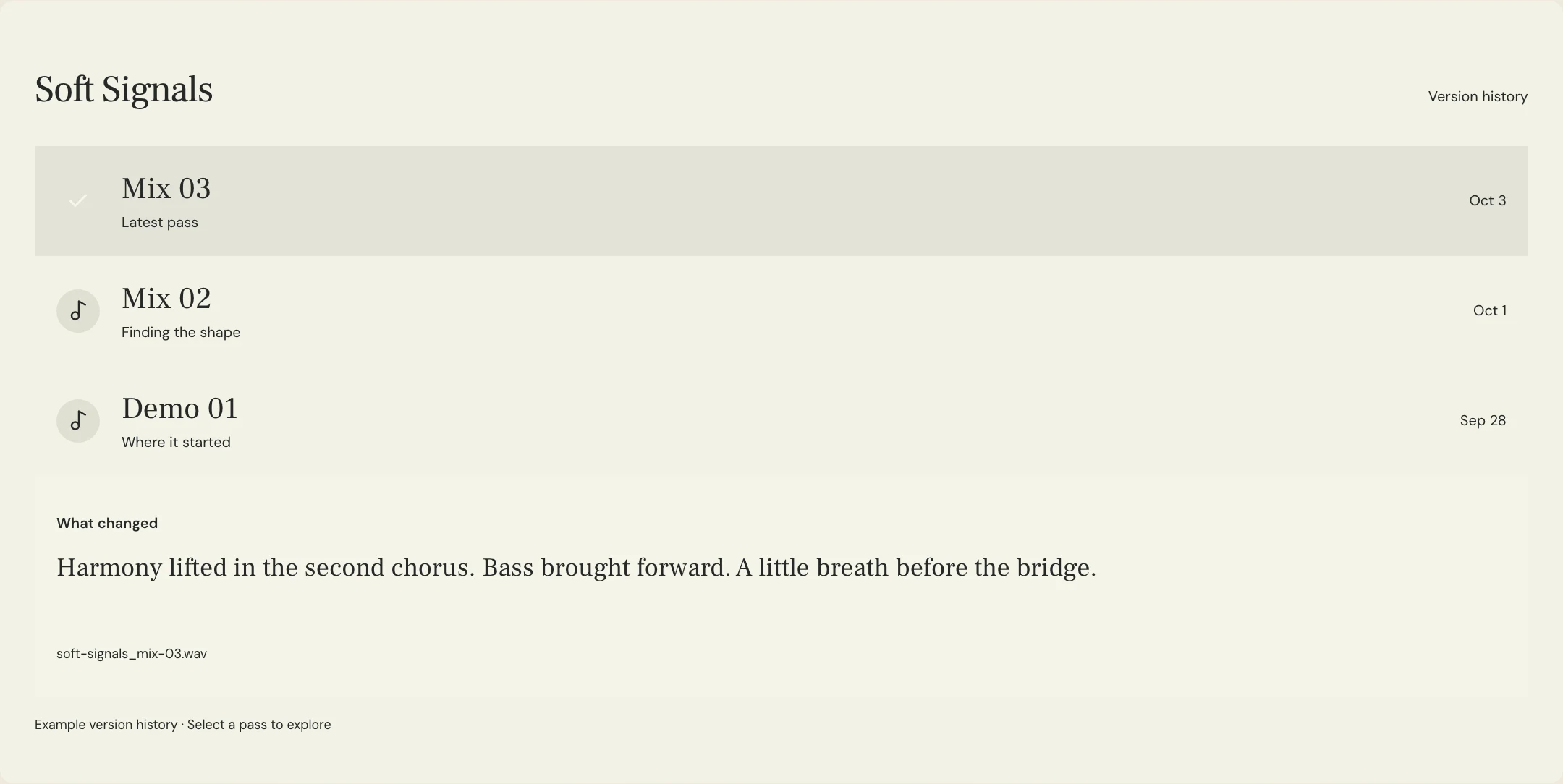
Check any sync requirement against the editor’s reference and confirm the agreed format with the recipient. MixPass can hold an uploaded listening pass and feedback tied to positions in the audio. The engineer creates the alternate in the audio session. After review, identify the approved file by name and revision, and confirm which file is the production delivery.
A few more things
Common questions
Is a TV mix the same as an instrumental?
In UMG’s guidance a TV mix can keep backing vocals. Describe exactly what to keep for your own recipient.
Should I remove a vocal chop that acts like percussion?
Identify the sound and agree with the recipient whether the brief allows it. A strict no-vocals requirement needs an explicit decision.
Should the alternate have the same duration as the full mix?
Match the start, end and sync points when the recipient needs a drop-in replacement. Agree on any timing change before export.
Can I approve from the session playback?
Review the exported file too. Playback in the session may not reveal an incorrect render range or a wrong file being delivered.
Further reading
Technical background from the original sources referenced in this guide.
Your next pass
Give the song a shared home.
Keep the versions, lyrics, feedback, and people together in MixPass.
Building an upcoming single or EP? Apply for the Founding Testers Program for 3 months of Pro free in exchange for feedback (50 early seats).