
The short answer
To brief a live backing track, identify the exact song arrangement, list the parts supplied by performers, and state what playback should contain. Agree on count-ins, clicks, spoken cues, file grouping, and output destinations with the playback operator. Test the delivered files in the intended setup before approving them for the show.
Keep these in mind
- Describe the contents of playback rather than relying on the word “instrumental.”
- Keep audience audio and performer-only clicks or cues explicitly identified.
- Approve the package after a full rehearsal test of the actual delivered files.
Which song version is the live backing track based on?
Name the reference recording and the performance arrangement before asking for exports. A band may use a shorter introduction, an extra chorus, a different key, or an ending that differs from the released version. Write those decisions down first. If the arrangement is still changing, request a rehearsal candidate and identify which choices remain open. A finished master alone does not describe every file the playback operator needs.
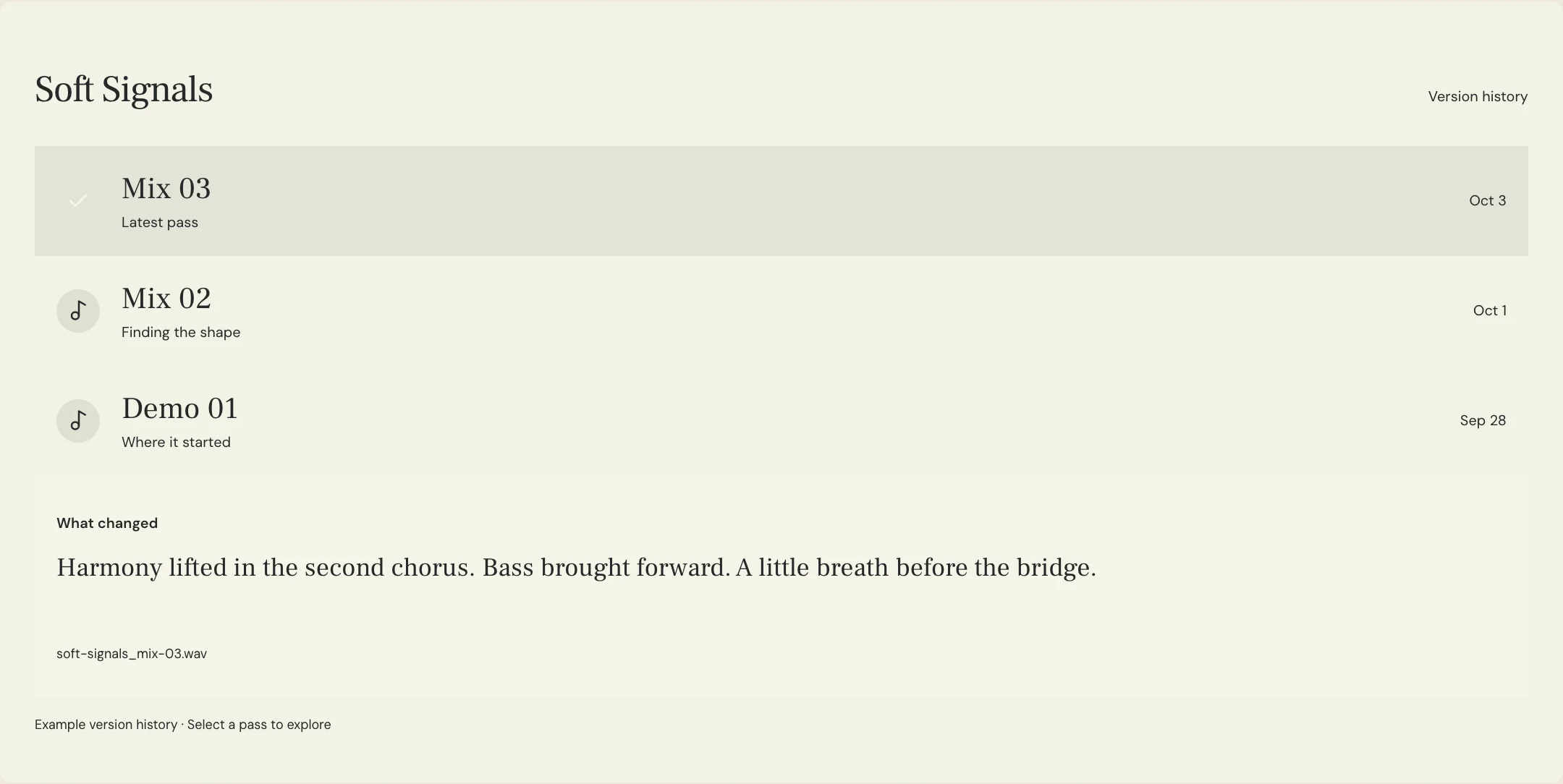
Confirm who will prepare the package and who will load it for rehearsal. These may be different people. Ask the operator what their playback system accepts, how they start songs, and whether they need a single backing mix or separate groups. Agree on the file format with them instead of prescribing one universal setting. MixPass can hold named listening passes and the feedback around these decisions; it is not the live playback engine or the routing system for the show.
Which parts should stay in playback and which will be performed live?
Make a row for every important musical role, including lead vocals, vocal doubles, harmonies, ad-libs, drums, bass, guitars, and programmed textures. State whether each role comes from a performer, playback, or an intentional combination. For a shared role, describe the distinction. A chorus harmony can remain while the lead vocal is removed, but a doubled lead phrase might still sound like the singer’s part. Ask for that decision rather than leaving it to the filename.
Consider each section as well as the overall song. A guitar player may cover the main riff but leave a layered texture to playback; a drummer may play the kit while a programmed percussion loop remains. Check effects and sampled voices too. The purpose of this list is to prevent accidental omissions or doubling, not to dictate an artistic rule about what a live performance may contain. Confirm the contents with the musicians who will actually rehearse them.
| Part | Performer supplies | Playback request |
|---|---|---|
| Lead vocal | Main melody throughout | Remove lead and lead doubles; inspect audible lead effects |
| Backing vocals | One live harmony singer | Retain the agreed additional harmony layers |
| Drums | Live kit | Retain only the named percussion loop |
| Guitars | Main riff and chords | Keep atmospheric texture, remove the live-covered riff |
| Synths | No live keyboard player | Keep the agreed synth arrangement |
How should you specify count-ins, clicks, and spoken cues?
Ask the operator and performers what timing support they need. Specify any count-in, who hears it, when the music begins, and whether clicks continue through breaks or tempo changes. Spoken cues also need a purpose and a location: for example, a reminder before a re-entry. Supply the agreed tempo and meter information, including changes, rather than assuming a single BPM describes the whole performance. Have the team check that these details match the arrangement.
Keep performer-only signals clearly distinct from audio intended for the audience. Ableton’s routing documentation describes choosing track destinations and configuring available hardware outputs. The practical consequence for the brief is to agree on destinations with the operator instead of assuming a particular output number works on every rig. A separate click file does not by itself keep the click out of the audience feed. The operator must configure and test the actual routing, including any rehearsal reference mix that contains cues.
What live backing-track request can you send to your producer?
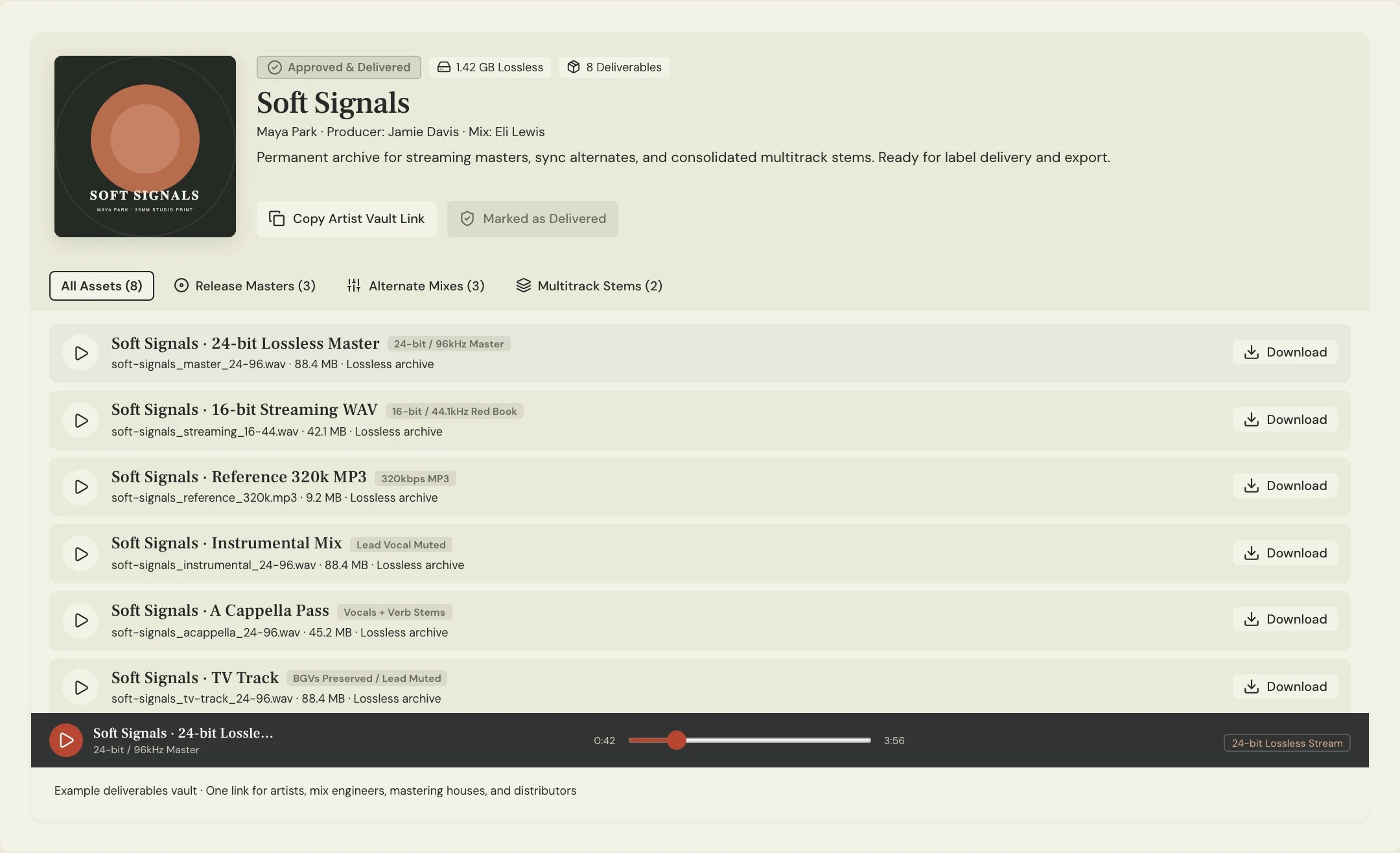
Constructed example: the fictional Soft Signals team is preparing a band performance with live lead vocal, drums, bass, and guitar. They want additional harmonies and synth textures in playback, plus a performer-only click and count-in. Their operator has requested three aligned files. This is an original planning exercise, not a record of a customer show or the audio heard in the MixPass product previews.
The example names the requested deliverables and their intended uses without inventing a universal wiring plan. Have the operator confirm the grouping before the producer renders it. If the team later adds an extended ending, revise every affected file together and give the package a new version. Do not combine a backing mix from one arrangement with a click or cue file from another just because their filenames look similar.
SONG: Soft Signals
SOURCE: Band arrangement 03, full ending
LIVE PARTS: Lead vocal, kit, bass, main guitar
PLAYBACK PARTS: Additional harmonies, synth textures, named percussion loop
EXCLUDE: Lead vocal and doubles, live-covered kit, bass, and main guitar
TEMPO / METER: Confirm against the agreed session, including any changes
START: Two-bar performer-only count-in; confirm the first music entry
DELIVERABLES REQUESTED: Stereo backing mix; separate click; separate spoken cues
ALIGNMENT: All files share the agreed start and export range, including count-in
DESTINATIONS: Operator confirms audience and performer-only routing on the actual rig
REFERENCE: Rehearsal listening mix, clearly marked if clicks or cues are audible
CHANGES PENDING: None before this rehearsal
REVIEW: Operator checks import and routing; band rehearses the complete song
APPROVAL OWNER: Maya, after rehearsal notes are resolved
Copy or download, then fill in the details for your song.
What should you check before approving the delivered package?
For separate files intended to play together, agree on a common start and export range, preserving intentional silence before a part enters. Ableton’s stem-export guidance specifically calls for render start and length to span the arrangement. The operator should check alignment after importing the package into the intended system, rather than trimming each file independently or assuming software will place it correctly. Confirm processing and grouping as part of the handoff; a stem label alone does not explain its contents.
Rehearse the actual delivered package from the start through the ending. Check the count-in, entrances, breaks, cues, tempo changes, and final decay, while confirming what reaches the audience feed and each performer’s monitoring. Write any correction against the exact package version, then repeat the affected checks on the replacement. Keep a separate backup of the approved files and agree on the operator’s recovery plan. A successful download or a good-sounding listening preview is not a completed rehearsal test.
A few more things
Common questions
Is an instrumental automatically a suitable live backing track?
No. It may contain parts the musicians intend to play live, omit harmonies they need, or use a different arrangement. Confirm the actual contents and performance structure before treating it as a show file.
Do all performers need the same click and cue mix?
Ask the performers and operator. Requirements can differ by role. Document who needs each signal and let the operator confirm what the available monitoring and playback setup can provide.
Should you put a click on one side of a stereo file?
Only if the operator explicitly requests that format and verifies it on the intended system. Do not choose a split-channel layout by default or assume it preserves stereo backing audio and isolated cues.
Can you reuse the old click after shortening the backing track?
Do not assume it still matches. Review and export the relevant files against the same arrangement, then test their alignment and musical landmarks together in the playback setup.
Further reading
Technical background from the original sources referenced in this guide.
Your next pass
Give the song a shared home.
Keep the versions, lyrics, feedback, and people together in MixPass.