
The short answer
To brief a shorter song edit, name the source version, explain the intended use, and list which sections to keep, shorten, or remove. Give the editor musical landmarks alongside source timestamps. Agree on the ending and required runtime, then review the new arrangement and the actual exported file before delivery.
Keep these in mind
- An exact duration and a more concise arrangement are different requirements.
- Reference every proposed cut to one named source version.
- Review both sides of each join, then listen to the entire exported edit.
What does the shorter version need to achieve?
Begin with the use of the alternate: a shorter listening version, a performance cue, or a file requested by a particular recipient. Ask whether the duration is a firm maximum, an approximate preference, or simply a request to reach the vocal sooner. Write down how the recipient measures duration, especially if the file must include silence, a count-in, or a fading ending. Do not let an informal label such as “radio edit” substitute for a specific brief.
Describe the musical priorities before proposing cuts. You might want to keep both verses but shorten instrumental passages, or preserve the bridge because it changes the meaning of the last chorus. These are creative decisions for the team. A useful brief identifies the moments that must survive and leaves room for the editor to suggest a more convincing route between them. Shortening the arrangement does not automatically require changing the lyrical content.
| Requirement | Useful instruction | Question to resolve |
|---|---|---|
| Duration | No more than the recipient’s confirmed maximum | Does the requirement include the final decay? |
| Musical identity | Retain both verses and the final chorus lift | Which sections can lose repeats? |
| Opening | Reach the first vocal sooner | Keep the pickup into the first line? |
| Ending | Keep the natural ending if it fits | Is a fade acceptable, and who approves it? |
How do you describe the cuts without confusing the editor?
Choose one reference pass and put its exact label at the top of the request. Make a rough map of the intro, verses, choruses, bridge, and outro as they appear in that file. For each proposed removal, give the source time range plus a musical landmark: for example, the second instrumental repeat before verse one. If the team shares a session, bar references can help too, but confirm that everyone uses the same bar numbering and start point.
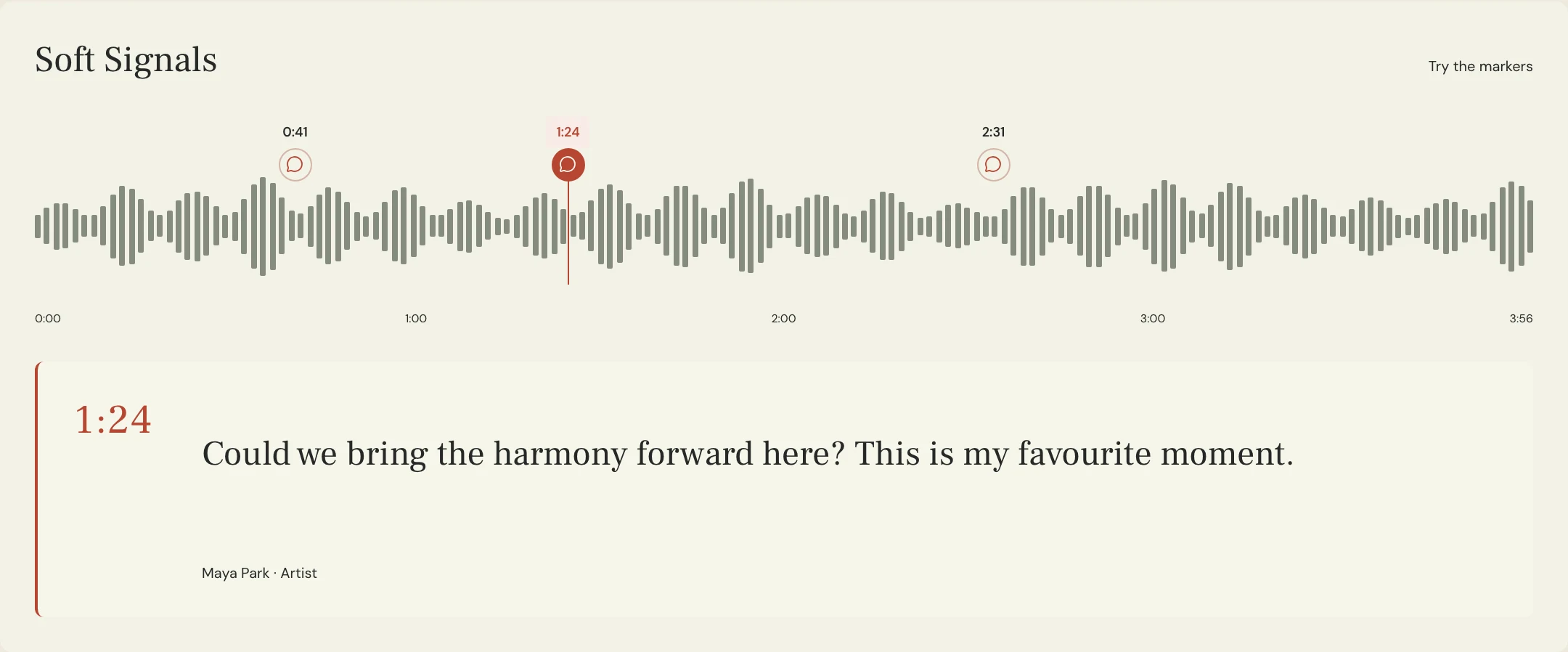
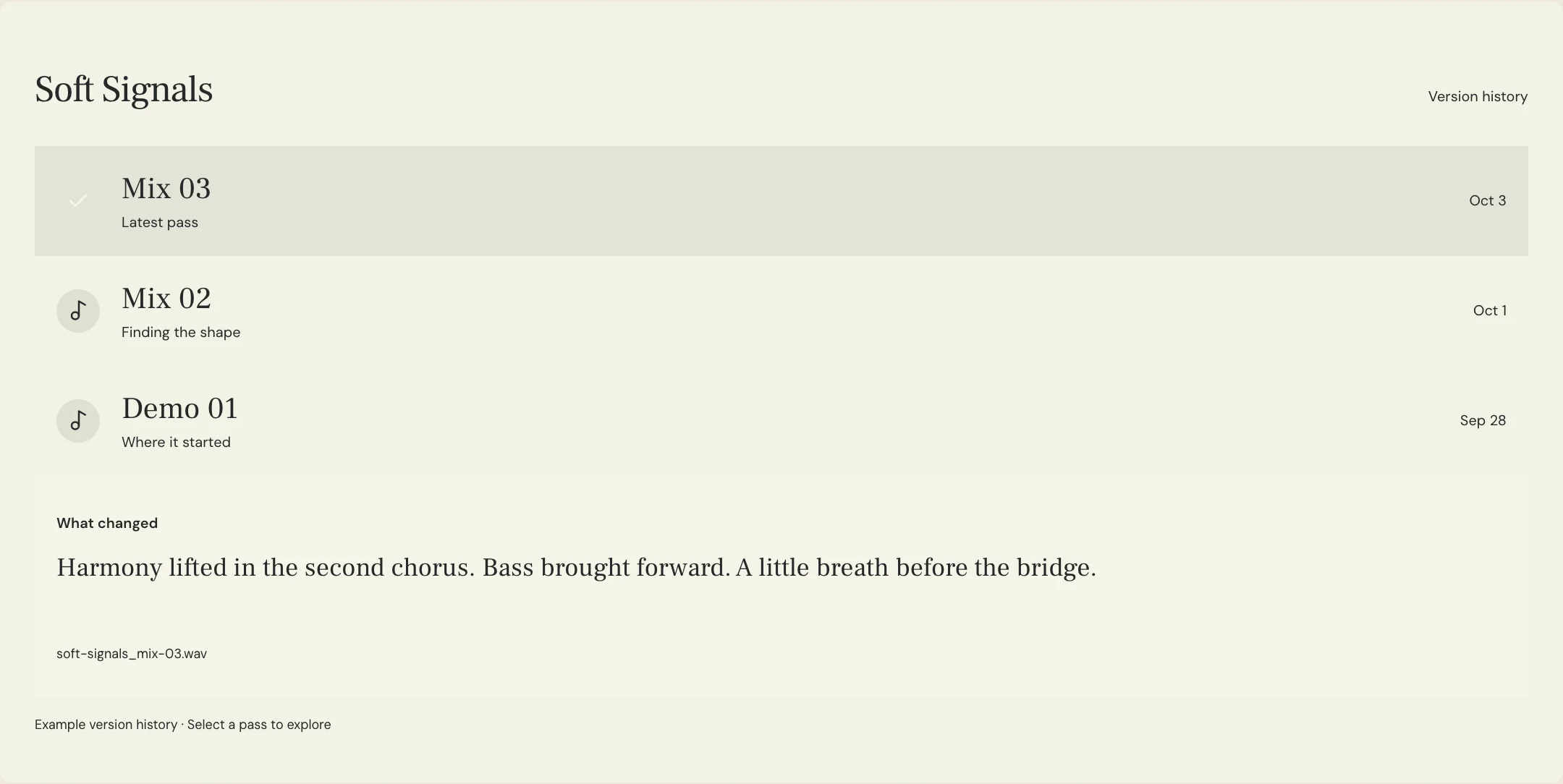
Use the original timeline consistently for the first brief. After a section is removed, later events move earlier, so an unqualified timestamp can point to the wrong passage. When reviewing the new export, identify the new pass and use its timestamps for new notes. In MixPass, a named audio pass and a location-specific note can support that conversation; the actual arrangement editing still happens in the editor’s audio software.
What should the editor check at each new transition?
Ask for each proposed join to be auditioned with enough music on either side to hear the phrase. A matching downbeat alone may not preserve a lyric’s meaning, a chord resolution, a drum fill, or a breath leading into the next line. Check whether the cut removes a setup that the following section depends on. Keep alternatives separate: one version might lose a repeat, while another reaches the chorus through a different transition.
Ableton’s Arrangement View manual distinguishes ordinary clip edits from time edits that change the timeline across tracks. That distinction matters when discussing whether the editor is closing a gap or merely muting a part. The same manual documents clip fades and crossfades. These are editing tools, not proof that a join is musically successful. Ask the engineer to review the affected tracks, effects, and any automation, and judge the result by listening in context.
What shorter-edit brief can you send to your producer?
Constructed example: the fictional Soft Signals team wants a more direct listening version while keeping both verses and the final chorus. Their starting request removes one intro repeat and an instrumental passage before the bridge. The times refer only to this invented source map. They are proposals for review, not instructions to cut the current MixPass preview recording or a guarantee that the proposed arrangement will work.
Notice that the brief asks for a candidate export rather than claiming a final duration in advance. If the first edit still runs too long, the editor should return the measured length and a further proposal. This avoids a chain of increasingly vague requests to “make it tighter.” Once the arrangement is chosen, confirm which companion files need the same structure, such as an instrumental or a performance version.
SONG: Soft Signals
SOURCE: Main arrangement 08
REQUEST: Shorter listening edit
DURATION: Aim near three minutes; confirm any hard limit with the recipient before final delivery
KEEP: Both verses, bridge vocal, final chorus lift, and natural ending
PROPOSAL 1: Source 0:08–0:16, second intro repeat; remove it while preserving the pickup into verse one
PROPOSAL 2: Source 2:12–2:28, instrumental passage before the bridge; audition a direct transition
JOIN CHECKS: Phrase continuity, lyric meaning, drum fills, effects, and automation
IF STILL TOO LONG: Return measured duration and propose the next cut before removing more
CONTENT EDITS: None requested
COMPANION FILES: Confirm whether a matching instrumental is needed
RETURN: Named candidate export with a short change list
REVIEW OWNER: Maya
FINAL CHECK: Listen to every join and the entire exported file
Copy or download, then fill in the details for your song.
How do you review and deliver the chosen shorter version?
First check the musical result against the brief: all protected sections remain, each approved removal happened, and the beginning and ending feel intentional. Then listen to the entire exported file at a comfortable level. Check joins for clicks, abrupt effects changes, stray syllables, unexpected pauses, and jumps in musical energy. A loop around a cut is useful for diagnosis, but the full listen tests whether the shorter song still tells its story.
Check the actual exported duration and the final decay, rather than estimating from the session’s last visible clip. Ableton’s export documentation identifies render start and length as settings that define the exported range. In any DAW, confirm the intended range with the responsible engineer and inspect the resulting file. Keep the full version identifiable, label the approved shorter alternate clearly, and confirm recipient-specific formats before delivering matching companion versions.
A few more things
Common questions
Is a shorter edit the same as a clean edit?
They describe different changes. A shorter edit changes the arrangement or duration; a clean edit addresses specified content. A project may need both, but list each requirement and review it separately.
Should you speed up the song to reach a target length?
Treat a speed or tempo change as a separate creative proposal. Do not assume the artist wants it. Explain the duration requirement and ask the producer for options that preserve the intended performance.
Can the editor work from only the stereo master?
Ask what is achievable from the supplied file. A stereo source may permit some cuts, while an editable session can offer other ways to rebuild a transition. Agree on the source and limitations before the work begins.
Do old feedback timestamps still apply after a cut?
Keep them as references to the original pass. Later sections move when time is removed. Review the shorter export as a new named version and write subsequent notes against its own timeline.
Further reading
Technical background from the original sources referenced in this guide.
Your next pass
Give the song a shared home.
Keep the versions, lyrics, feedback, and people together in MixPass.