
The short answer
A recording credits sheet lists the people and roles for one recording. Start with the track title and approved master filename. Confirm each public name and specific contribution, then have a release owner map those rows to the distributor’s fields. Keep the verified sheet with the files for that version.
Keep these in mind
- Record one role per row and use the name the contributor confirms.
- Tie each sheet to the delivered version, with its ISRC if assigned.
- Keep a copy of the submitted fields and check the credits after release.
Which recording does this sheet describe?
Start with the track title, release artist, version and exact approved audio filename. If the recording already has an ISRC, add it beside the filename. The filename helps your team identify the audio you actually heard and sent. The ISRC guide explains when the recording identifier can carry over and when to check with the issuing party.
Duplicate the sheet when an alternate version needs its own credit review. Carry over confirmed rows where they still apply and mark the changed roles for review. A spelling correction can be logged on the same sheet. Capture the delivery date and who checked the file so a later correction starts from a traceable version.
What should you ask each contributor to confirm?
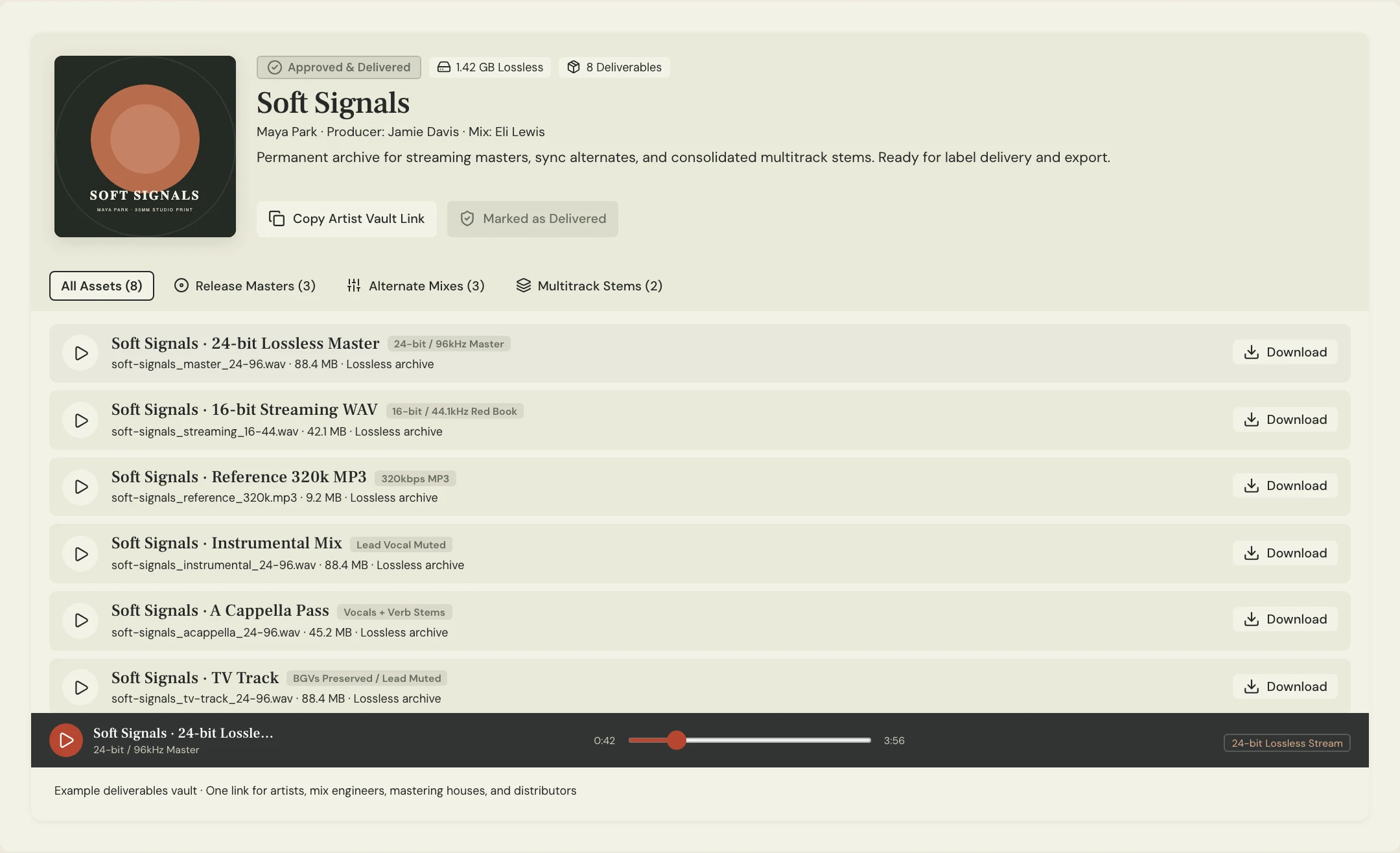
Ask each person how their name should appear publicly and which instrument or role they contributed. Give a singer who also plays keys two rows so a reviewer can check each role individually. If someone has both a public name and a legal name, share only the public name on the team sheet and collect additional details privately when your distributor asks for them.
Apple Music’s delivery guidance describes track-level performer, composition and lyrics, and production and engineering credits. It asks for specific instruments or roles. DDEX describes collecting recording information as work moves through recording, mixing and mastering. Add entries at those handoffs while the session details are easy to verify. Keep the songwriting split sheet with your separate composition records.
What can you copy into your recording credits sheet?
Constructed example: Soft Signals is delivering Lantern. Maya Chen confirms her public name and two roles, lead vocal and synth bass. Jules Park mixed the main version. The radio edit uses a newly mixed vocal section from Ren Alvarez, so the release owner checks the alternate’s engineering credits with both engineers before mapping the rows.
Paste the block below into a working note or a spreadsheet. A confirmation field should say who checked a name and role and when. If a role needs discussion, mark it pending and assign it to a specific person. Keep your distributor’s exact field label beside your internal wording once you know how the contribution will be delivered.
RECORDING CREDITS SHEET
Track: Lantern | Release artist: Soft Signals
Version: Main | Approved file: Soft Signals - Lantern - Master 03.wav
ISRC: [assigned code, if available] | Release owner: [name]
Public name | Role or instrument | Confirmed by/date | Distributor field
Maya Chen | Lead vocal | [name/date] | [field]
Maya Chen | Synth bass | [name/date] | [field]
Jules Park | Mixing engineer | [name/date] | [field]
[name] | [role] | [pending or confirmed] | [field]
Open question / owner / due date: [detail]
Submitted metadata and date: [where saved/date]
Post-release credit check: [service/link/date/correction needed]
Copy or download, then fill in the details for your song.
How do you check the credits before and after delivery?
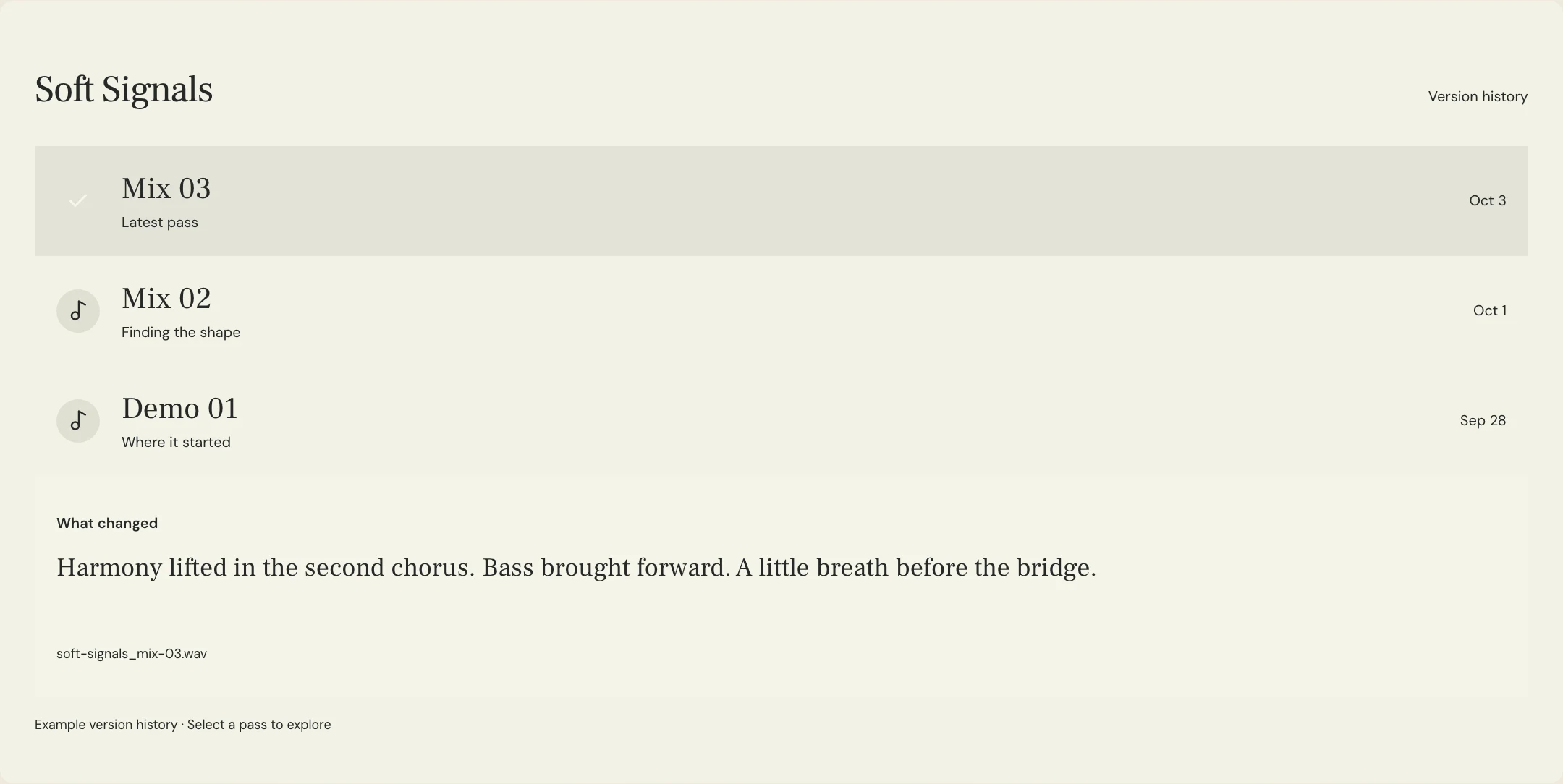
Pull up the approved pass and the sheet side by side before submitting metadata. MixPass version history gives you the pass label and change notes. If a note says the alternate has a new vocal, ask who performed or edited it and confirm the role before copying the main-version rows. Save the completed sheet with your final masters and archive the fields the release owner actually entered.
Spotify describes receiving metadata from a label or distributor. Use their form to deliver the credits and ask how to submit a specific role if the form does not offer it. When the release goes live, check the track’s credits in each service you can access. For a missing or misspelled entry, send the distributor the live track link, the confirmed name and role, and the release information they request.
A few more things
Common questions
Can one person appear twice?
Yes. Give each confirmed role its own row in the working sheet, then follow the distributor’s format for entering multiple roles.
Can I start before an ISRC is assigned?
Yes. Use the track title, version and approved filename to identify the recording, then add the assigned ISRC when available.
Can I reuse credits from another version?
Copy them as a starting point and confirm which contributions carried over. Check changed performances, production and engineering against the new recording.
Where do I fix a missing Spotify credit?
Contact the distributor or label that delivered the track and provide the corrected role and spelling with the release details they request.
Further reading
Technical background from the original sources referenced in this guide.
Your next pass
Give the song a shared home.
Keep the versions, lyrics, feedback, and people together in MixPass.
Building an upcoming single or EP? Apply for the Founding Testers Program for 3 months of Pro free in exchange for feedback (50 early seats).