
The short answer
Keep the existing ISRC when you release the same recording again, such as putting the unchanged single on an EP. A new recording or materially changed recording needs its own code. Compare the delivered audio with the previously issued recording and describe the change before asking the registrant to resolve ambiguous cases.
Keep these in mind
- Match the identifier to the recording delivered.
- Distinguish format changes from changes to the recorded performance or mix.
- Keep a record of the decision and the file it covers.
What does the ISRC identify when a song has several versions?
The ISRC identifies a recording. Start with the actual recording you previously delivered and the one you plan to deliver now. Two audio files can have different names and still carry the same recording. A live performance of the same song can use the same title and still be a distinct recording.
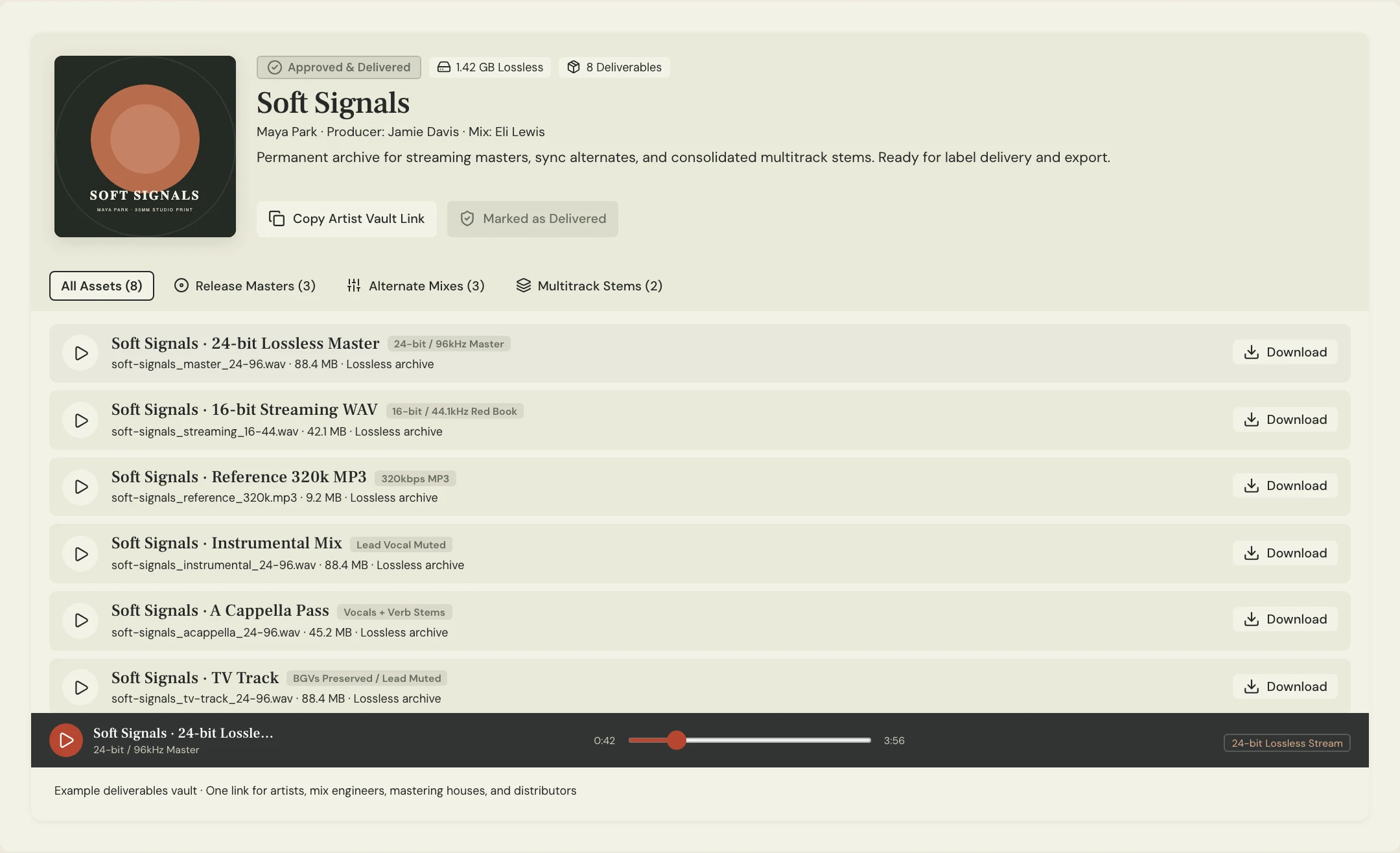
Collect the previous release metadata and the exact approved file from the release archive. Write the previous release and version beside the proposed delivery. This simple comparison keeps a new release name or a renamed export from driving a recording identity decision.
Which edits and remasters call for a closer look?
IFPI distinguishes unchanged reuse from a material change. An unchanged single included on an EP keeps its code. A new live take is a separate recording. If the release contains a new remix or a substantially edited recording, flag that version for its own identifier. Write down what was changed so the registrant can make the assignment from the actual work.
The remaster case needs more care. IFPI’s FAQ makes significant new creative input the relevant test for a remaster. A routine conversion or restoration step alone does not establish a new recording. If the description is just “remaster,” ask the engineer to specify what changed in the audio, then confirm treatment with the responsible registrant or distributor.
| Proposed delivery | Evidence to gather | Next step |
|---|---|---|
| Unchanged single on EP | Approved single master and existing ISRC | Carry the existing code forward |
| New live take | Recording session and approved take | Assign its own identifier |
| Remastered delivery | Engineer’s description of changes | Confirm treatment using IFPI guidance |
How does this work when the same release includes an alternate?
Constructed example: the fictional Soft Signals team puts its released studio single Lantern on an EP and includes a live Lantern as a bonus track. The engineer confirms that the EP slot uses the already released studio audio. The team carries its existing ISRC into that slot and separately routes the live take for assignment.
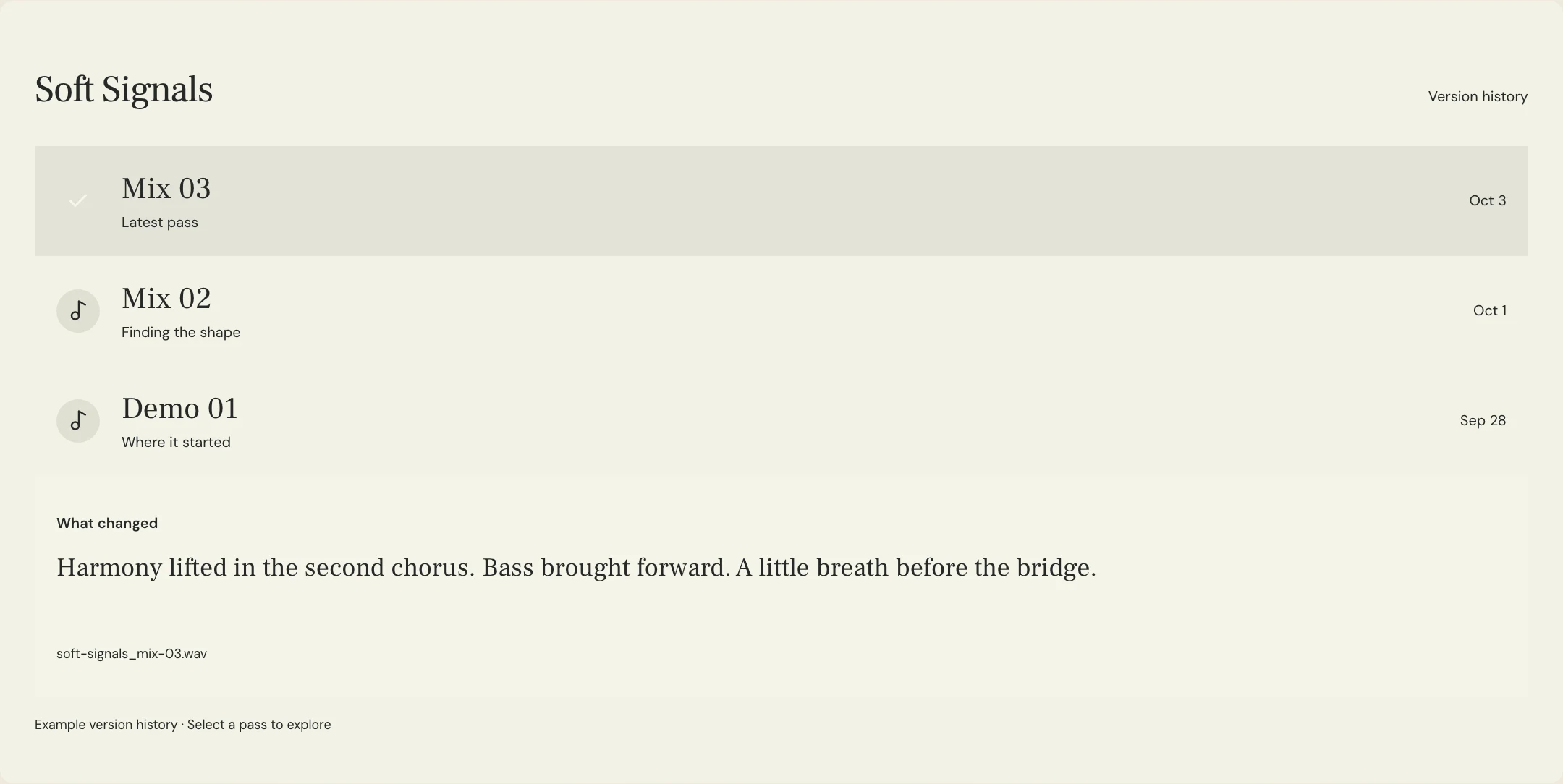
A third file called Lantern Final lands in the folder. The name gives the release owner no basis for using either code. The engineer identifies it as a listening copy of the studio master and removes it from the delivery set. Keep the approved delivery filename and the recording identity on the same line so a later handoff can reconstruct that decision.
What should the distributor handoff include?
Use one row per recording with its title and version, approved filename, prior release if applicable, existing or newly assigned ISRC, and the person who confirmed the decision. For any change that needs review, include a short description from the engineer and leave the row open until it is resolved.
Before submission, read the metadata back against the audio list. After delivery, save the distributor’s confirmation alongside the same list. MixPass can help the team review identifiable audio passes. Make the assignment and record its confirmation through the responsible registrant or distributor. The review pass name is evidence about the file and does not itself assign an identifier.
A few more things
Common questions
Does a new EP title require a new code for the single?
The unchanged recording keeps its code when it is reused on the EP.
Does a live take get its own ISRC?
Yes. It is a different recording of the song.
Does a file format conversion require a new code?
A format change alone does not change the identity of the recording.
Who should resolve an ambiguous remaster?
Bring the engineer’s description to the responsible registrant or distributor and consult IFPI’s guidance.
Further reading
Technical background from the original sources referenced in this guide.
Your next pass
Give the song a shared home.
Keep the versions, lyrics, feedback, and people together in MixPass.
Building an upcoming single or EP? Apply for the Founding Testers Program for 3 months of Pro free in exchange for feedback (50 early seats).