
The short answer
To sequence an EP, define the listening journey, choose a candidate running order, and audition the songs together using identified versions. Review each transition as well as the complete release. Record the intended pauses, overlaps, and track starts in a worksheet, then approve the engineer’s assembled sequence before final delivery.
Keep these in mind
- Choose an order for the whole listening experience, then check every neighboring pair.
- Track order, the audible space between songs, and file boundaries need separate decisions.
- Approve a specific assembled sequence and keep its source versions identifiable.
What should the EP feel like from beginning to end?
Write one sentence about the journey before moving titles around: an intimate opening that grows into a dense finish, for example, or an energetic arrival followed by a quieter resolution. Treat that sentence as a proposed creative direction, not a formula. Your opener can introduce the record’s world, while the closer can leave a deliberate final impression. Neither role has to belong to the loudest song.
Make a short card for each track with its current version, opening texture, ending character, lyrical mood, and role in the release. Describe what you hear instead of reducing each song to a tempo or key label. Two songs at different tempos can feel similarly intense; two songs with matching instrumentation can serve very different emotional purposes. Use the cards to propose one order you can explain to the team.
How can you compare two running orders fairly?
Keep the audio versions constant while testing order. If Candidate A contains a brighter, louder master of one song and Candidate B contains its earlier mix, the comparison answers several questions at once. Record a source list first. If a source must change, give the sequence a new candidate name and explain the substitution so reviewers can separate that change from the new order.
Begin with a full listen to the first candidate, then write the places where attention or momentum changes. Try an alternative that addresses a specific concern, such as moving a quiet song away from another quiet song when the middle feels stalled. That is a listening experiment for your release, not a rule that quiet tracks cannot sit together. Compare the complete journeys before committing to either.
iZotope’s album-mastering guide treats sequence and spacing as creative decisions and notes that order can influence level and processing choices. Bring your proposed running order into the mastering conversation early. If it changes later, ask which transitions or delivery checks need another review rather than assuming the existing assembly still represents the release.
What should you hear at every transition between songs?
Listen from the outgoing song’s last meaningful phrase through the incoming song’s opening. Decide whether the next song should feel like an immediate continuation, a clean new scene, or an intentional pause. Include the ending decay in that discussion. A pause measured from the final performed note is different from one measured after the last audible reverb. Give the engineer the musical intention before negotiating exact timing.
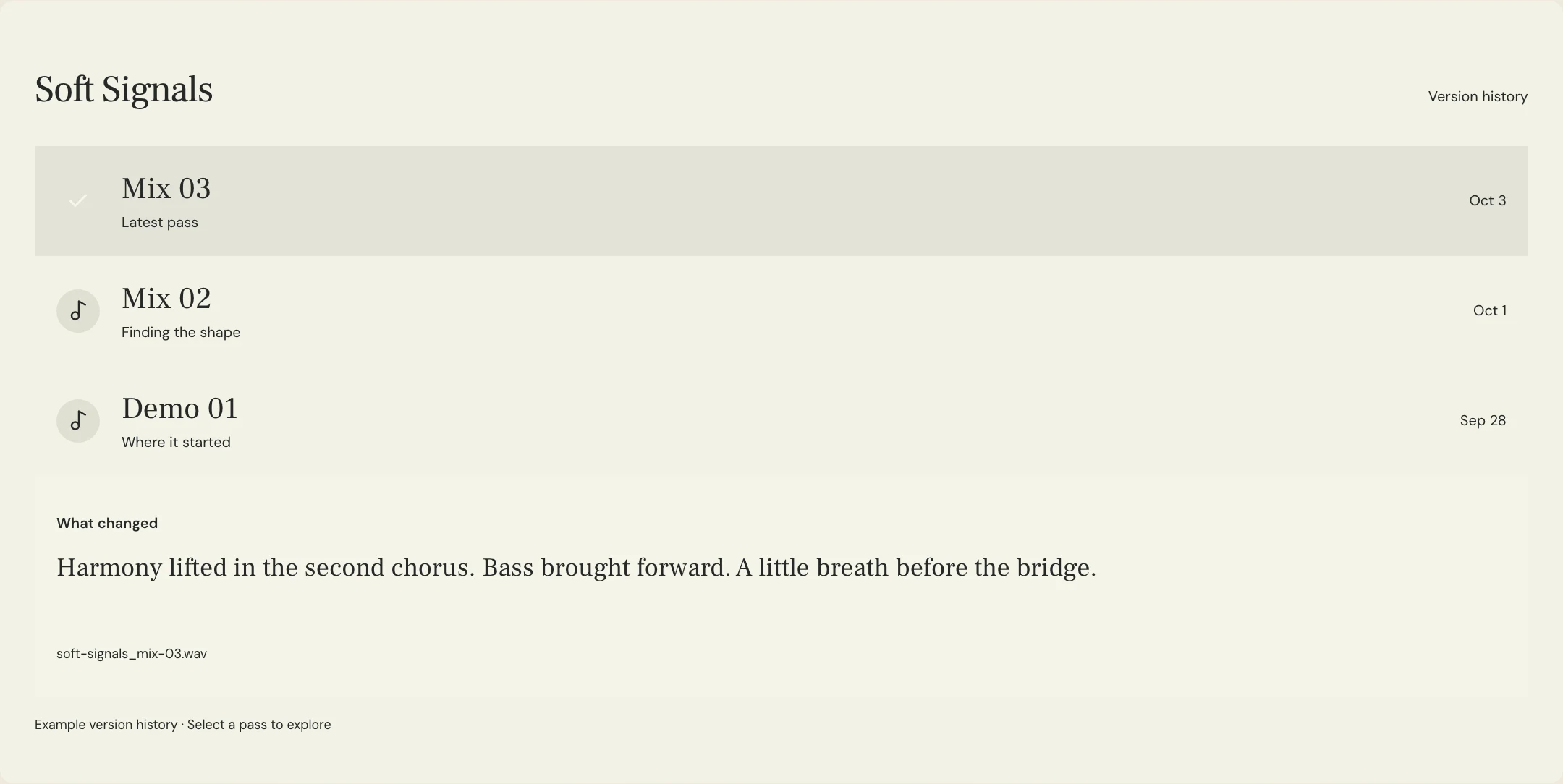
Use a transition ledger to record each neighboring pair. Note any tail that must remain, whether the songs should overlap, and where the incoming track should begin when selected on its own. Ask the mastering engineer to return an assembled candidate so the team can hear the actual join. Do not create overlapping final files by guesswork while another person is also building the sequence.
When an overlap is intentional, review both continuous playback and the individual track starts. A transition can feel satisfying in sequence yet make a standalone start confusing. Describe that compromise to the engineer and agree on the intended delivery. Different release formats or recipient requirements may need separate assemblies; a listening preview alone does not settle those specifications.
| Boundary question | Write in the ledger | Check on the returned candidate |
|---|---|---|
| What carries out of the first song? | Last lyric, final hit, ambience, or other protected sound | The intended ending is present |
| What connects the pair? | Pause, direct change, or deliberate overlap | The join matches the agreed musical intention |
| What starts the next track? | First audible event and any pickup to preserve | The selected track starts as intended |
| Which files are being reviewed? | Source pass names and assembled candidate label | The preview and final source list agree |
What EP sequencing worksheet can you send to the team?
Constructed example: the fictional Soft Signals team is sequencing a four-song EP. Maya wants an immediate opening, a breathing space in the middle, and a quiet closer. These invented titles and decisions illustrate the worksheet; they do not describe an audio test, a customer project, or the recording shown in the product previews.
The team compares two orders using the same sources and asks the engineer for a continuous preview of the preferred one. The worksheet marks a single boundary for further listening instead of approving all gaps with a general “sounds good.” Replace the descriptive timing with agreed measurements only after hearing the candidate. Keep the musical goal beside those measurements so later revisions remain understandable.
RELEASE: Soft Signals EP
JOURNEY: Immediate opening, breathing space, quiet resolution
SOURCE LIST: Lantern Mix 08; Open Door Mix 06; Half Light Mix 09; Morning Room Mix 05
CANDIDATE A: Lantern / Open Door / Half Light / Morning Room
CANDIDATE B: Open Door / Lantern / Half Light / Morning Room
PREFERENCE TO TEST: Candidate A
BOUNDARY 1: Lantern into Open Door; preserve final decay, then a clean new entrance
BOUNDARY 2: Open Door into Half Light; audition a deliberate pause before the exposed vocal
BOUNDARY 3: Half Light into Morning Room; no overlap requested for this candidate
PROTECT: Opening pickup of Half Light and full closing ambience of Morning Room
RETURN: Sequence A 02, externally assembled continuous listening preview
CHECK: Whole journey; every join; individual track starts on final delivery
OPEN DECISION: Is the pause before Half Light convincing in context?
APPROVER: Maya
DELIVERY: Confirm format, file boundaries, and source list with mastering engineer
Copy or download, then fill in the details for your song.
How do you prevent playback settings from confusing the review?
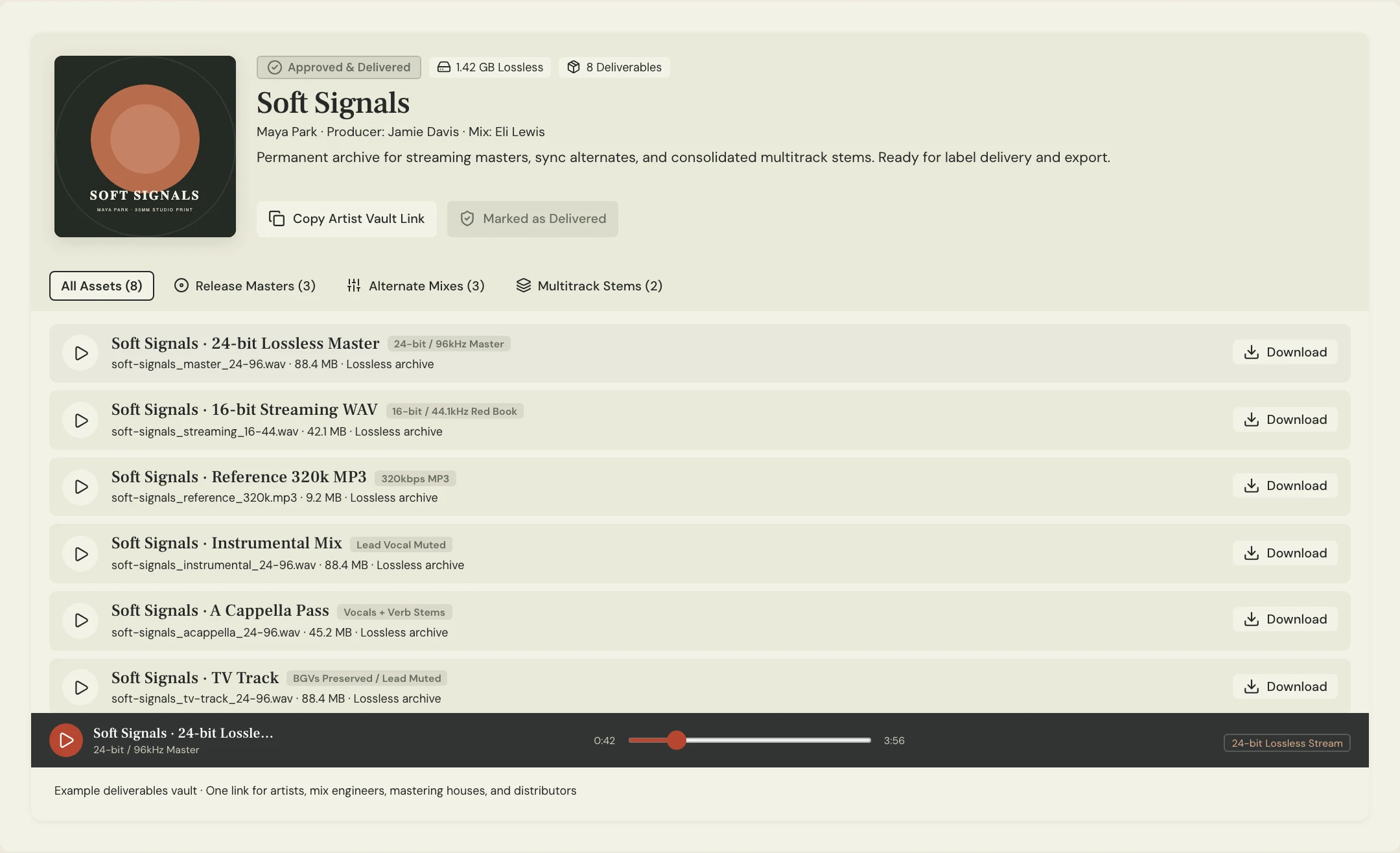
Write down the player and settings used for the listening check. Spotify documents crossfade as overlapping the outgoing and incoming tracks, while gapless playback addresses pauses between tracks. Those playback features are different from an engineer’s delivered sequence. For a controlled review, use the agreed sequence preview and a playback setup that does not add an unrequested transition.
If a join sounds wrong in one player, identify where the effect occurs before asking for a new master. Compare the engineer’s continuous preview with the separate delivered tracks using the agreed setup. Tell the engineer which files, player, and settings produced the concern. Avoid “fixing” the files solely to counter a setting that another listener may not use.
What does final sequence approval need to record?
Record the chosen order, exact song versions, approved transition instructions, and the name of the assembled candidate everyone heard. Distinguish a creative order approval from approval of the final delivery files. After the engineer returns those files, check their order, track starts, endings, and relationship to the approved preview. Resolve any version substitution before the release package goes onward.
In MixPass, named listening passes and timestamped feedback can hold the discussion about an uploaded sequence preview. Assembly and transition editing happen in the responsible engineer’s audio software. Use the preview’s timestamps for sequence notes, and identify the relevant song pair in the text. This keeps “the second transition feels rushed” attached to a specific candidate rather than floating across several running orders.
A few more things
Common questions
Should the strongest single always open the EP?
Choose an opener that serves the release’s intended journey. Try the single first if it fits, then hear the full sequence and compare an alternative when another opening creates a better introduction.
Does every song need the same gap afterward?
Choose the audible relationship between each pair rather than applying an unreviewed uniform pause. Agree on timing with the engineer after auditioning the assembled sequence.
Can the order change after mastering begins?
Discuss the new order with the engineer and identify which joins, levels, or deliverables need another check. Give the changed sequence a new label and obtain approval for that specific candidate.
Does MixPass automatically assemble or crossfade an EP?
Use audio software to assemble the sequence and edit transitions. Upload a listening preview for named-pass review and timestamped feedback; keep the final file and boundary decisions with the mastering handoff.
Further reading
Technical background from the original sources referenced in this guide.
Your next pass
Give the song a shared home.
Keep the versions, lyrics, feedback, and people together in MixPass.
Building an upcoming single or EP? Apply for the Founding Testers Program for 3 months of Pro free in exchange for feedback (50 early seats).