
The short answer
To brief a song ending, name the source arrangement and describe the last musical event, any fade, and what should happen to reverb or delay afterward. Give musical landmarks as well as source timestamps. Review the ending in context, then check the actual exported file before approving its duration and final silence.
Keep these in mind
- The last played note and the end of the delivered audio are separate decisions.
- Describe a fade’s musical start and intended finish rather than asking only for “a smoother ending.”
- Check the exported result, including effect tails and any required alternate versions.
What kind of ending are you asking the team to make?
Start with what the listener should experience: a final hit, an unresolved texture that fades away, or a performance that finishes while the room or effects continue. Avoid relying on a label such as “cold ending” to settle all those details. One collaborator may hear that as instruments stopping together; another may expect every audible sound to cut off. Describe the final musical event and the remaining sound separately.
Name the source arrangement so the team can locate that event. If you want an extra repeat, a shorter outro, or a newly recorded final chord, identify that as arrangement or performance work before discussing the finish. A fade can change the presentation of an existing outro, but it does not replace a decision about which performance should be underneath it. Keep the current version available while the team auditions alternatives.
| Intended result | Specify the musical event | Specify what follows |
|---|---|---|
| Final hit | Which chord, word, or drum hit ends the performance? | Natural decay, selected effect tail, or an intentional cut |
| Fade-out | Where should the level reduction begin? | Which parts fade, and what should remain audible near the end? |
| Stopped instruments with effects | Which instruments stop, and when? | Which reverb or delay continues, and how should it resolve? |
| Shortened outro | Which repeats or bars are removed? | How should the new ending connect and finish? |
How do you describe a fade so the engineer can audition it?
Identify the passage where the fade should start, then describe the listening goal: for example, let the last lyric stay clear before the repeating instruments recede. Say whether the whole mix fades together or a particular part changes first. If you have a proposed endpoint, mark it as a review target and explain any firm duration requirement separately. The engineer can then return a candidate whose shape can be judged against the music.
Ableton’s automation manual describes recording control movements and editing envelopes over time. That is one way an engineer can shape changing level, but a written instruction does not determine a convincing fade curve by itself. Listen to the candidate through its final audible moments. Note whether the reduction begins too early, reveals a distracting sound, or feels like it stalls before disappearing. There is no single fade duration prescribed for every song.
What should happen to reverb and delay after the instruments stop?
Ask which sounds should remain after the last performed event. A delay repeat might carry a final word, while a reverb decay might supply the sense of space. Alternatively, the production may call for a deliberate cut. Make the intention explicit before anyone trims the file. If one tail is distracting, describe that sound and its location rather than asking for all remaining audio to be removed.
The export range also matters. Ableton’s file-management manual identifies render start and length as settings that define the exported range and documents a separate loop-rendering behavior for tails. For a normal song delivery, ask the engineer to confirm the intended range and inspect the resulting ending. A session that sounds right during playback can still produce a file whose selected range misses part of the intended finish.
What song-ending brief can you send to your producer?
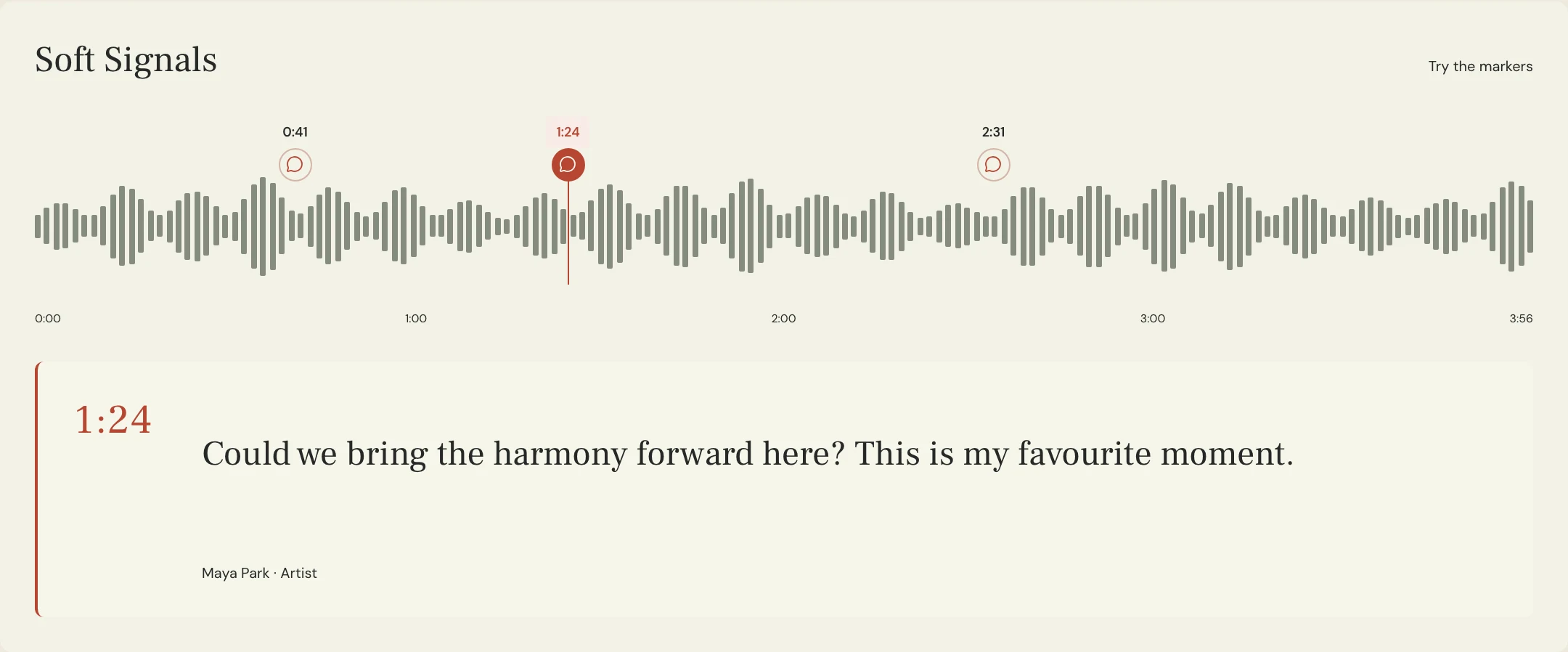
Constructed example: the fictional Soft Signals team wants the final band hit to remain, followed by its reverb decay, with no additional instrumental repeat. Maya asks for a candidate before deciding the exact end of the delivered file. The timing below is an invented reference for this example, not a measurement of the preview recording or a customer session.
The brief separates the required musical decision from the final export check. It also identifies the companion instrumental so its ending can be reviewed deliberately. Different alternates may expose different tails when vocals are removed; do not assume every file should simply inherit an unchecked trim. In MixPass, named listening passes and timestamped notes can hold the review context, while editing and export happen in the responsible engineer’s audio software.
SONG: Soft Signals
SOURCE: Arrangement 10 listening export
ENDING DIRECTION: Final band hit, then natural reverb decay
MUSICAL LANDMARK: Last chorus final chord, 3:12 on the named source
ARRANGEMENT: Keep that hit; no additional instrumental repeat
FADE: No whole-mix fade requested for this candidate
AFTER THE HIT: Keep the intended reverb; inspect any stray delay repeat separately
EXPORT END: Include the intended decay; agree final trim after hearing the candidate
DURATION REQUIREMENT: No hard maximum specified for this round
COMPANION FILE: Check the instrumental ending against its own audible contents
RETURN: Ending candidate 02 with a short change note
REVIEW: Full final chorus, last hit, decay, and the actual exported file
DECISION OWNER: Maya
Copy or download, then fill in the details for your song.
How do you approve the ending and the delivered file?
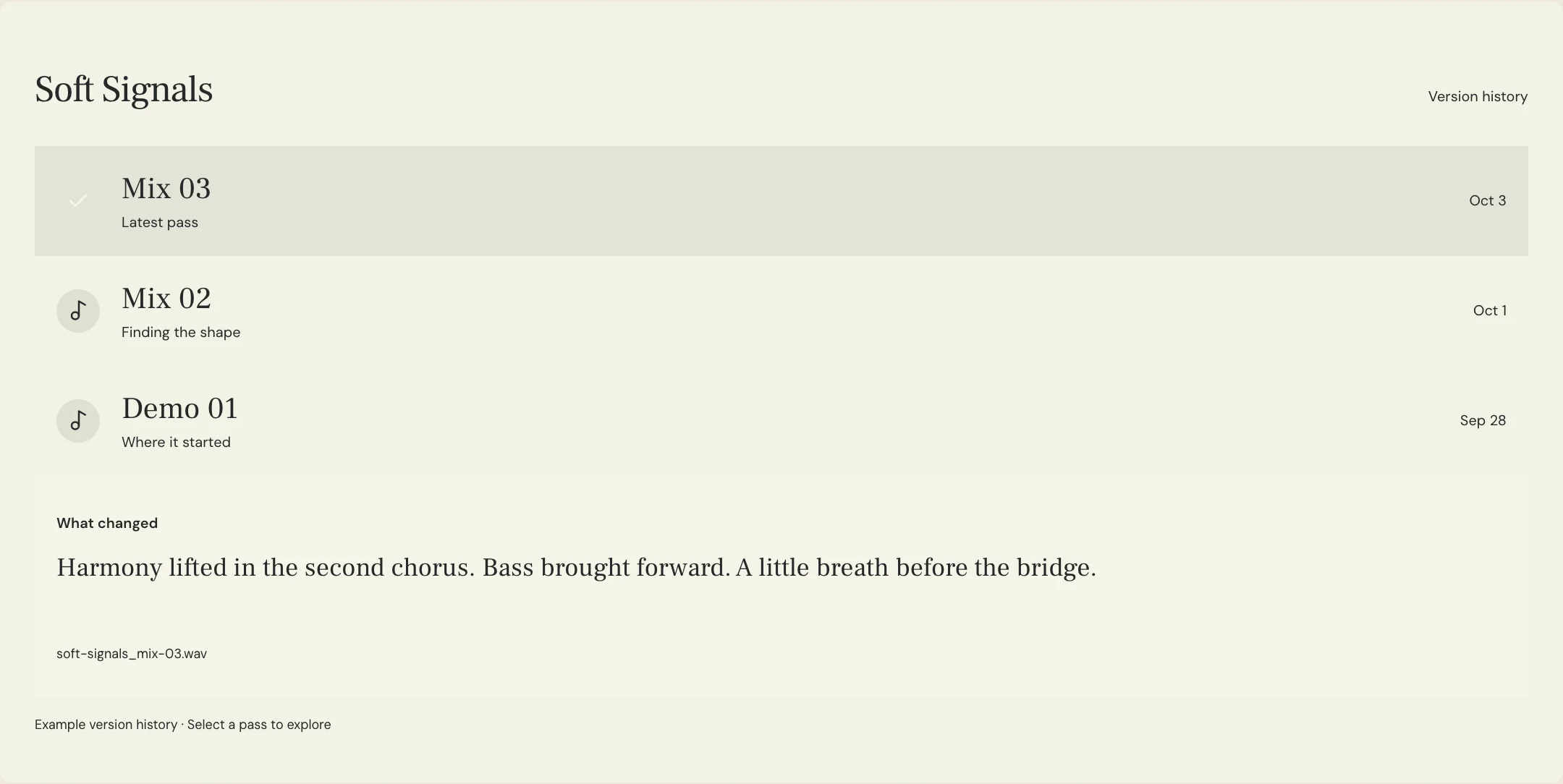
Listen from well before the ending so you can judge its pace and emotional effect, then replay the final event and decay more closely. Check the lyric, the final transient, the transition into any fade, and the last audible effects. Keep monitoring comfortable; raising the volume aggressively to chase the final noise is not a useful substitute for asking the engineer to inspect the file. Record the specific concern if something feels cut short or hangs on unexpectedly.
Finally, play the actual export from start to finish and check its duration and final silence against the delivery brief. Keep the chosen pass identifiable, ask who is responsible for any later mastering fade or trim, and confirm recipient-specific requirements before sending final files. When an EP or album needs a transition into another song, review that sequence separately. Approval of an isolated ending does not establish how the next track should enter.
A few more things
Common questions
Should a fade happen during mixing or mastering?
Agree on responsibility with the people handling those stages. Make the desired ending and the current processing clear so a fade is not added twice or removed unintentionally. Review the resulting deliverable before approval.
Does a stopped ending require every effect to stop immediately?
Not necessarily. Specify whether reverb, delay, or natural instrument decay should remain. The label alone can be interpreted differently, so describe the desired audible result.
Can a shorter edit keep the original ending?
It can if that is the agreed arrangement and the revised transition works. Identify the ending as a protected element, then check it in the shorter version rather than assuming the original context is preserved.
Should all alternate versions have exactly the same final silence?
Confirm what the recipient needs and inspect the actual contents of each alternate. Matching arrangement or alignment requirements may matter, but do not remove intended audio simply to make unreviewed file lengths identical.
Further reading
Technical background from the original sources referenced in this guide.
Your next pass
Give the song a shared home.
Keep the versions, lyrics, feedback, and people together in MixPass.