
The short answer
Start from the exact lossless master you plan to deliver. Generate or audition an AAC preview with the relevant encoder, then switch between source and preview at a comparable listening level. Check loud transients, bright sustained sounds and quiet tails. Log the file, encoder settings and any repeatable difference before requesting another master.
Keep these in mind
- Keep the lossless delivery file and the encoded audition copy clearly identifiable.
- Use the documented encoder for the destination when one is specified.
- Recheck the exact passage and encode settings after a mastering change.
Which file and encoder should you start with?
Start with the lossless audio file the release owner expects to deliver. Record the filename and version. Use an encoder or preview tool that matches the delivery requirements you are checking. A preview of an earlier master or a different encode can answer a different question. If you are testing a general use case, record the codec and settings so someone else can reproduce it.
For Apple Digital Masters, Apple’s asset guide specifies auditioning with the current Apple AAC encoder. Apple makes AURoundTripAAC and afclip available on macOS and describes using an Audio Unit host to audition the result. Follow Apple’s current requirements if that is your destination. Keep the lossless master and identify any encoded file as an audition copy.
How do you compare the lossless and encoded audio fairly?
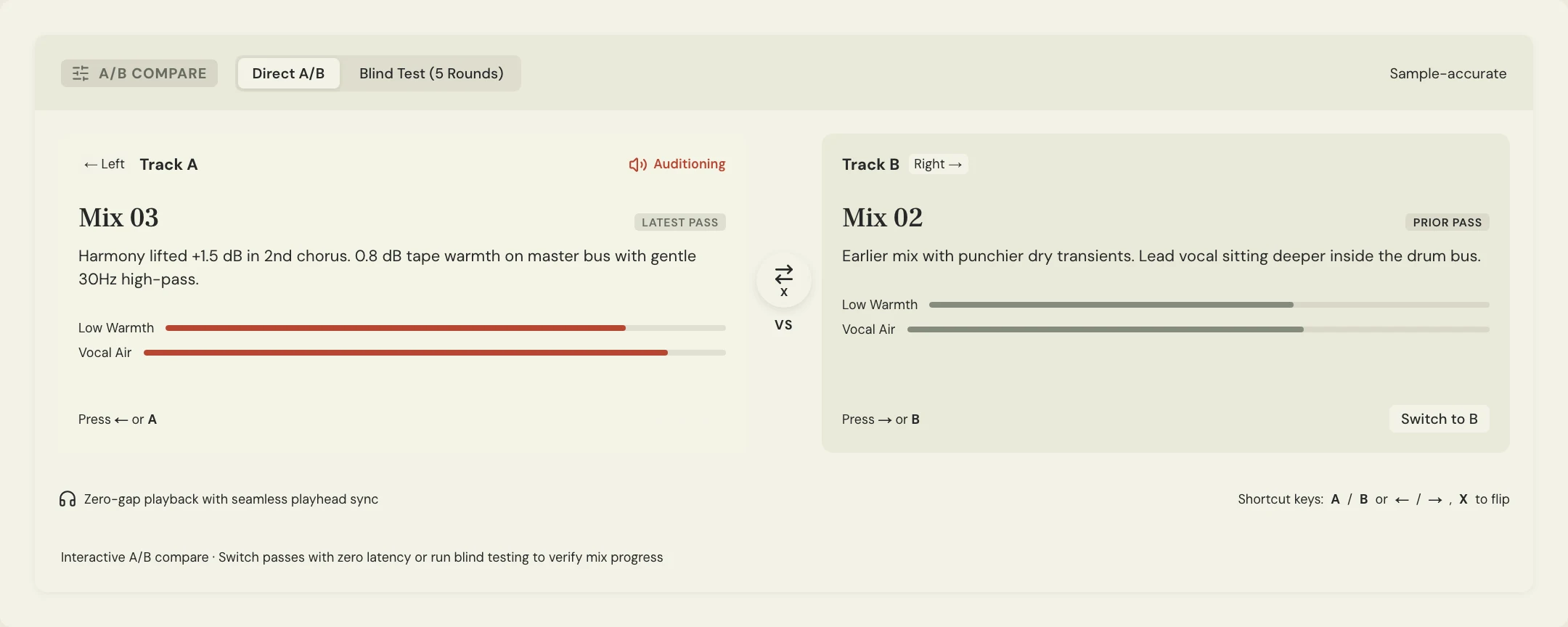
Choose three passages before you listen. Pick the loudest transient or chorus, a bright phrase with cymbals or consonants, and a quiet ending with an audible decay. In a real-time preview, switch at the same location. If you render an AAC copy and bring it into a session, verify that it plays from a matching musical cue and that both tracks share the same path to the speakers.
Keep the monitoring setting fixed and match playback levels closely enough that a louder version does not influence the choice. Switch back to the uncompressed master when you hear a crackle, a smeared attack or an unusual tail. If it follows both versions, investigate the source. If you can reproduce it only in the preview, record where it happens and which encode produced it.
What should you do if the preview sounds distorted?
Check the original export first and use the clipping guide if the distortion is already there. Check any peak or clip indication your encoder test exposes, then confirm the moment by ear. iZotope’s Codec Preview documentation describes comparing a lossy audition with the original and using clip indicators to find possible peaks introduced by encoding.
Constructed example for the fictional Soft Signals track Lantern. At 1:18 a loud consonant and cymbal land together. Master 03 plays clean in the source, but the AAC preview has a repeatable crackle at that point. The engineer checks the encoded peak and tries a version with a little more output headroom. The team runs the same encoder again and also checks the attack and outro to make sure the revision still serves the song.
| Passage | What to check | What to log |
|---|---|---|
| Loud chorus | Crackle or a softened attack that appears in the encode | Timestamp, clip indication and exact master |
| Bright sustained sound | Changed consonants or cymbal decay at matched level | Codec, settings and repeatable difference |
| Quiet ending | Changes in the tail or noise as it decays | Start and end of the comparison |
| Revised master | Same suspect passages through the same encoder | New file label and decision |
How do you hand off the result without mixing up the files?
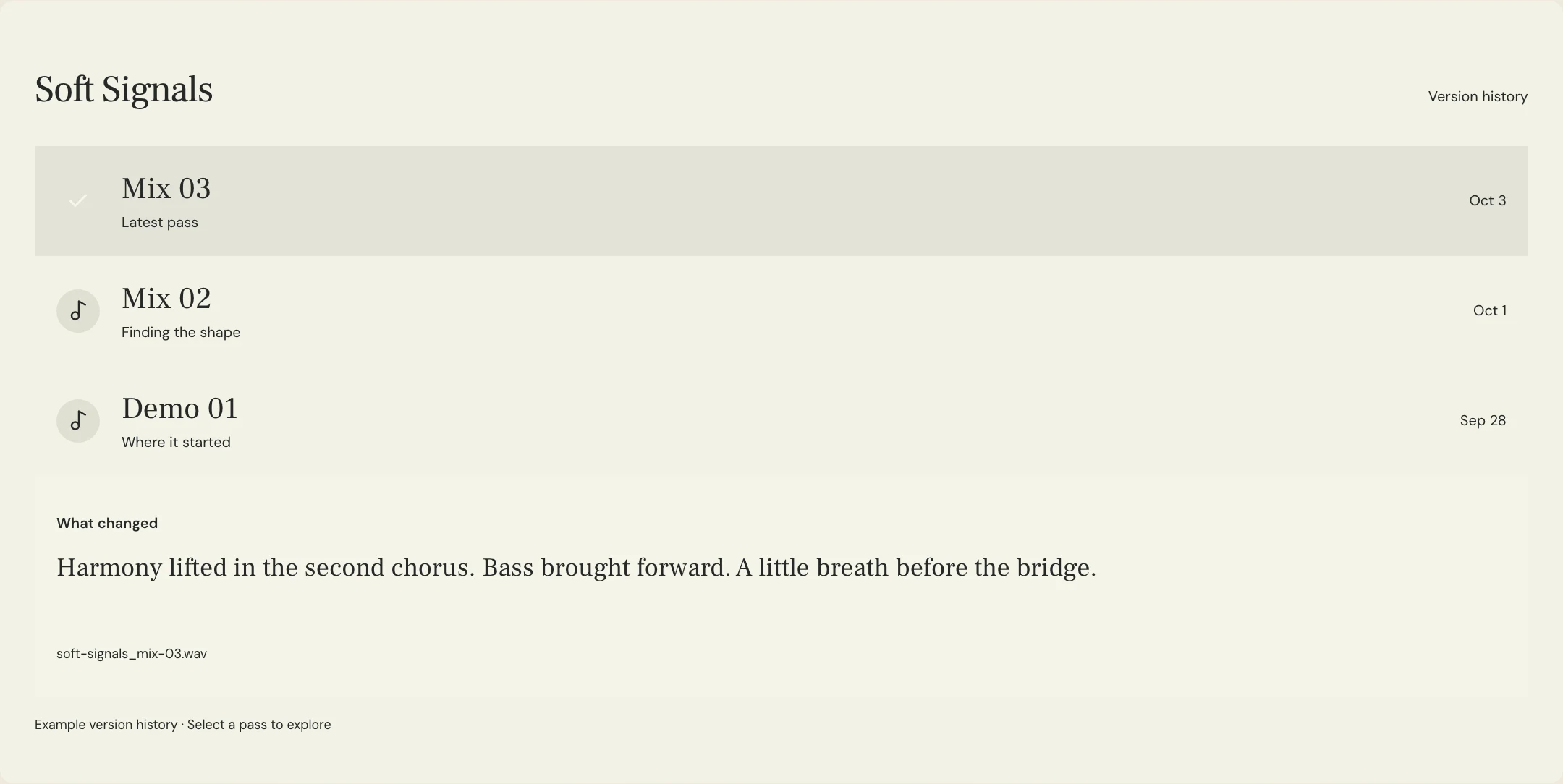
Record the approved master filename, the tool and settings used for the preview, the checked sections and who signed off. If you keep the encoded audition file, give it a label that says AAC preview. Follow the recipient’s lossless delivery requirements and use the final masters guide to keep the correct export organized.
Use labeled listening passes and timestamped notes in MixPass to discuss an audible issue or a revised master. Audio checks can report true peak on eligible uploaded files. Meter the specific decode in the encoder workflow when you need to check the encode itself. Keep the master review focused on the listening result and the approved file.
A few more things
Common questions
Should I deliver the AAC preview?
Use the recipient’s required delivery format. For a lossless master delivery, label AAC as an audition copy and send the approved lossless master.
Is AAC preview the same as Spotify normalization?
AAC preview tests what encoding changes. Normalization changes playback gain. Check them separately when both matter.
What if the meters show a peak but I cannot hear distortion?
Listen at the marked point and record both observations. Follow the destination’s requirements and check with the mastering engineer if headroom needs adjustment.
Can one AAC preview represent every service?
Treat it as evidence for the encoder and settings you tested. Use the destination’s documented workflow where available.
Further reading
Technical background from the original sources referenced in this guide.
Your next pass
Give the song a shared home.
Keep the versions, lyrics, feedback, and people together in MixPass.
Building an upcoming single or EP? Apply for the Founding Testers Program for 3 months of Pro free in exchange for feedback (50 early seats).