
The short answer
For a guitar reamp, send the dry DI from the exact take you want to keep, along with the current tone in context. Mark the passages the engineer should audition, explain how the new tone should behave, and agree on how the returned prints should align with the original performance.
Keep these in mind
- Lock the performance and identify its dry DI.
- Describe what the new tone needs to do in the song.
- Compare aligned prints before choosing which one to keep.
Which dry recording should go to the engineer?
Send the DI that matches the take or edit in the current production. A direct recording lets the engineer try a different amp or simulation using that performance. Radial and Focusrite describe capturing a dry signal for later processing. If you captured a miked amp or printed a simulation during the take, keep that sound as a reference and label it separately from the dry audio.
Play the exported DI against the current mix before sending it. Check the pickup into the song, the last note, and any edits you expect to be included. If the current tone came from a comp, confirm whether the DI follows that same comp. Label distinct performances separately. Two doubles played by the guitarist need two separate sources if both are meant to be reamped.
How should you describe the tone change?
Name the job the guitar has in the arrangement. “Keep the pick attack audible under the vocal, with less sustained fizz between phrases” tells the engineer more than an amp brand alone. Point to a short passage in the current rough mix where the problem is easiest to hear. If an outside reference helps, say which part of its sound you mean, such as the attack of the muted notes.
State which choices can change. A pedal feeding a physical amp and an amp simulation are both possible ways to audition a tone, depending on the engineer’s setup. Leave the chain open when the sound is what matters. If the guitar is meant to layer with the original tone, say so before printing. Ask the engineer to check the combined sound, since timing and polarity can change what you hear when the two signals play together.
What can you paste into a guitar reamp request?
Constructed example: the fictional Soft Signals team likes the guitar performance on Lantern but wants more space around the second chorus vocal. The existing amp print stays as an audible reference. The engineer receives the matching DI and returns two alternatives, each using the same performance. One preserves the original bite and one softens it. The team listens to both against the chorus vocal.
The team asks for a return that can be dropped onto the agreed timeline, plus a short listening pass for each option. A file trimmed to the first audible guitar note could lose its placement in the song. Agree on a common start and verify the return against the source, especially if the recording came back through hardware. Use the template to state both the creative decision and the file requirements.
SONG: Lantern
SOURCE DI: Lantern Guitar L DI 04, edit used on Production 08
TONE REFERENCE: Lantern Production 08, current left guitar
AUDITION: 1:18–1:34, second chorus under the lead vocal
GOAL: Keep pick attack; reduce sustained fizz between vocal lines
OPTIONS: A retains more bite; B softens the upper edge
USE: Replacement for current left guitar
RETURN: Two clearly labeled aligned guitar prints and two chorus previews
ALIGNMENT: Confirm common start and check against the DI
FORMAT: Confirm with receiving engineer
APPROVAL: Maya after listening in context
Copy or download, then fill in the details for your song.
How should the team choose and approve the return?
First confirm that the two options contain the same take and sit at the agreed position. Match perceived playback level closely enough that a louder option does not automatically win. Listen in the chorus and in a section where the guitar is exposed. If you want to blend the chosen print with the old one, check both together before approving the blend.
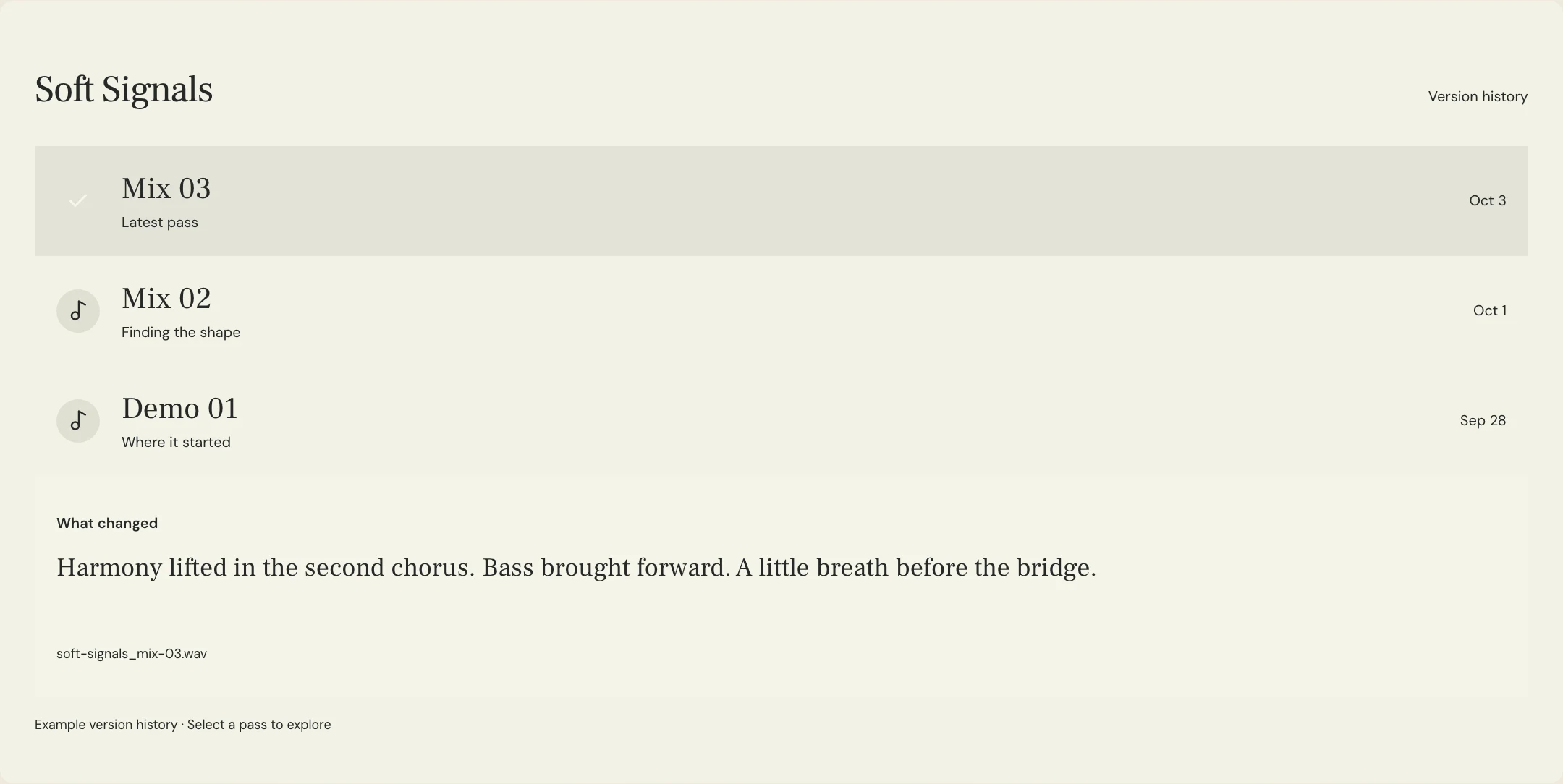
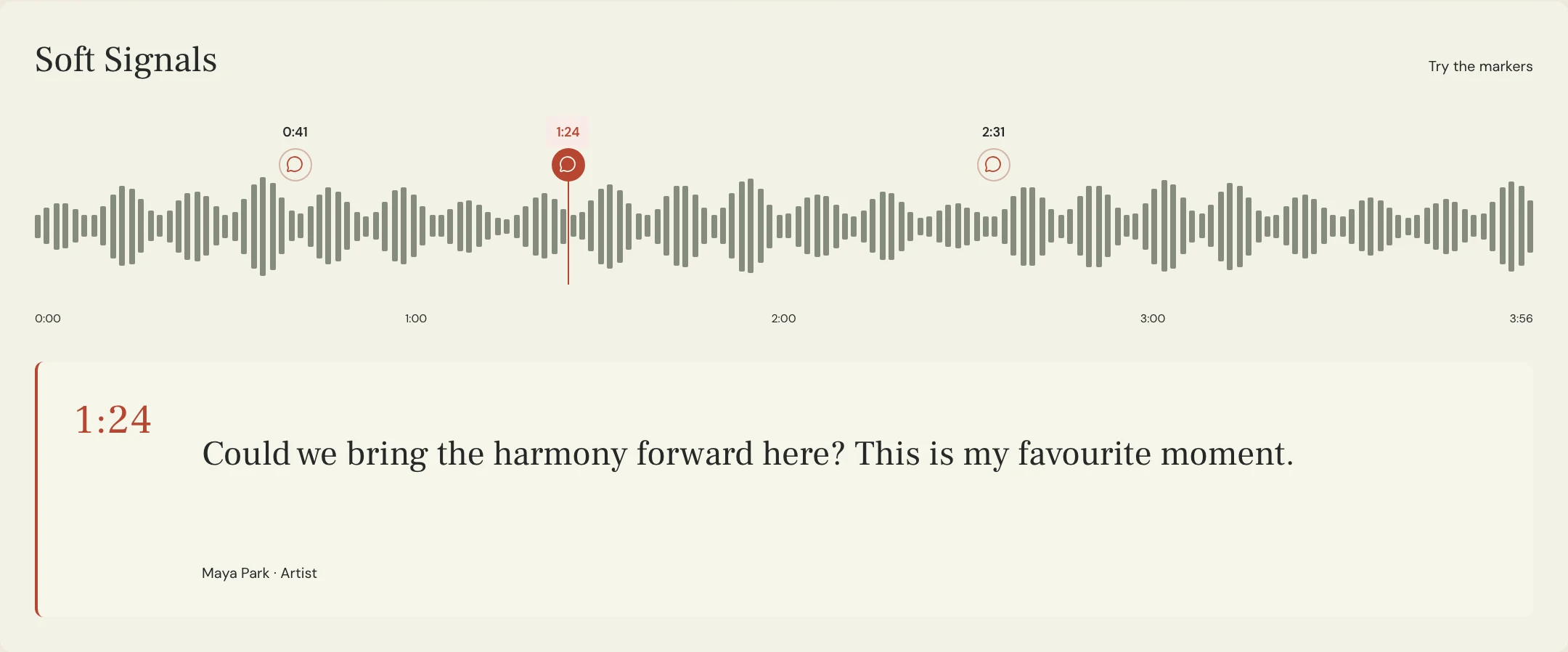
Upload the listening options as named MixPass passes when the team needs a shared review. Leave feedback at the relevant playback position and refer to the named pass. Keep the chosen tone’s exact return filename beside the decision so the engineer can identify the full-resolution print after everyone has approved a preview.
A few more things
Common questions
Can the engineer reamp the old amp recording?
Ask what is possible with the source you have. A dry DI gives the engineer a clean performance to feed into a new chain. An amp recording already carries that amp sound.
Should I include the amp print too?
Include it as a labeled tone reference, preferably with the rough mix so the engineer can hear what the guitar is doing in context.
Do I need a separate DI for each double?
Yes, when each double is a separate performance you want to keep. Label the performances and the intended placement.
Should the engineer return a solo file or a mix preview?
Agree on both when the team needs to decide in context and then import the chosen print. Give the two types clear labels.
Further reading
Technical background from the original sources referenced in this guide.
Your next pass
Give the song a shared home.
Keep the versions, lyrics, feedback, and people together in MixPass.
Building an upcoming single or EP? Apply for the Founding Testers Program for 3 months of Pro free in exchange for feedback (50 early seats).