
The short answer
A late vocal can come from what the singer heard while tracking, where the DAW placed the take, or how the file was imported. Listen to the original take against the same backing, then compare the returned file at the agreed start. Run a short test before moving the performance.
Keep these in mind
- Check whether the singer heard delay during tracking or the take sounds late on playback.
- Use multiple landmarks to tell a fixed shift from a mismatch that grows over time.
- Keep the original take and change one monitoring or import setting per test.
Did the singer hear a delay while recording?
Ask the singer to listen to a short test with the same headphones and backing they used for the take. If they hear an echo or two copies of themselves, check whether both the interface and the DAW are sending the microphone to their headphones. Try one monitor path at a time. Keep the backing audible and ask whether the vocal response feels immediate enough to sing comfortably.
If the vocalist needs to hear effects from the DAW, try a smaller buffer that your system can play cleanly, or bypass the plug-ins adding delay to the cue. Apple explains how Logic Pro’s Low Latency Mode manages plug-in delay during input monitoring. Settings differ by DAW, and the sound the performer hears can change when effects are bypassed. Record and replay a short test after each change.
Is the take late in the original recording session?
Listen to the original recording alongside the exact backing the vocalist heard. Pick two or three clear attacks, such as a hard consonant after a break and an entrance in a later chorus. Compare those events with the groove. Singers may intentionally place some syllables behind the beat, so avoid using the nearest grid line as the only reference.
If new takes show a repeatable offset, note the input, monitoring mode and plug-ins used during recording. Ableton documents how Monitor settings and Keep Latency in Live 12 affect recorded timing. Its Driver Error Compensation guide describes measuring a driver reporting error in the relevant setup. Follow the DAW’s test procedure before changing global compensation. A single loose entrance cannot establish a system offset.
What if the vocal only sounds late after import?
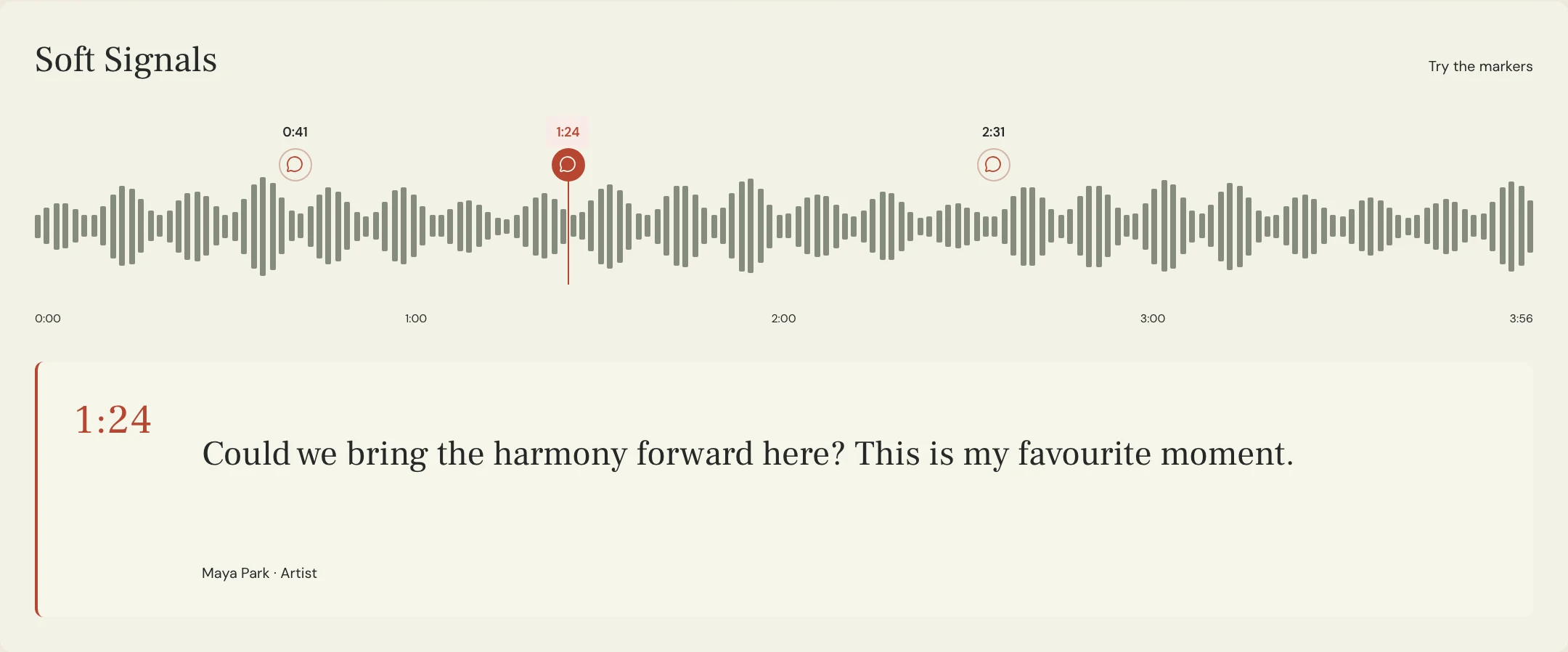
Ask for a short reference bounce with the vocal and backing together plus the isolated take from the same export start. Align both with the agreed start in the receiving session, including any lead-in silence. Check whether the DAW stretched or warped the imported file. Compare an early entrance and a later one. A similar offset at both points suggests placement or a fixed delay. An increasing gap gives you a reason to check tempo, stretching and the backing version.
Constructed example for the fictional Soft Signals track Lantern. The vocal feels right on the singer’s reference. In the producer’s session its two marked entrances sound late by the same amount. The singer exported from the count-in, while the producer placed the file at the first downbeat. Reimporting at the count-in restores the timing. If the gap had grown across the song, the producer would have compared the timing and arrangement of the two sessions before moving any clip.
| Observation | First test | Evidence to save |
|---|---|---|
| Echo during tracking | Listen to interface and DAW monitoring separately | Cue path and settings used for the next take |
| Same delay in repeated original takes | Make a short test with the DAW’s documented monitoring setup | Original files and observed offset |
| Fixed shift after import | Match the reference and isolated file to the agreed start | Export start and two checked entrances |
| Gap grows after import | Check tempo, time stretching and the backing revision | Early and late landmarks plus import settings |
How do you verify a timing fix with a collaborator?
Keep the raw take and make a new listening export after fixing the cause. Start both exports at the same point and compare the affected passage plus one later entrance. Confirm the phrasing still feels intentional and check any doubles or harmonies that depend on it. For a new take, review against the agreed remote recording checklist.
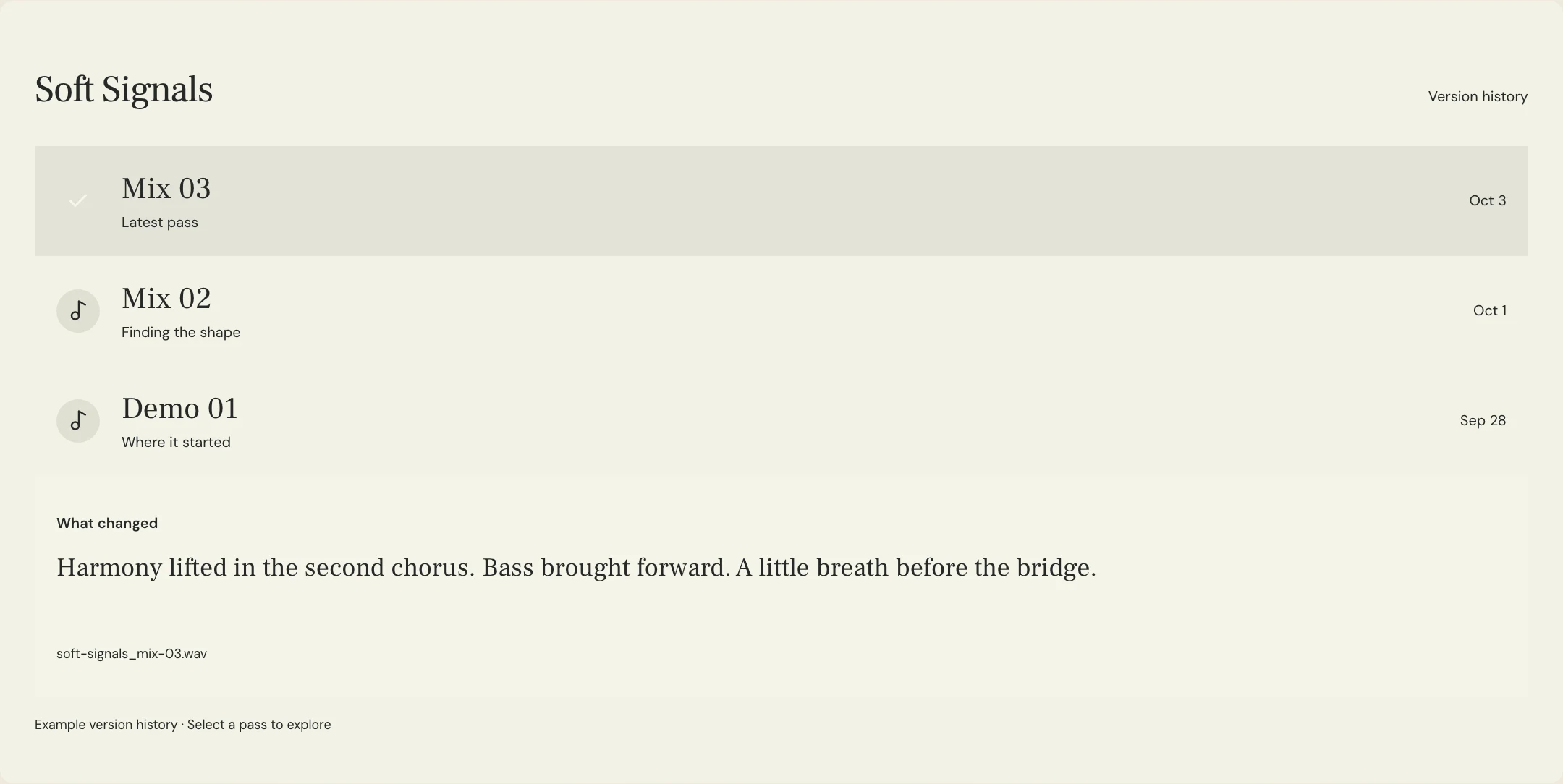
MixPass version history identifies the listening passes, and notes can point collaborators to the two timing landmarks. Use A/B to audition comparable exports in the room and make any recording, routing or clip alignment changes in the DAW. Once you agree which take sits correctly, follow the vocal comp review if you still need to choose between performances.
A few more things
Common questions
Can a smaller buffer fix a take already recorded?
A smaller buffer can change how the next performance feels in the headphones. Check the existing file and its placement separately.
Why does the timing get worse later in the song?
Compare two clear landmarks and check whether the imported file was stretched or paired with a different tempo map or backing revision.
Should I move every syllable onto the grid?
Listen to the performance against the groove first. Correct a verified placement problem before deciding which individual notes need editing.
What should a remote singer send so I can check alignment?
Ask for the isolated take and a reference bounce with the backing. Have them document the shared start and any count-in.
Further reading
Technical background from the original sources referenced in this guide.
Your next pass
Give the song a shared home.
Keep the versions, lyrics, feedback, and people together in MixPass.
Building an upcoming single or EP? Apply for the Founding Testers Program for 3 months of Pro free in exchange for feedback (50 early seats).