
The short answer
Before recording vocals remotely, agree on the lyric revision, backing track, recording settings, and files the producer needs. Test a short recording first, check for unwanted noise or clipping, and label takes clearly. Export aligned files with any processing choices explained, then send a reference bounce and ask the producer to confirm the handoff.
Keep these in mind
- Test a short take before recording the full song.
- Agree on file settings and processing with the receiving producer.
- Send a reference bounce alongside the working vocal files.
What should you agree on before recording vocals?
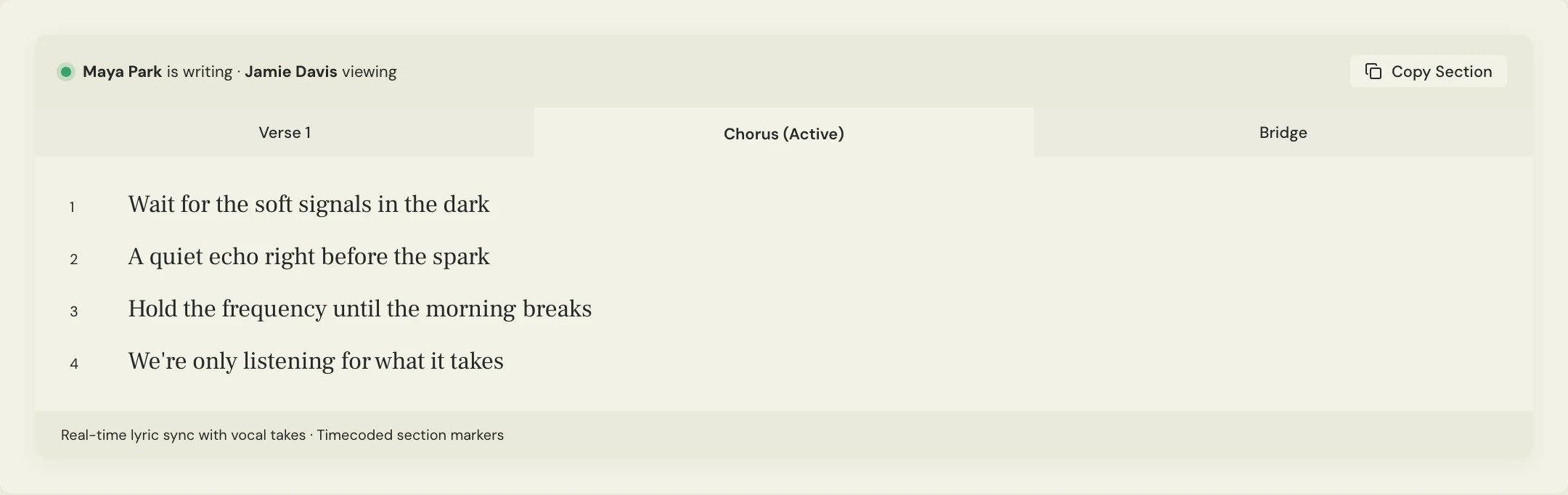
Confirm the exact backing track and lyric revision. Include entrances, repeats, harmonies, ad-libs, and any words that changed since the demo. A singer can deliver an excellent performance that still requires another session if they recorded against an outdated arrangement.
Ask the producer which file type, sample rate, bit depth, and processing they need. Do not guess a universal setting from another project. Agree whether they want raw takes, a comp, processed versions, or separate doubles and harmonies. A reference bounce can preserve the intended sound even when the working files are dry.
What should your first test recording check?
Record a short passage containing a quiet phrase and a louder one. Listen back through headphones for room noise, distortion, headphone bleed, handling noise, or distracting mouth sounds. Send that test to the producer before committing to a full session if the setup is unfamiliar.
Keep the microphone position and recording chain consistent once the setup works. Record at a comfortable level with room for the loudest delivery. Fix a clipping input or noisy setup at the source; turning down an already distorted file does not undo the recording problem.
- The correct backing and lyrics are loaded.
- The loudest phrase records without clipping.
- The room and headphone bleed are acceptable for the project.
- Monitoring lets the singer perform comfortably.
- A short exported file opens correctly for the producer.
What files should a remote vocalist send?
Name each part and take clearly, and agree on a common export start point so the files can line up in another session. Include the full intended phrase tails. If you edit or process a take, describe what you did and preserve the material the producer asked to receive.
Constructed example: Maya sends a lead comp, selected alternate takes, two chorus harmonies, and a stereo reference. The file list tells Jamie which vocal is the intended comp and which are options. It avoids a folder of twenty anonymous files with no listening context.
SONG: Soft Signals
BACKING: Arrangement 04
LYRICS: Revision 03
SETTINGS: [Agreed file type / sample rate / bit depth]
ALIGNMENT: [Agreed common export start]
LEAD: soft-signals_lead-comp_01.wav
ALTERNATES: [Named selected takes]
HARMONIES / DOUBLES: [Part and take labels]
PROCESSING: [What is printed; what remains dry]
REFERENCE: soft-signals_vocal-reference_01.wav
PLEASE CHECK: Alignment, lyric match, and performance direction
Copy or download, then fill in the details for your song.
How do you review the remote vocal handoff?
Upload a listening bounce to the song room and put working files in the agreed file location. The producer should confirm the files open, align, and match the expected performance before the vocalist packs away the setup. A delivery message is not the same as a checked handoff.
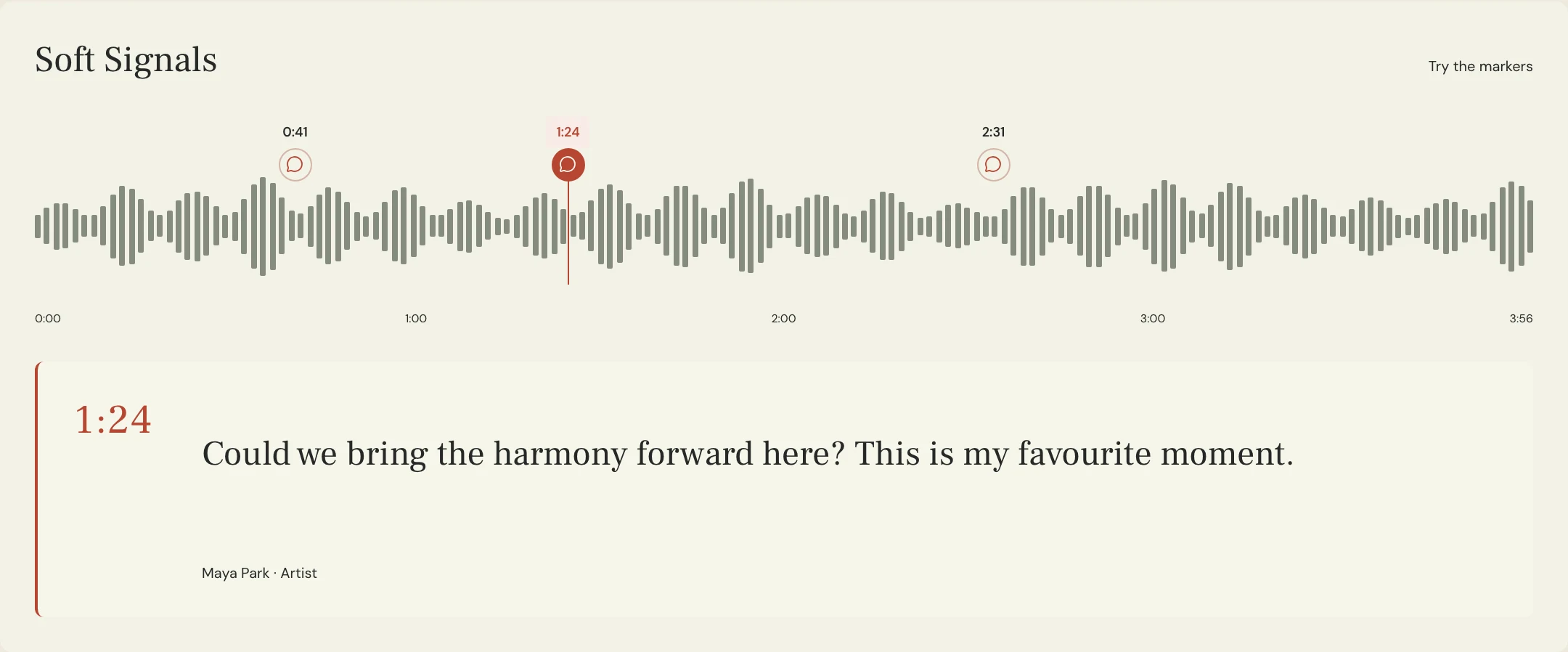
Use timestamped comments in MixPass to discuss performance moments on the bounce. If a pickup is needed, identify the phrase, the reason, and the backing version to use. Keep the previous take so the producer can compare the pickup in context.
A few more things
Common questions
Should I send dry or processed vocals?
Ask the receiving producer. They may need dry recordings, a processed reference, or both. Clearly label any printed tuning, compression, effects, or edits.
Do all vocal files need the same start point?
A common agreed start makes alignment easier when moving files between sessions. Confirm the export method with your producer and include a reference bounce.
How many takes should I send?
Agree on what the producer wants to receive. Selected, clearly labeled takes with a proposed comp are often easier to review than an unexplained dump of every recording.
Can MixPass record the vocal session for me?
Record and edit in your chosen recording software. Use MixPass to organize listening passes, performance feedback, lyrics, and the supporting handoff files.
Further reading
Technical background from the original sources referenced in this guide.
Your next pass
Give the song a shared home.
Keep the versions, lyrics, feedback, and people together in MixPass.