
The short answer
To brief a remote bassist, send the agreed arrangement as two aligned mixes, one with the scratch bass and one for playing along without it. Identify the notes and entrances to keep, where the player can reinterpret the part, and what to return. Approve a short test before asking for the full take.
Keep these in mind
- Send a listening reference and a separate play-along mix from the same start.
- Mark the phrases the bassist should retain and the passages open to interpretation.
- Import a short return and check the timing, feel and requested audio files.
Which mixes should you send the bassist?
Print a reference with the scratch bass audible, then a second mix with that part muted. Give both the same arrangement, start and end. The reference tells the player what the original part does. The play-along mix gives them room to hear how the new part fits the kick and harmony. Sweetwater Studios describes this two-mix approach for replacing bass or guitar in remote sessions.
Name the arrangement and give the bassist an obvious alignment point. If your files begin with a count-in, say where the first musical downbeat lands. Provide the agreed click separately if the track was made to one. If the band played freely, identify the performance the bassist should follow and check the entrances together. Use the tempo map template when the timing needs its own handoff.
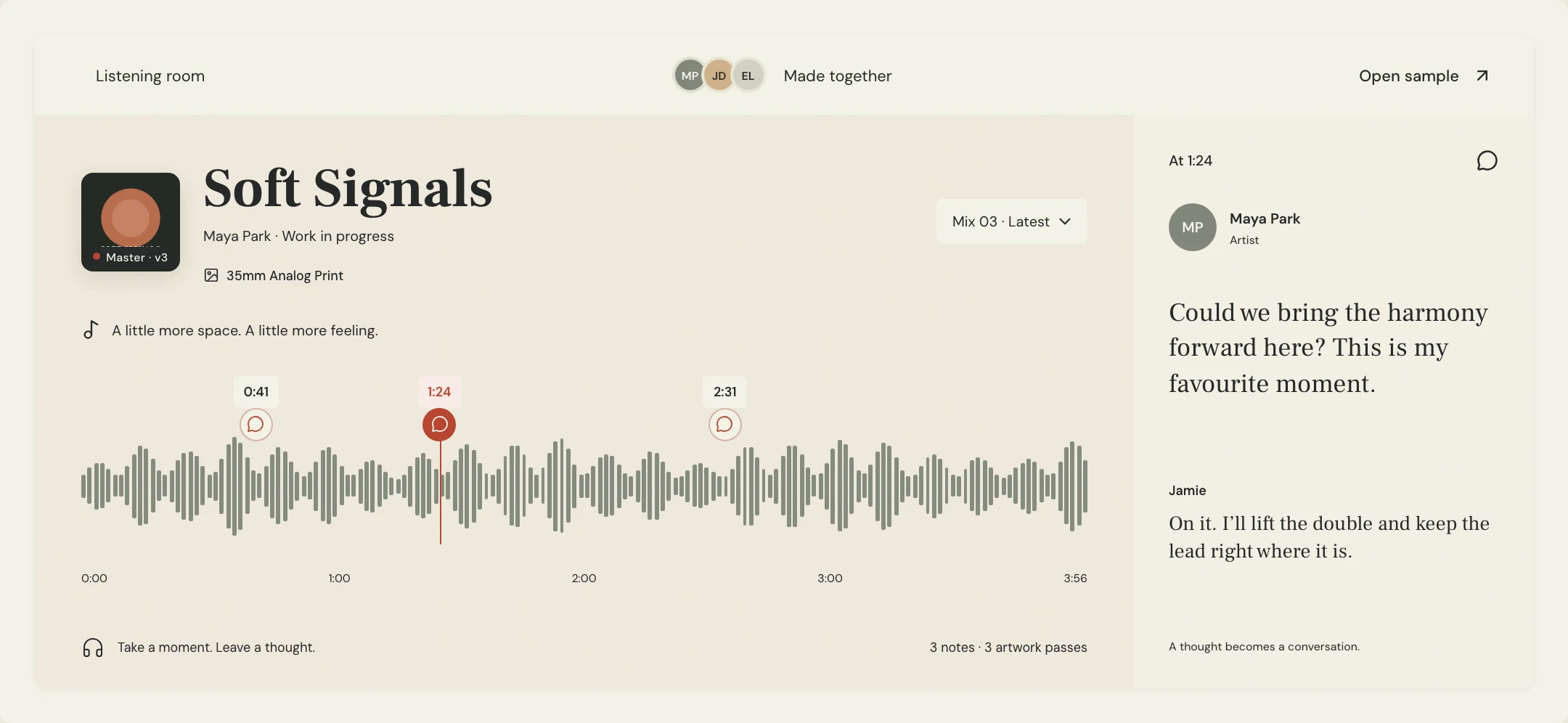
How do you show what to keep and where to improvise?
Make three decisions before sending the track. Identify any notes that define the hook, the passages where the bass should stay out, and one area where you want the player to bring an idea. Put a bar or timestamp beside each decision. A bassist can hear a different groove in a scratch part than the producer intended, especially if the demo note lengths came from a rough MIDI edit.
Describe the relationship to the song. A brief can ask for verse notes to release with the kick and the chorus to sustain through the chord changes. Aidan Hampson’s remote session workflow distinguishes an existing bass line from a part that needs to be developed. Confirm that choice before recording and use a reference track only for a specific part of the sound or feel.
What can you copy into a remote bass recording brief?
Constructed example for the fictional Soft Signals track Lantern. Maya wants a live bass player to replace a MIDI part. The two notes that introduce the chorus are part of the hook. The verse should leave room around the vocal. She gives the player freedom over the second half of the verse and asks for a test across the chorus entrance.
Agree on whether you want a clean direct input recording, a processed tone, or both. If you request both from the same performance, ask for separately labeled files that share the agreed start. Give the format required by the receiving session and identify any effect already printed. The engineer can confirm the settings before the bassist starts.
SONG / ARRANGEMENT | Lantern / Production 06
LISTEN | Production 06 with scratch bass
PLAY TO | Production 06 without bass, same export start
ALIGNMENT | 96 BPM, two-bar count-in, first musical downbeat after the count
KEEP | Two-note pickup into chorus at bar 17
EXPLORE | Bars 9–16, leave room for the lead vocal
LEAVE EMPTY | Break before the final chorus
FIRST RETURN | Bars 13–20 in a continuous file from the agreed start
FILES | Clean DI plus the chosen amp tone if both can be captured from that performance; confirm format
APPROVAL | Pickup lands with the kick, verse notes leave space, both files line up
Copy or download, then fill in the details for your song.
How do you check the first take before the full session?
Import the test at the agreed start and mute the scratch bass. Check a pickup and a later landmark so a correct first note does not hide a timing problem later. Listen for the note length, whether the part supports the kick, and how it sits under the voice. If both clean and processed files arrived, audition them individually first and confirm that their placement matches.
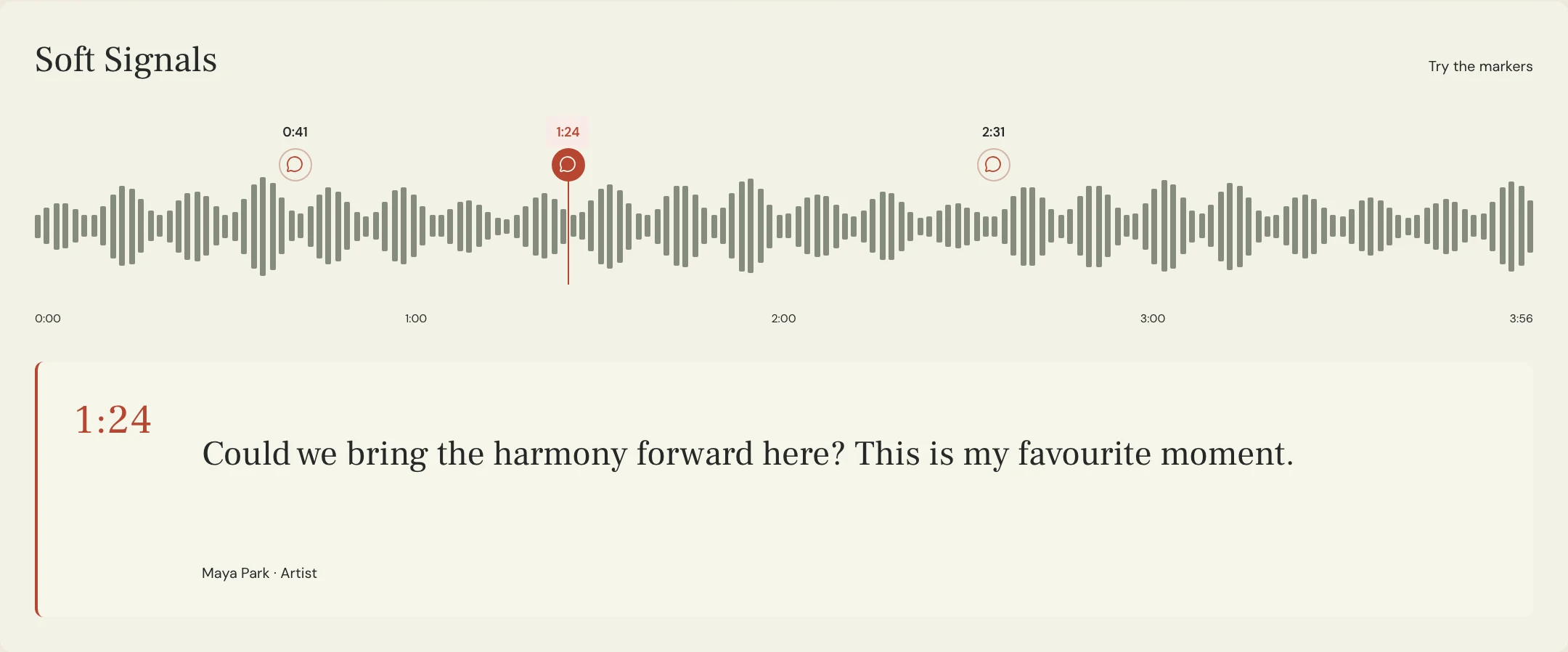
Create a named listening pass with the test performance in context. Use a MixPass note on that pass to point to the entrance you approved or the phrase that needs another attempt. After the full take returns, check the agreed start again and confirm the selected filenames. Keep the source audio alongside the recording credits sheet for the version you plan to deliver.
A few more things
Common questions
Should I include the old bass in the play-along mix?
Provide the original bass in a reference mix and an aligned mix with that bass muted for recording.
Should I ask for DI and amp tracks?
Ask which files suit the production. If you need both, agree whether they should come from the same take and verify their start points.
What if I have no scratch bass line?
Send the arrangement, harmony and feel, then mark the entries and breaks that matter. Ask the player to develop a short test.
How long should the test be?
Choose a passage that exposes the hardest decision, such as a pickup and the change into a chorus. Include enough context to judge both.
Further reading
Technical background from the original sources referenced in this guide.
Your next pass
Give the song a shared home.
Keep the versions, lyrics, feedback, and people together in MixPass.
Building an upcoming single or EP? Apply for the Founding Testers Program for 3 months of Pro free in exchange for feedback (50 early seats).