
The short answer
To co-write lyrics online, agree on the song’s central idea and work from one shared lyric sheet beside the current demo. Label verses, choruses, and bridges, keep alternative lines clearly separate, and read or sing each change in context. Record which words you agree to carry into the next vocal pass.
Keep these in mind
- A shared lyric sheet needs a clear relationship to the current demo.
- Keep alternatives visible without mixing them into the agreed verse.
- Check a line’s meaning and singability before polishing the page.
What should co-writers decide before editing lyrics?
Write a short description of the song’s point of view. Who is speaking, who are they speaking to, and what changes by the last chorus? You do not need a rigid story, but a shared direction helps writers judge whether a clever line belongs in this particular song.
Choose a starting section and a current demo. One writer can work on verse imagery while another explores the hook, but agree when those ideas will be reviewed together. Without a common demo, a line that fits one melody may be awkward in the version the vocalist is actually rehearsing.
How do you organize a shared lyric sheet?
Use section names that match the song: Verse 1, Pre-chorus, Chorus, Verse 2, Bridge, and Outro as needed. Put one sung line on each line of the sheet. Keep tempo, key, demo version, and pronunciation notes near the words rather than hiding them in a separate conversation.
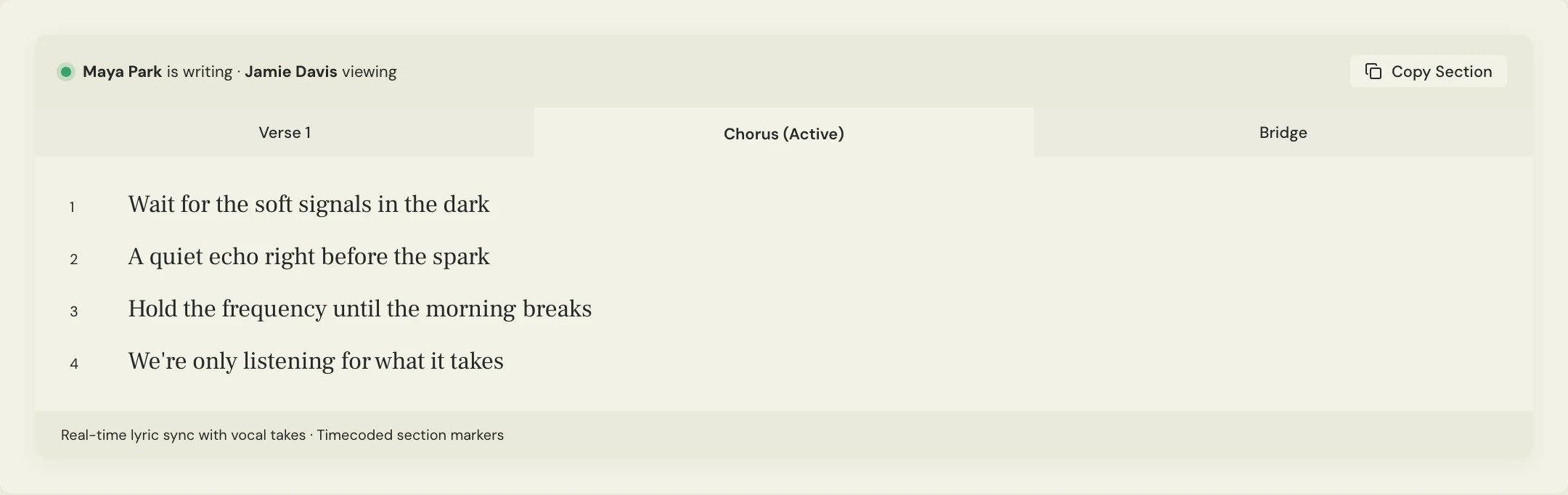
MixPass’s lyrics pad keeps the writing beside the song’s audio passes. Use it for the current working lyric, and discuss alternatives in the room. If you want to preserve an earlier lyric, save a clearly labeled copy before replacing the words; do not assume an audio pass automatically freezes the lyric sheet.
How do co-writers review alternate lines?
Sing a proposed line over the demo before agreeing to it. On the page, an extra word can look harmless; against the melody, it may shift a stressed syllable or leave no breath before the next phrase. Listen for how the singer delivers the meaning rather than counting syllables in isolation.
Constructed example: two writers are choosing a first chorus line for Soft Signals. They keep the current line and one alternate in their notes, record both against the same backing, and discuss which communicates the idea more directly. The alternatives are experiments, not two competing “final” sheets.
SONG: Soft Signals
WORKING DEMO: Chorus ideas 02
SECTION: Chorus, line 1
CURRENT: Wait for the soft signals in the dark
ALTERNATE: Follow all the soft signals through the dark
QUESTION: Waiting for connection, or actively searching for it?
TEST: Sing both over the same chorus backing.
DECISION: Keep the version that fits the agreed point of view.
Copy or download, then fill in the details for your song.
How do you hand agreed lyrics to the vocalist?
Remove discarded alternatives from the performance sheet, label the agreed revision, and state which demo it matches. Keep creative notes separately so a vocalist does not accidentally sing a crossed-out idea. Include any intentional repeats or changed last-chorus lines explicitly.
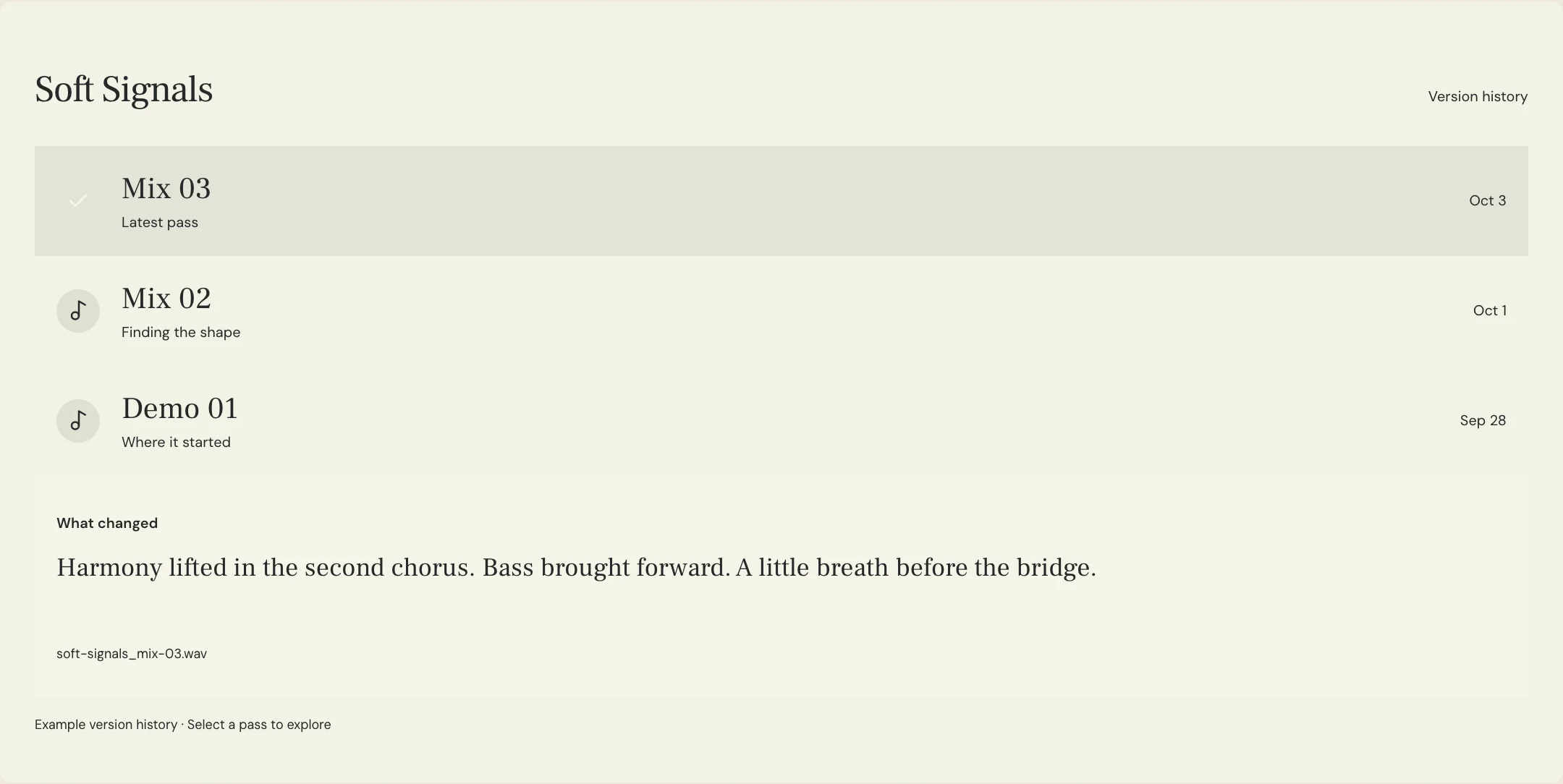
After recording, listen to the words in the new vocal pass. A phrase that worked in the writing session may communicate differently in a full performance. Attach feedback to that pass and make any further lyric decision visible to the writers before another vocal session begins.
A few more things
Common questions
Can co-writers edit at different times?
Yes. Leave a clear note describing the section you changed and the decision still needed. Agree on a review point so separate edits do not drift into different song directions.
Should we keep every alternate lyric?
Keep meaningful alternatives with clear labels outside the performance sheet. You do not need to preserve every typing change, but save versions you may want to audition again.
Does an audio version automatically preserve the lyrics?
Do not assume that it does. Treat the lyric sheet and audio pass as related records, and explicitly label or save the agreed words when handing them to a vocalist.
How should writers handle credits and ownership?
Discuss those expectations directly and record the agreement outside the lyric-editing process. A shared lyric sheet or contributor list is not a substitute for an appropriate rights agreement.
Your next pass
Give the song a shared home.
Keep the versions, lyrics, feedback, and people together in MixPass.