
The short answer
To check a mix in mono, use a verified mono-sum control on the same named audio version, then compare familiar passages at a comfortable, comparable listening level. Note which musical elements become harder to hear or change character. Send the engineer the timestamp, listening setup, and observed difference rather than guessing at a fix.
Keep these in mind
- Summing left and right to mono differs from listening to only one channel.
- A narrower presentation is expected; focus on whether important musical parts still communicate.
- Describe the listening result and let the engineer investigate the cause.
What does checking a stereo mix in mono tell you?
A stereo mix has left and right channels. A mono check combines those channels into a single signal so you can hear what happens when their separation is removed. iZotope describes mono compatibility in terms of preserving audible information and level balances when the stereo channels are combined. For an artist reviewing a mix, the useful question is whether the song’s essential parts still communicate in that presentation.
Expect the image to become narrower. That change alone does not establish that anything is wrong. Listen for a lead that becomes difficult to follow, a rhythmic part that loses its role, or a texture whose change distracts from the arrangement. Treat the result as evidence for a conversation with the engineer, not as a universal score that decides whether a mix is good. Stereo space can be an intentional part of the production.
How do you make sure you are hearing a real mono sum?
Use a control that explicitly combines the left and right channels. For example, Ableton’s Utility documentation states that its Mono switch converts a stereo input to mono. Your engineer may use a monitor controller, DAW control, or another documented tool. Ask them to confirm the method if you are unsure. Playing just the left channel, covering one ear, or listening through one side of a headphone is a different test because it does not combine both channels.
Keep the source version and playback chain consistent while changing the mono setting. Disable unrelated enhancements for this comparison, or at least record what remains active. If the switch creates a level change, ask for a comparable-level comparison so loudness does not dominate your impression. Use a comfortable volume and note whether you are on headphones or speakers. A mono sum on headphones can help reveal a change, but it does not reproduce every aspect of a particular loudspeaker or room.
Which parts of the song should you compare?
Begin with a few passages you know well: a sparse verse, a busy chorus, and a transition with a wide effect or layered vocal. Listen in stereo first, then repeat the same passage in mono. Follow one musical role at a time. Can you still understand the lead lyric? Does the bass line retain its function? Can you follow the rhythm or hook that carries the section? Record a specific change instead of writing a general verdict after one quick switch.
Return to the full section after examining a detail. A synth losing some width may matter less than the chorus melody becoming hard to hear. Conversely, a disappearing texture may matter if it is the defining hook. Agree on the musical priority before asking for revisions. If an element changes substantially, the engineer can investigate balance, processing, and relationships between channels; the listening note alone does not prove which technical cause is responsible.
| Listen for | Useful observation | Follow-up question |
|---|---|---|
| Lead clarity | The last word of the chorus is harder to follow in mono | Can we check that phrase without losing the intended stereo feel? |
| Musical hook | The synth riff becomes much quieter in the mono sum | Is that change expected from the current processing? |
| Rhythmic support | The percussion loop is less distinct in the busy section | Does it still serve the groove in the intended playback contexts? |
| Overall presentation | The mix narrows but the essential parts remain clear | Is there a specific concern that requires a revision? |
What mono-check feedback template can you send?
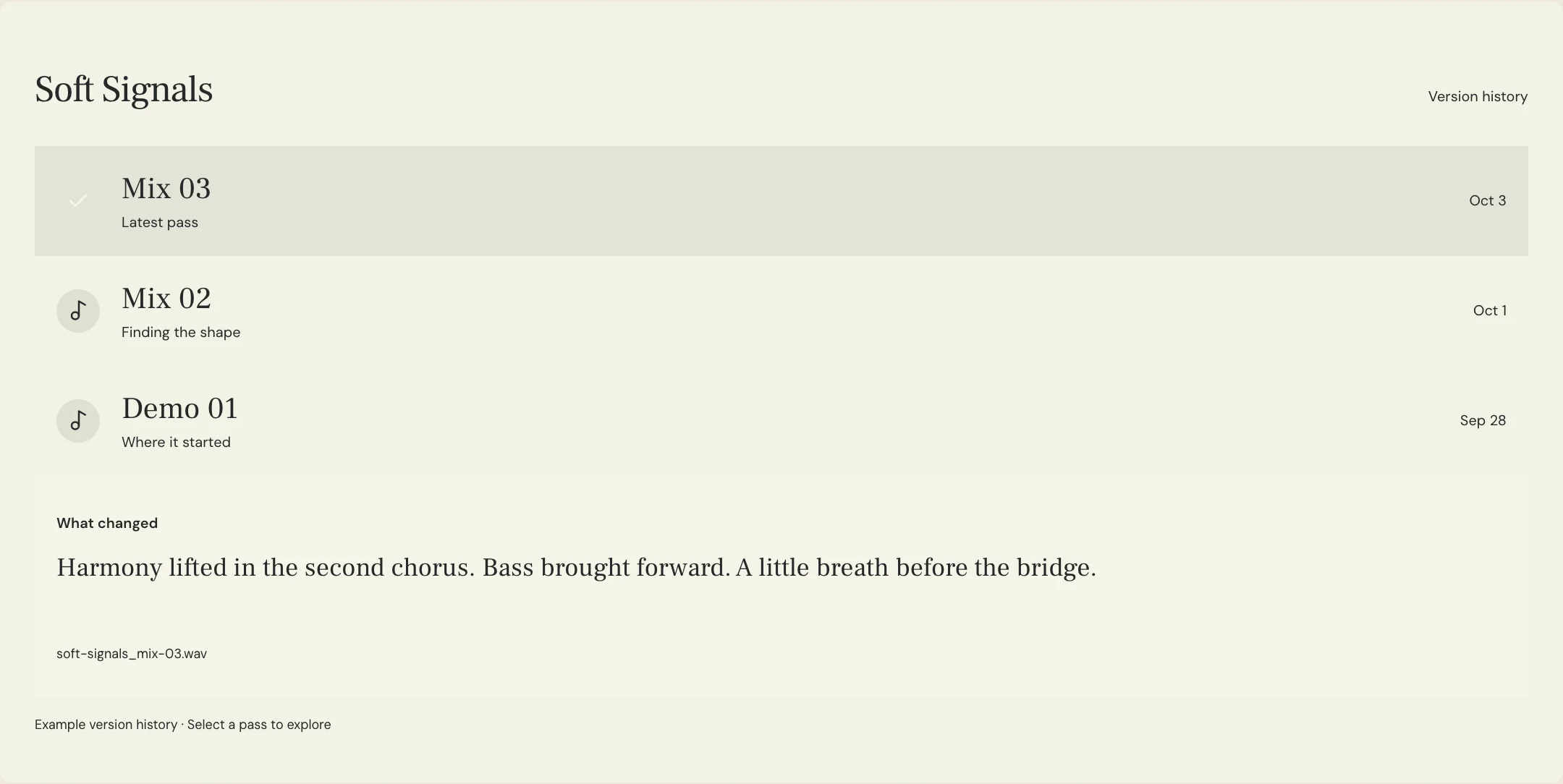
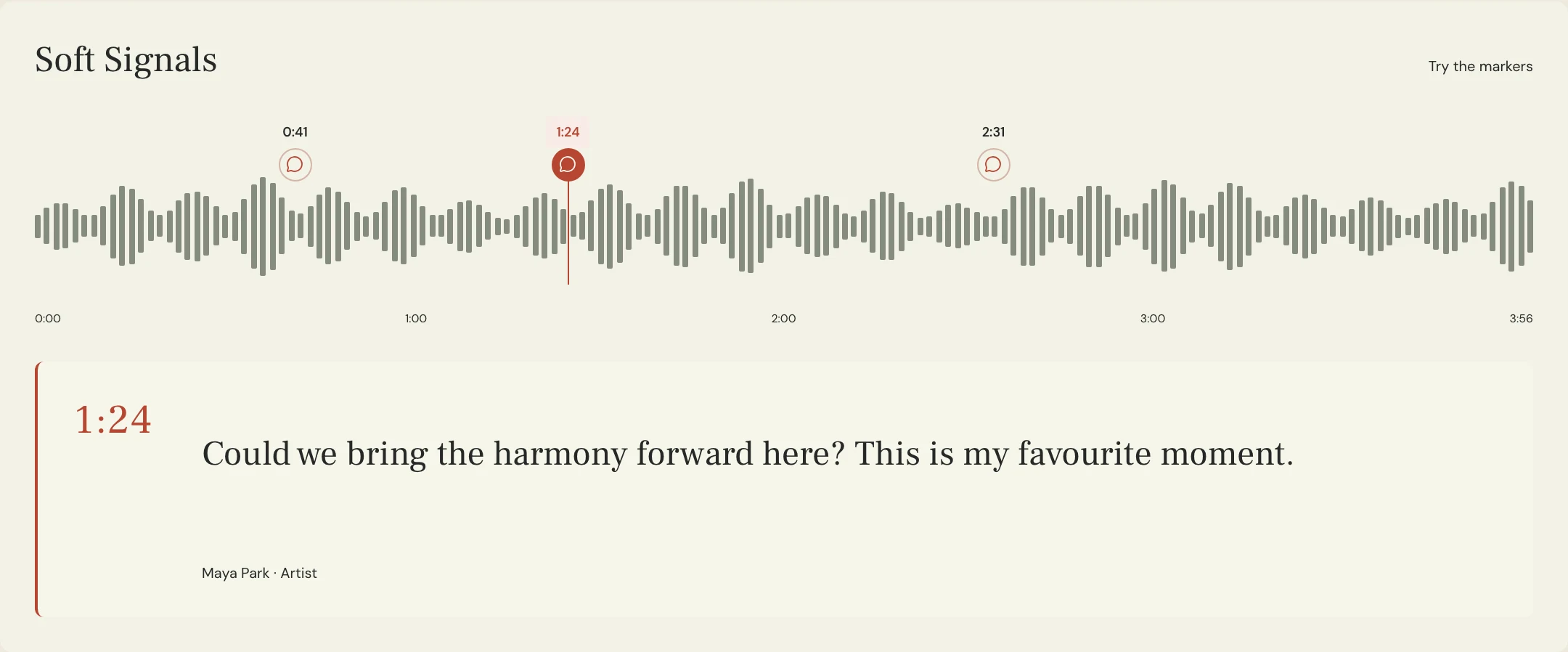
Constructed example: the fictional Soft Signals artist hears a quieter synth hook at the first chorus when the named stereo pass is summed to mono. The note identifies a verified monitoring method and the musical priority, then asks the engineer to investigate. The timestamp and listening result are original illustrative details, not measurements of the product-preview recording or a customer mix.
The request deliberately avoids prescribing a polarity flip, a plug-in replacement, or a fixed stereo-width setting. Those may be inappropriate without examining the session. In MixPass, a location-specific note can point to the passage on the named listening pass. Write the mono test method in the note itself; do not assume the room player performed that conversion or that another reviewer has the same monitoring configuration.
SONG: Soft Signals
SOURCE: Stereo mix 06
PASSAGE: 0:52–1:08, first chorus synth hook
MONO METHOD: Engineer-confirmed mono sum in the monitoring path
LISTENING SETUP: Headphones, same source playback and comfortable comparable level
STEREO OBSERVATION: Synth hook is easy to follow around the lead vocal
MONO OBSERVATION: The hook becomes noticeably quieter; the lead remains clear
MUSICAL PRIORITY: Keep the chorus hook recognizable
REQUEST: Please investigate the change and suggest an option that preserves the intended stereo character
CAUSE: Not established by this listening note
RETURN: Named revision with a short explanation of any change
RECHECK: Same passage and full chorus in stereo and mono
Copy or download, then fill in the details for your song.
How do you check a revision without losing the stereo mix you liked?
Ask for a new named pass and a short explanation of what changed. Repeat the original listening method on the same passage, then hear the whole section in both stereo and mono. Check whether the reported concern improved and whether the revision changed another important relationship. If a narrower effect restores the hook but removes a creative feature the artist values, discuss that trade-off explicitly rather than treating the first technical adjustment as final.
Keep diagnostic checks separate from final delivery instructions. A mono check does not mean the approved release should automatically be exported in mono. Confirm the intended deliverable with the engineer and recipient. Record the chosen version and any remaining listening concern, then use the broader final-mix review to assess the song as a whole. One monitoring mode is a useful part of that review, not a guarantee of consistent sound on every playback system.
A few more things
Common questions
Is listening on one speaker always the same as checking mono?
Only if that speaker receives the intended mono-summed signal. A speaker playing just the left or right channel omits the other channel rather than combining both. Confirm the routing before interpreting the result.
Does a quieter element in mono prove a phase problem?
No. Report what you hear and let the engineer inspect the session. The observation can motivate investigation, but it does not by itself establish the cause or the correct processing change.
Should the stereo and mono presentations sound identical?
Their spatial presentation differs. Discuss whether essential parts and musical balances remain useful, and which stereo effects are intentional. Do not require identical width from the two listening modes.
Can you use the same note after the engineer uploads a revision?
Keep the original note tied to its source version. Recheck the new named pass using the same method and record whether the specific concern remains, improved, or changed into a different issue.
Further reading
Technical background from the original sources referenced in this guide.
Your next pass
Give the song a shared home.
Keep the versions, lyrics, feedback, and people together in MixPass.