
The short answer
To give useful album artwork feedback, identify the exact draft and describe how it serves the release’s visual direction. Review the image at full size and as a small cover, explain the effect of each concern, and agree on priorities. Send one consolidated revision brief, with technical delivery checks kept separate from creative approval.
Keep these in mind
- Ask reviewers to judge the artwork against the release brief before offering personal preferences.
- Treat votes as discussion input; name the person responsible for the final creative decision.
- Preserve the editable design separately from the exported file sent for distribution.
What should you send with an artwork draft?
Give the designer and reviewers a short statement of intent: the release title, the mood, the intended audience, and any established visual identity. Say which elements are still open. Feedback on the overall concept belongs early, while a near-finished draft may need only a typography or crop check. A reviewer should not have to guess whether a photograph is a placeholder.
Include the draft’s label and the question you need answered. “Does Draft B communicate the quiet, late-night character of this single?” gives people a shared task. “Thoughts?” invites unrelated redesigns. Ask reviewers to describe what they notice before prescribing a font, color, or replacement image. Those observations leave room for the designer to solve the actual problem.
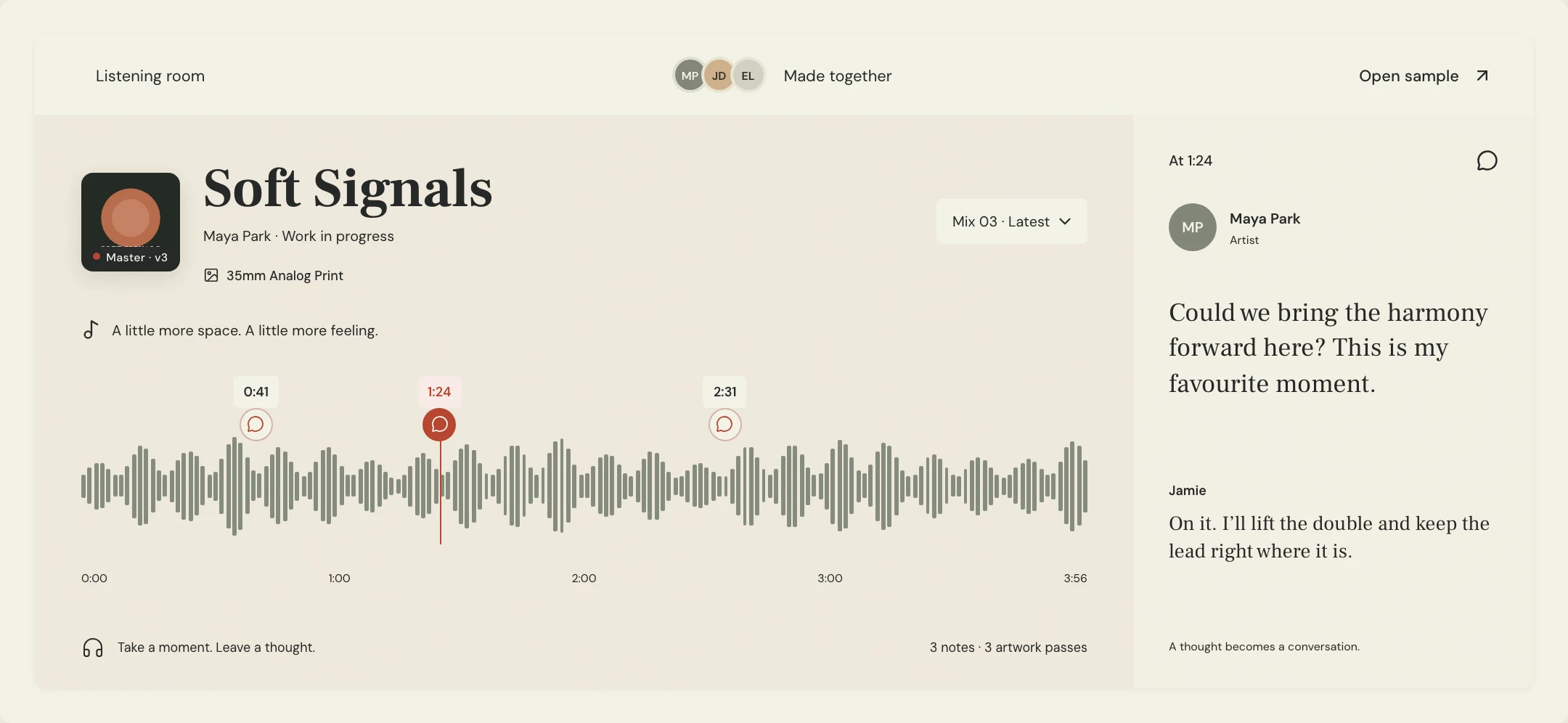
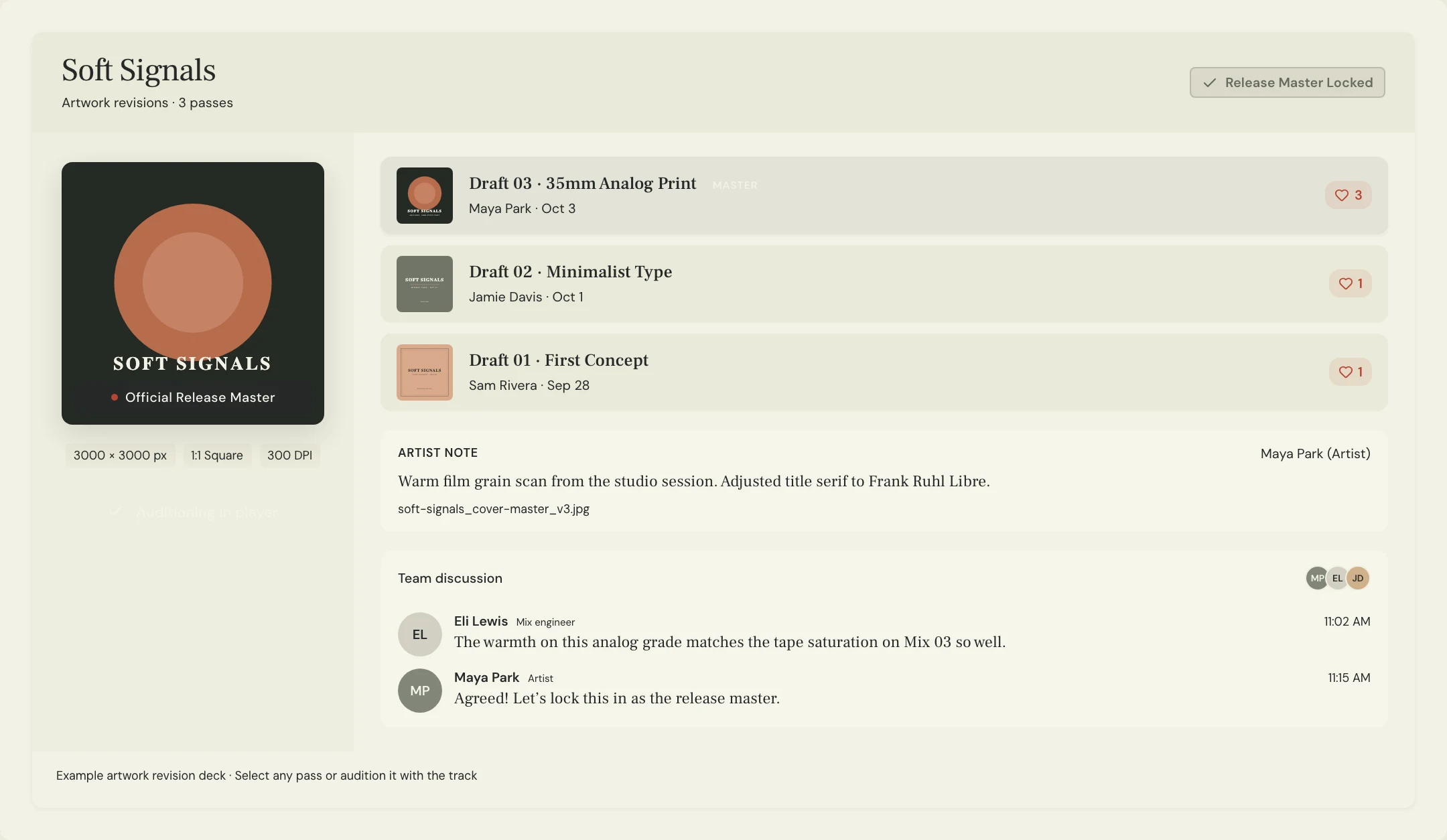
In MixPass, the artwork revision deck keeps comments and votes attached to an artwork version. Select the intended draft before discussing it. The listening room provides the musical context, but the artwork discussion should identify visual details rather than use an audio timestamp to locate them.
How do you turn a visual impression into useful feedback?
Start with the effect on the viewer, then describe where it comes from. “The title disappears against the bright window when I view this as a small square” gives the designer an observation to investigate. “Make it pop” does not explain whether the problem is contrast, scale, composition, or a mismatch with the music. A rough markup can help locate a concern, provided it is clearly a suggestion rather than a replacement design.
Use the review table as a set of prompts, not a score that claims to predict audience response. Compare the full image with a smaller preview and discuss differences. If the artwork uses text, check that the wording is intentional and accurate; choosing a cover without text can also be a deliberate creative decision. Keep personal associations separate from errors that everyone can verify.
| Review lens | Question to ask | Useful note |
|---|---|---|
| Direction | Does the image fit the agreed release mood? | The crowded background feels busier than the intimate reference. |
| Hierarchy | Where does the eye land first? | The decorative mark draws my attention before the central portrait. |
| Small preview | What remains identifiable when reduced? | The title blends into the window in this preview. |
| Accuracy | Are the chosen words and details correct? | Please check the spelling against the approved release title. |
What artwork feedback template can you send a designer?
Constructed example: Soft Signals is a fictional single whose cover uses a portrait beside a bright window. The team likes the portrait and wants to retain it. Its consolidated request focuses on title readability without asking for a new concept. The example is an original review exercise, not a customer case study or evidence that a design change improved streams.
Make each requested change traceable to an observation. If collaborators disagree, resolve the goal before asking the designer to execute competing instructions. One person may want more empty space while another wants larger lettering; the shared concern could be hierarchy. Mark experiments explicitly so the designer knows which ideas are exploratory and which corrections are required.
RELEASE: Soft Signals
ARTWORK REVIEWED: Window portrait, Draft B
CREATIVE GOAL: An intimate late-night portrait with a restrained title.
KEEP: The portrait, framing, and warm window color.
OBSERVATION: The title merges with the bright window in the small preview.
REQUEST: Explore a clearer title treatment while retaining the portrait.
REQUIRED CORRECTION: Check the title spelling against the approved release metadata.
EXPERIMENT: Show one option with more space around the lettering.
DECISION OWNER: Maya
NEXT REVIEW: Compare the revised title treatments before changing the overall concept.
Copy or download, then fill in the details for your song.
What should happen after the creative artwork review?
Record the selected draft and any remaining conditions in writing. MixPass lets the room owner choose a Room Master artwork; a vote is not the same action as selecting that master. Confirm separately who can authorize delivery on behalf of the artist or label. Do not treat silence from a reviewer as approval or assume that choosing a room image submits it to a distributor.
Check the actual export against the receiving distributor’s current instructions. Spotify’s cover-art requirements specify a square image and advise against upscaling. Its delivery guidance is separate from the creative review and from the image formats accepted by a collaboration tool. Keep the source file available so the designer can make an appropriate export rather than enlarge a small preview to satisfy a requested dimension.
Finally, send the approved export with an unambiguous filename and retain the previous version. If a correction arrives after delivery, identify the replacement file and tell the recipient exactly what changed. Technical compliance does not prove that the design communicates the intended mood, and a popular concept still needs its delivery checks.
A few more things
Common questions
Should you show reviewers several cover concepts at once?
You can, if you want to choose a direction. Give each concept a distinct label and the same brief. Once a direction is chosen, review its revisions together rather than mixing early concept selection with final export approval.
How should a designer handle a request outside the agreed scope?
Clarify the request before starting it. A new illustration or photo shoot may need a separate scope, fee, or timeline. Put that decision in writing with the person commissioning the design.
Can you use an album cover review to approve social graphics too?
Review each intended crop or layout separately. A square cover approval does not establish that a banner or vertical graphic preserves the same composition, readable wording, or required information.
Does uploading artwork confirm you have permission to release it?
An upload is a file-handling step. Keep the relevant permissions and agreements for photography, illustration, fonts, and other supplied assets with the project; do not infer permission from a successful upload.
Further reading
Technical background from the original sources referenced in this guide.
Your next pass
Give the song a shared home.
Keep the versions, lyrics, feedback, and people together in MixPass.