
The short answer
To share unreleased music for feedback, choose a small intended audience, use access controls appropriate to the project, and identify the exact version they should hear. Explain what is unfinished and what feedback you want. Keep the conversation with that version, and review sharing access when the listening round is over.
Keep these in mind
- Choose who needs access before choosing how to share.
- Tell listeners whether the pass is a writing demo, mix, or master.
- Check access with a collaborator before sending the link more widely.
Who should hear your unreleased song?
Match listeners to the decision. A co-writer can help with a lyric, a bandmate can judge an arrangement, and a trusted engineer can assess a mix. Sending an unfinished song to everyone you know may produce plenty of opinions while leaving you unsure which problem to solve.
Explain whether forwarding or downloading is welcome. Access controls and a private link are useful, but they do not prevent an authorized listener from recording playback or sharing information elsewhere. Choose collaborators you trust and use a separate written agreement when the project requires one.
How should you check a private listening link?
Confirm the room’s current sharing settings rather than assuming every link has the same permissions. Test the intended collaborator experience: can they open the room, listen to the chosen pass, and leave the kind of feedback you need? An invited collaborator’s view may differ from the owner’s view.
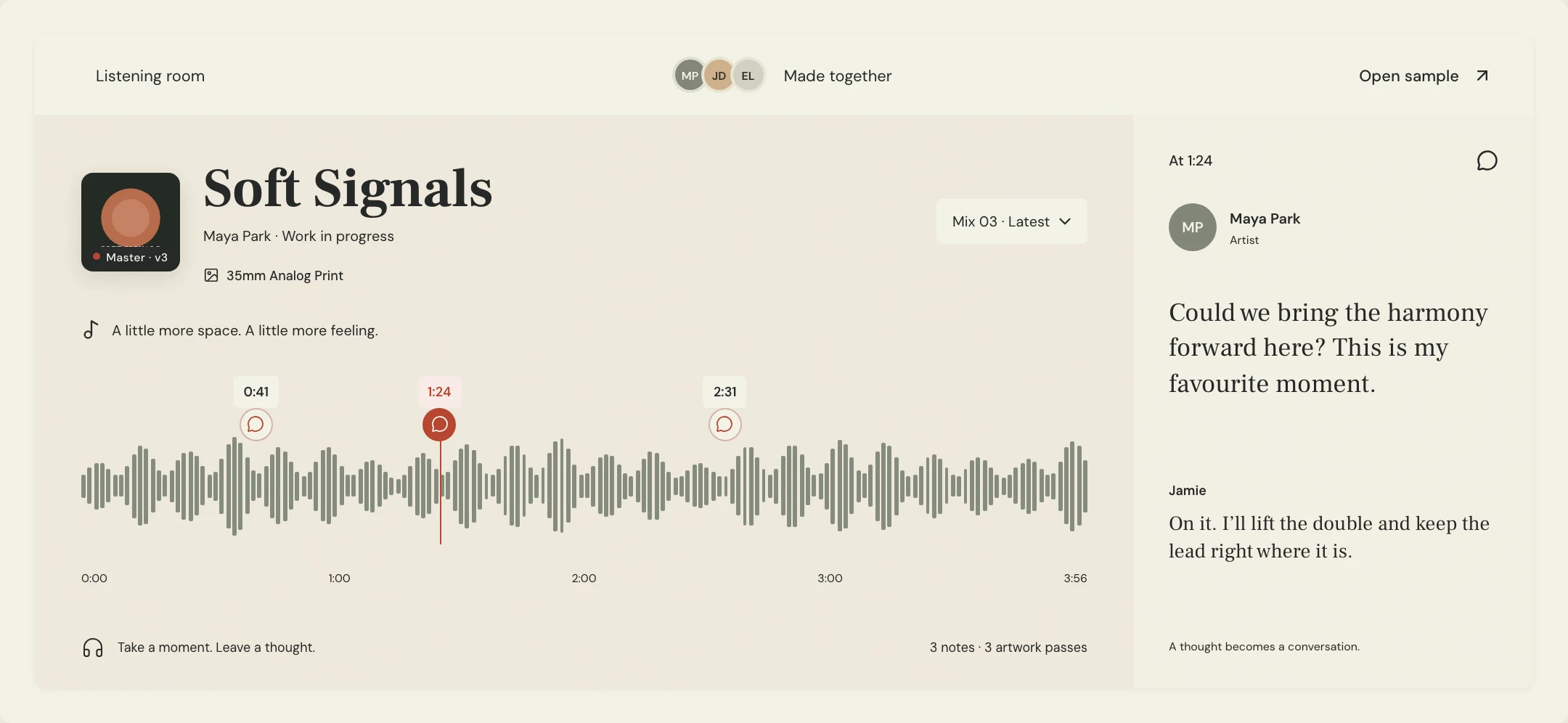
MixPass supports room collaboration and feedback around audio versions. Its sample room is a public demonstration, so it is useful for learning the interface, not a place to upload unreleased client material. Put real work in a room whose access you have checked.
What should you say when requesting feedback?
A short listening brief stops reviewers from guessing the stage. Name the version, the decision, and the parts they should ignore for now. If you are asking whether a chorus lyric works, say that the guitar and vocal are scratch performances. Otherwise you may receive detailed performance notes instead.
Constructed example: Maya wants a second opinion on the first chorus. Her brief asks about the melody and meaning, with one timestamp to focus the listener. The deadline gives Jamie a way to respond before the next writing session rather than sending notes after the decision has already been made.
SONG / PASS: Soft Signals, Demo 02
FOR: Jamie, songwriting feedback
PLEASE LISTEN TO: First chorus at 0:58
QUESTION: Does the hook communicate the central idea?
IGNORE FOR NOW: Scratch vocal sound and guitar timing
SHARING: Please keep this within our writing group
REPLY BY: Thursday evening
Copy or download, then fill in the details for your song.
What happens after the feedback round?
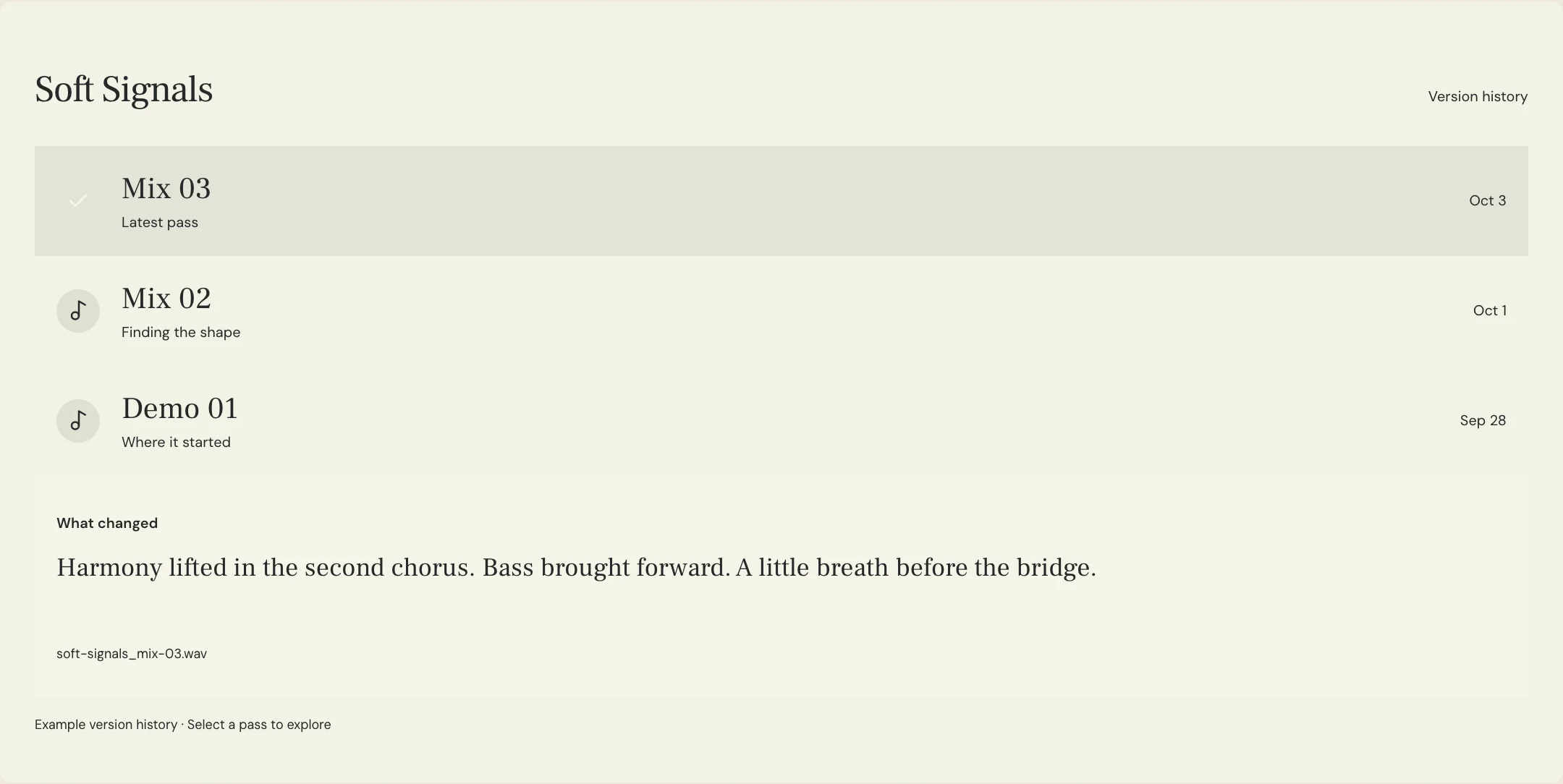
Keep comments on the pass they describe. When you upload a new version, include what changed and what still needs a decision. This makes an earlier comment understandable later, even when the section it describes has moved or been rewritten.
After the round, review which people still need access. Resolve agreed tasks, preserve useful context, and avoid treating a silent listener as an approval. For release decisions, ask the responsible person to confirm the exact file explicitly.
A few more things
Common questions
Is a private link the same as confidential sharing?
No. A private link can control discovery or access, depending on its settings, but confidentiality also depends on the people who receive it. Review permissions and agree on expectations for forwarding and downloads.
Should I send a WAV or a listening link?
A listening link can keep discussion attached to the pass. Send downloadable audio when the collaborator needs it for recording, editing, or offline listening, and agree on the required format.
Can I use a public sample room for my unreleased song?
Use the sample room to understand the interface. Keep your own unreleased material in a separate project with the appropriate access settings and collaborators.
What should I do if a listener cannot access the room?
Check the exact link, their invitation or account requirements, and the room’s current access settings. Test the intended experience instead of changing access more broadly than needed.
Your next pass
Give the song a shared home.
Keep the versions, lyrics, feedback, and people together in MixPass.